Samsung Ice Maker Not Working? Samsung’s Fixes and Reset
Which Samsung ice maker do you have?
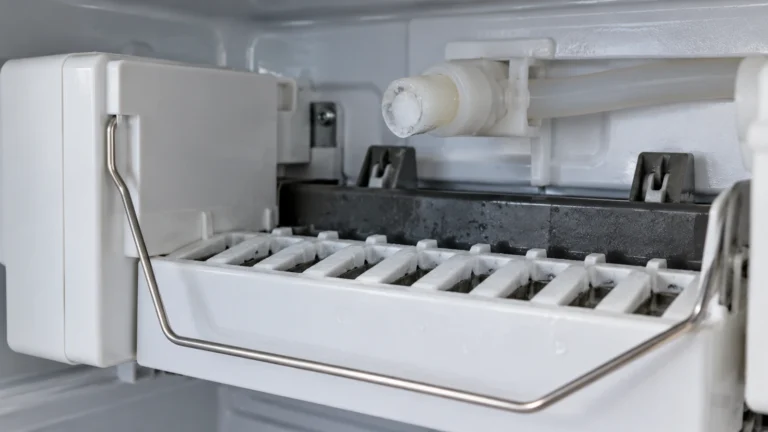
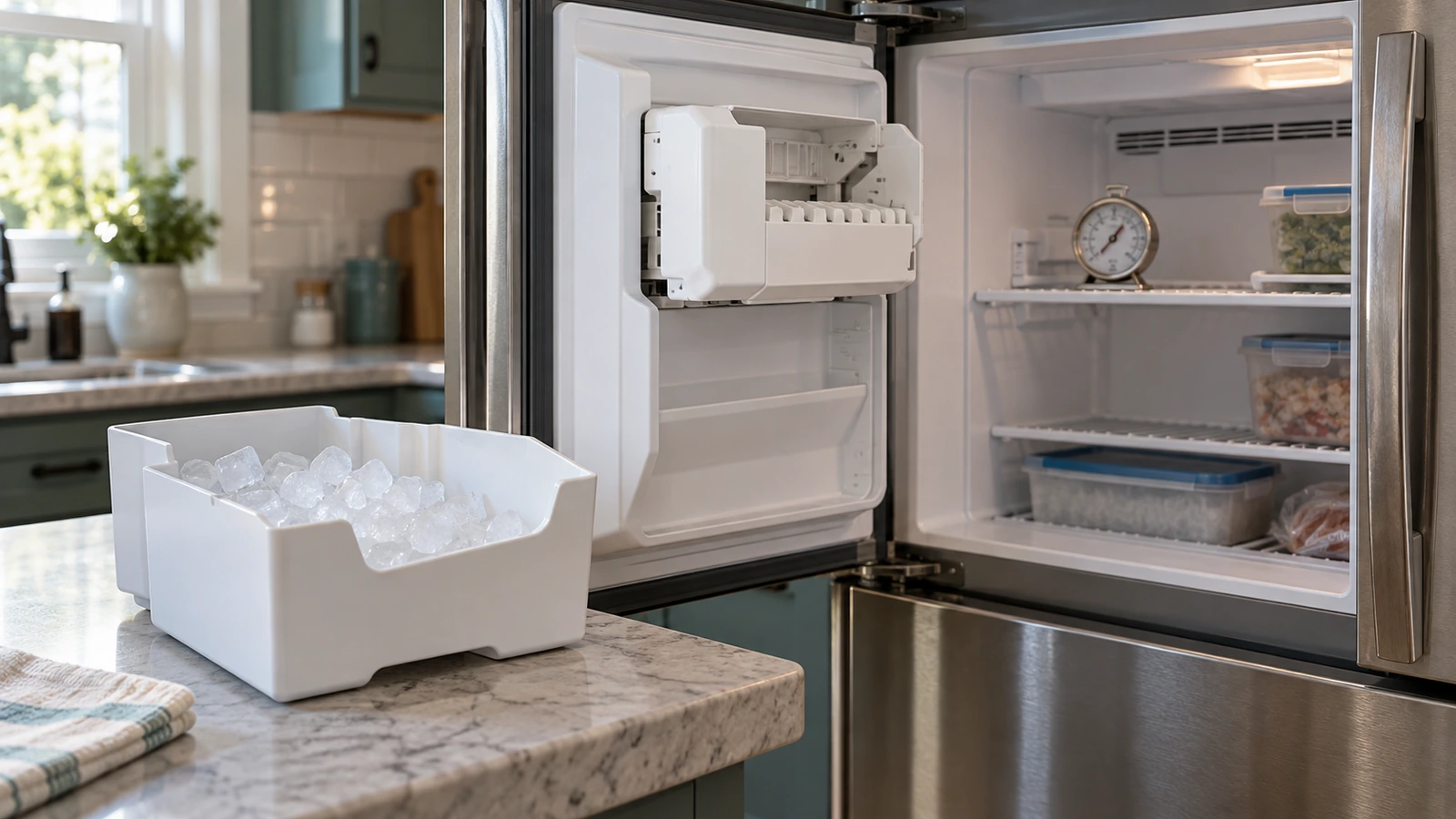
- Fridge-compartment ice maker (most French door models): mounted in the upper corner of the fresh-food section, with its own insulated compartment and ice bucket. Samsung says these make “1 tray of ice every 45-65 minutes.”
- Freezer ice maker (cubed or Ice Bites models, some bottom-freezer and side-by-side models): inside the freezer. Samsung says these make “1 tray every 85 minutes.”
Either way, “The ice maker can only hold 2 pounds of ice,” so a full bucket stops production until you take ice out.
Samsung ice maker not working: match what you see
| What you notice | Most likely cause | Next step |
|---|---|---|
| No ice at all, water dispenser works | Freezer above 0°F, Ice Off turned on, bucket not seated, filter | Temperature, Ice Off, bucket |
| No ice and slow or no water from the dispenser | Low water pressure, clogged filter, water valve or line | Water and filter |
| Small, hollow or few cubes | Low water pressure or a clogged filter | Water and filter |
| Frost or ice building up in the bucket or compartment | Gap letting warm air in; bucket not sealed | Bucket, then frozen ice maker |
| Ice maker covered with a sheet of ice | Ice maker frozen over | Request service |
| Test button: several chimes | Ice maker failed its self-test | Request service |
1. Check the freezer temperature
Samsung’s rule is simple: the freezer must be at 0°F or colder. Set the freezer to 0°F (or lower) and check it with a thermometer if you can. If the freezer itself is warm, fix that first; see freezer not freezing and Samsung refrigerator not cooling.
2. Make sure Ice Off and the lock aren’t on
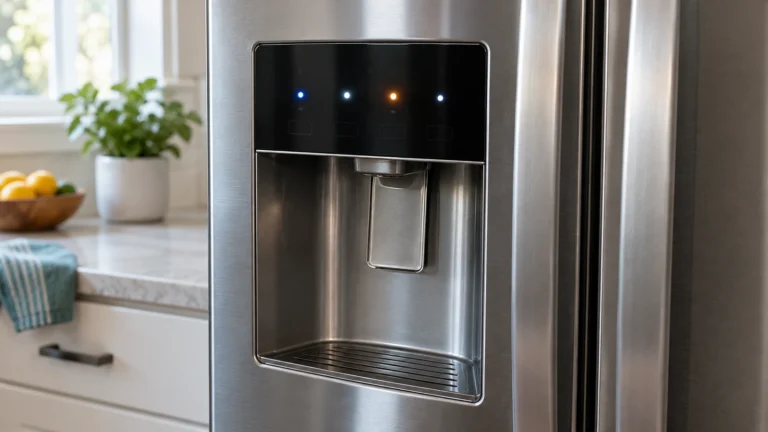
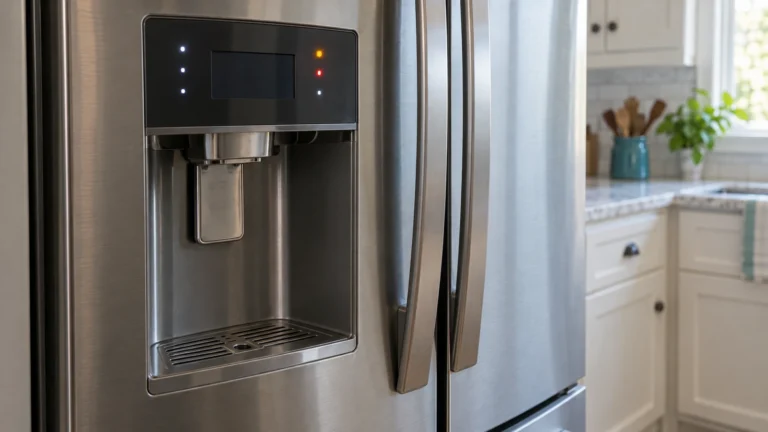
Samsung: “Most models have an Ice Off icon, which will light up when the ice maker is off.” If it’s lit, press and hold Ice Off (or Ice Maker) to turn ice making back on. If the panel doesn’t respond, it may be locked; on many models you unlock it by holding the Ice Maker Off button until you hear a chime (about 3 seconds).
3. Seat the ice bucket and look for gaps
A bucket that isn’t pushed fully in stops the ice maker and lets warm air into the compartment. Samsung Canada explains: “If there is a gap, warm air from the refrigerator compartment will enter the ice maker compartment and cause frost.” Remove the bucket, break up any clumped ice, and push it back until it locks. Check that the ice maker compartment door (on French door models) closes flush.
4. Check the water pressure and the filter
- Pressure: “The minimum required water pressure for the fridge is 20 psi.” Samsung’s quick test: your line “should have enough pressure to fill 6 ounces (or 3/4 cup) in less than 10 seconds.” Time the water dispenser into a measuring cup.
- Filter: a clogged or poorly seated filter cuts the flow. Samsung recommends replacing the filter every six months and says: “Use only Samsung brand filters.” If the ice maker fails its test, Samsung’s next step is: “remove the water filter and try again.”
- Supply line: check that the water valve behind or under the fridge is fully open and the line isn’t kinked when the fridge was pushed back.
5. Run the ice maker test
- Remove the ice bucket.
- Find the Test button. On fridge-compartment ice makers, Samsung says to “locate the Test button on the right-hand side of the ice maker”; on freezer models it’s under the vent, above the ice bucket.
- “Press and hold Test (A) until you hear a chime.” It can take up to 10 seconds.
- “If it chimes one time, your ice maker has passed the test.” “If the ice maker chimes multiple times, visit our Support Center to request service.”
- No chime and no movement? Samsung says to unplug the fridge “or turn it off at the circuit breaker for 2 minutes,” then power it back up and try again.
Samsung warns: “Do not press Test repeatedly after the ice tray is filled with ice or water.”
⚠️ Caution: no heat, no prying
Don’t use a hair dryer, heat gun or hot water on the ice maker, and don’t chip at it with a knife or screwdriver. Samsung says defrosting the ice maker can damage it. Unplug the refrigerator before you touch the water valve, the water line or any panel, and leave the ice maker’s wiring and the water inlet valve to a technician.
6. Ice maker frozen or full of frost
This is where most online advice and Samsung disagree. Many guides suggest melting the ice with a hair dryer. Samsung says the opposite: “Do not attempt to defrost your ice maker, as this may damage the ice maker,” and don’t “use anything such as a hair dryer to defrost it.” Its instruction is: “If your ice maker is frozen over with a sheet of ice, visit our Support Center to request service.”
What you can do: empty and reseat the bucket, make sure the compartment door seals, and keep the freezer at 0°F. On some Wi-Fi models connected to SmartThings, Samsung Canada says a firmware update “can help prevent and possibly resolve this issue,” so check for updates in the app. If ice keeps forming, request service, especially while the fridge is under warranty.
7. Give it time
After you fix the cause, Samsung says: “You should begin to see normal ice production within 3 hours,” and “it may take a full 24 hours for ice production to return to normal amounts.”
Repair costs and Samsung’s warranty
Samsung’s refrigerator warranty says “the ice maker is covered for 1 year along with other parts and labor,” but it “does not cover damage caused by improper installation, clogs, or external water supply issues.” If your fridge is under a year old, request service through Samsung before paying anyone.
| Repair | Typical cost | Source |
|---|---|---|
| Service call or diagnostic fee | $60 to $125 | HomeAdvisor (June 2026); Angi (Oct 2026) |
| Ice maker repair | $100 to $300 | Angi (Oct 2026) |
| Ice maker repair, Samsung | $115 to $300 | Fixr |
| Water inlet valve replacement | $85 to $175 | Fixr |
When to call for service
Request service if the ice maker fails the test (several chimes), if it’s frozen over, if frost keeps coming back with the bucket seated, or if the freezer is at 0°F, the water pressure passes and there’s still no ice after 24 hours. Have the model and serial number (on the label inside the fridge) and what you’ve tried. Print the checklist.
Frequently asked questions
How do I reset my Samsung ice maker?
Remove the bucket and press and hold the Test button until you hear a chime. If nothing happens, unplug the fridge or switch off its breaker for 2 minutes and try again.
Why is my Samsung ice maker not making ice but the water works?
The ice maker needs the freezer at 0°F or below, Ice Off turned off, the bucket fully seated and at least 20 psi of water pressure. Check those, then run the test; if it fails, remove the filter and test again.
Can I use a hair dryer to defrost my Samsung ice maker?
No. Samsung says not to defrost the ice maker or use a hair dryer on it, and to request service if it’s frozen over with a sheet of ice.
How long does a Samsung ice maker take to make ice?
Normal production should start within 3 hours and can take up to 24 hours to return to normal amounts. Fridge-compartment ice makers make a tray every 45 to 65 minutes; freezer ice makers about every 85 minutes.
Does Samsung fix ice makers for free?
Under warranty, yes: Samsung covers the ice maker for 1 year, parts and labor. Problems caused by installation, clogs or the household water supply aren’t covered.
How often should I change the Samsung water filter?
Samsung recommends every six months, using only Samsung brand filters.
Sources: Samsung: ice maker not making ice · Samsung: test the ice maker · Samsung: freezer ice maker test · Samsung: unlock the control panel · Samsung: water filter · Samsung Canada: frost on the ice bucket · Samsung Canada: block of ice · Samsung refrigerator warranty · Angi: refrigerator repair cost · HomeAdvisor: refrigerator repair cost · Fixr: ice maker repair cost.
Updated October 22, 2026. Written and edited by Jordan Hale. Steps checked against Samsung’s US and Canadian support pages; no hands-on test is claimed. Buttons vary by model, so follow your owner’s manual.