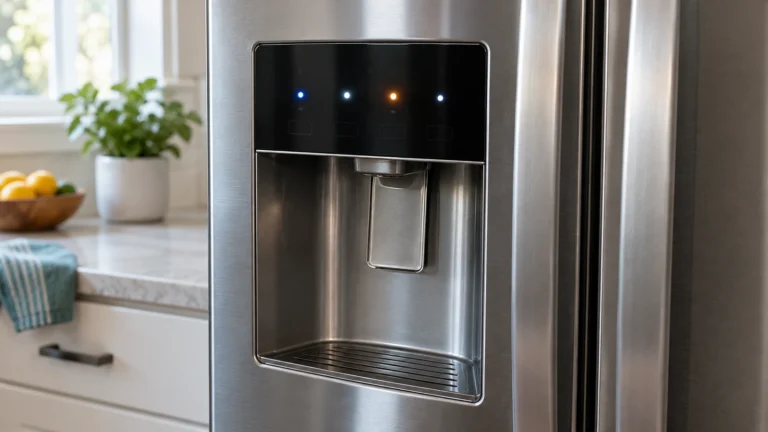
Frigidaire Refrigerator Error Codes: Fix It Fast
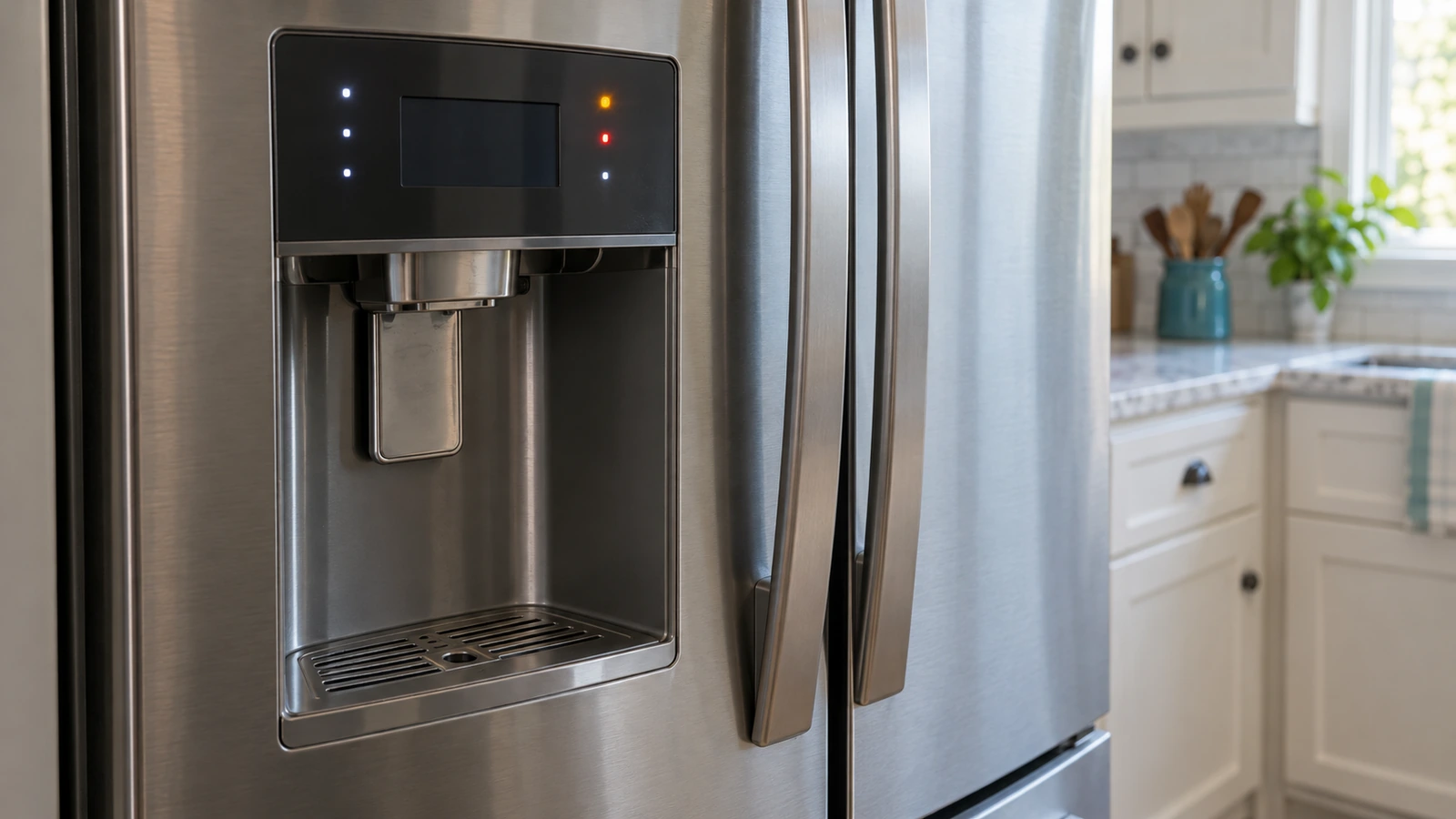
⚠️ Caution: unplug before you open anything
Unplug the refrigerator before you remove any panel or test a part, and keep food in a cooler meanwhile. Never bypass a safety device. Anything involving refrigerant, the compressor or a sealed-system leak needs an EPA-certified technician. If you aren’t comfortable doing this, call a qualified appliance technician.
In this guide
1. Fault Code Triggered by a Dirty or Misread Temperature Sensor (SY EF, H1, or similar)
A dusty or poorly seated temperature sensor can send out-of-range readings to the control board, triggering an error. This is the easiest fix to rule out before replacing any parts.
- Unplug the refrigerator from the wall outlet for 5 minutes to reset the control board.
- Plug it back in and note whether the same code returns. If it clears, monitor for 24 hours.
- If the code returns, locate the temperature sensor (usually clipped to the evaporator cover or fresh-food wall). Consult your model’s wiring diagram in the owner’s manual or on Frigidaire’s official support page.
- Inspect the sensor connector for corrosion or loose pins. Reseat the connector firmly.
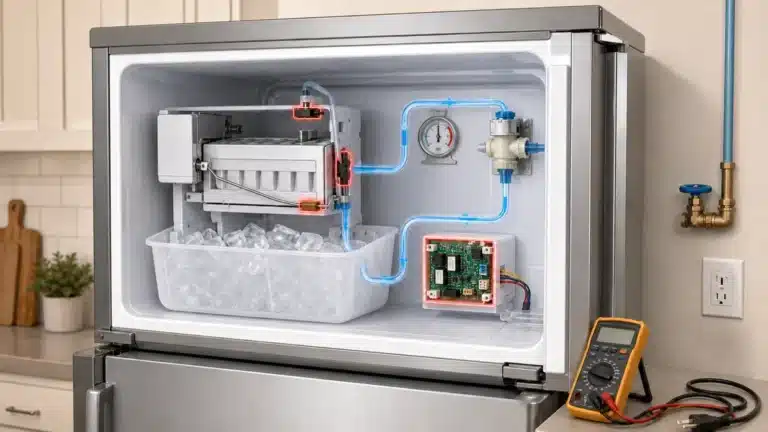
- Use a multimeter set to resistance (Ω) mode. At room temperature a healthy NTC thermistor typically reads roughly 5,000–10,000 Ω. Replace the sensor if readings are open or shorted.
2. Evaporator Fan Motor Failure (SY EF “Evaporator Fan” Code)
The SY EF code specifically flags the evaporator fan circuit. If the fan isn’t spinning, cold air can’t circulate and temperatures rise throughout the cabinet.
- Open the freezer and listen for fan noise shortly after closing the door. Silence or grinding suggests a motor problem.
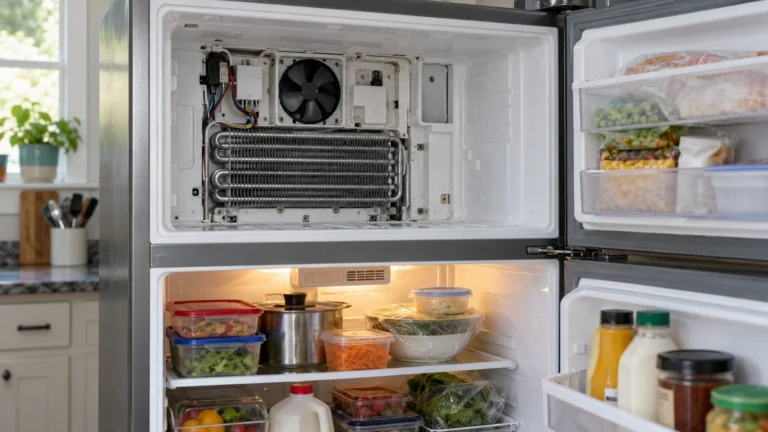
- Unplug the refrigerator. Remove the rear freezer panel (usually 4–6 screws) to access the evaporator fan.
- Spin the fan blade by hand—if it resists or feels rough, the motor bearings are worn.
- Disconnect the fan motor harness and test for continuity across the motor terminals with a multimeter. No continuity means the motor is open and must be replaced.
- Install the new fan motor, reconnect the harness, and reassemble the panel.
3. Defrost System Failure (5Y EF, dF, or DF Code)
A failed defrost heater or defrost thermostat allows frost to build up on the evaporator coils, blocking airflow and triggering a temperature or defrost error code.
- Unplug the refrigerator and remove the freezer back panel to expose the evaporator coils.
- Look for a heavy frost or ice block covering the coils—this confirms the defrost system isn’t running.
- Locate the defrost heater (a glass or metal heating element wrapped around or below the coils). Test it for continuity with a multimeter; a reading of OL (open) means it needs replacement.
- Test the defrost thermostat (bi-metal cutout clipped to the coils) the same way—it should show continuity when cold. Replace if open.
- Also test the defrost timer or defrost control board if your model uses one; advance the timer manually to force a defrost cycle as a quick diagnostic step.
4. Condenser Fan Motor Failure (Cooling or High-Temp Code)
The condenser fan pulls air over the condenser coils at the back or bottom of the fridge. If it stops, the compressor overheats and the board logs a high-temperature or compressor-related fault code.
- Pull the refrigerator away from the wall and remove the back access panel (usually 4 screws).
- With the unit plugged in and running, verify the condenser fan is spinning. Caution: keep hands clear of moving parts and electrical components.
- If the fan isn’t spinning, unplug the appliance and test the motor for continuity. Replace it if the winding is open.
- While the panel is off, vacuum the condenser coils thoroughly—restricted airflow can cause the same overheating even with a working fan.
- Reassemble, restore power, and clear the code with a 5-minute power cycle.
5. Main Control Board or User Interface Board Fault
If all sensors and motors test good but the error code persists or the display shows erratic or random codes, the main control board or the user interface (UI) board may be the source of the problem.
- Unplug the refrigerator and remove the control board cover (typically inside the fresh-food compartment near the top, or behind the rear service panel).
- Visually inspect the board for burnt spots, swollen capacitors, or scorch marks. Any visible damage confirms replacement is needed.
- Check all wire harness connectors on the board—reseat each one firmly to rule out a loose connection.
- If the UI board (control panel) is unresponsive or shows garbled characters, disconnect and reconnect its ribbon cable before ordering a replacement board.
- Replace only the confirmed defective board. Because control boards are expensive, exhaust all sensor and mechanical tests first.
Frequently asked questions
How do I look up Frigidaire refrigerator error codes for my specific model?
The best source is your model’s use-and-care guide, which lists every code and its meaning. You can find it by entering your model number on Frigidaire’s official support page. The model number is usually printed on a label inside the fresh-food door jamb.
Will unplugging my Frigidaire refrigerator clear an error code?
A 5-minute power cycle will reset the control board and temporarily clear most codes. However, if the underlying fault still exists—such as a failed sensor or fan—the code will return within a few minutes to hours of normal operation. Use the reset only to confirm whether a fault is persistent or intermittent.
Is it safe to keep using my refrigerator when an error code is displayed?
It depends on the code. A minor communication error may not immediately affect food safety, but a temperature-related or defrost code means the fridge may not be holding proper temperatures. Check the actual cabinet temperature with a thermometer. If it rises above 40 °F (4 °C) in the fresh-food section, move perishables to a cooler and repair the fault promptly.
Why does my Frigidaire show “SY CE” on the display?
SY CE indicates a communication error between the main control board and the user interface board. Start by unplugging the refrigerator for 5 minutes. If the code returns, inspect the ribbon cable and wire harness connecting the two boards for damage or loose connections. Persistent SY CE codes often require replacing either the main control board or the UI board after further testing.