Whirlpool Duet Washer Error Codes: Fix It Fast
In this guide
1. Door Latch Not Engaging (F/dL or F/dU Code)
The washer won’t start if the door latch doesn’t close or signal properly, triggering a door lock error. Lint, detergent residue, or a worn latch assembly are the most common culprits.
- Unplug the washer from the wall outlet before inspecting any parts.
- Inspect the door strike and latch opening for debris or broken plastic tabs.
- Clean the latch area with a damp cloth and try closing the door firmly.
- Plug the washer back in and run a short cycle to see if the code clears.
- If the code returns, the door latch assembly likely needs replacement.
⚠️ Caution: disconnect power and water first
Unplug the washer and turn off both water taps before you remove a panel, test a part or disconnect a hose. Never test parts with the power on, and never bypass the lid switch or door lock. If you aren’t comfortable doing this, call a qualified appliance technician.
2. Drain Pump Clog or Failure (F/05 or Sud Code)
One of the most frequent whirlpool duet washer error codes involves slow or failed draining, caused by a clogged pump filter, kinked drain hose, or a burned-out drain pump motor.
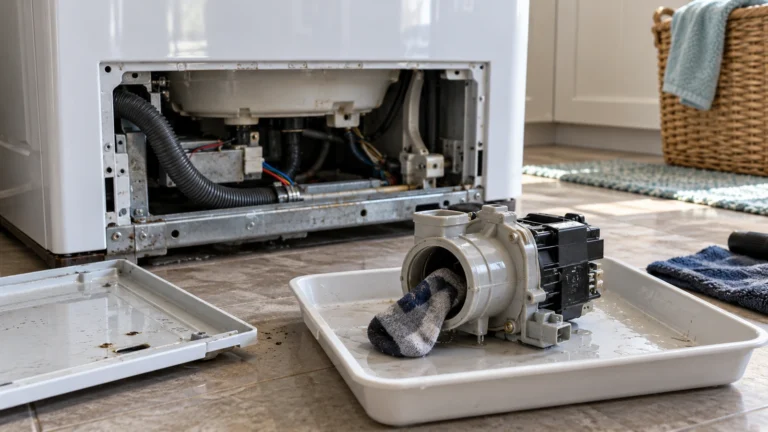
- Unplug the washer and place towels on the floor to catch water.
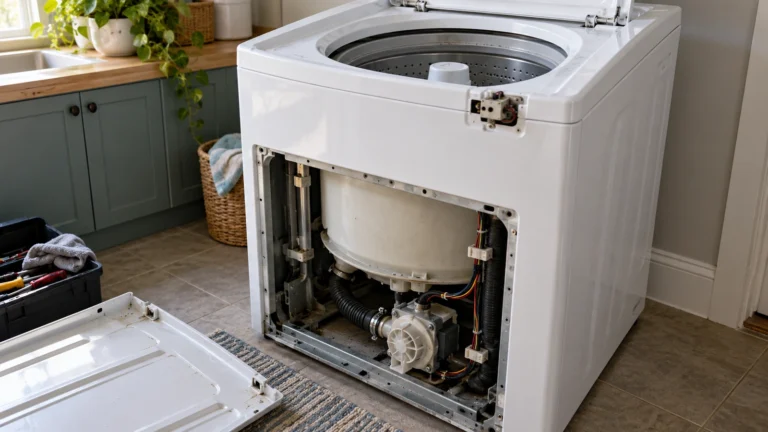
- Locate the small access panel at the lower front of the machine and open it.
- Slowly unscrew the pump filter cap and let water drain into a shallow pan.
- Remove and rinse the filter, clearing any lint, coins, or debris.
- Check the drain hose at the back for kinks or blockages and straighten if needed.
- Reinstall the filter, plug in the washer, and run a Drain & Spin cycle.
- If the washer still won’t drain, the drain pump motor itself may need replacement.
3. Water Inlet Valve Issue (F/09 or Long Fill Code)
If the washer takes too long to fill or won’t fill at all, the water inlet valve screens may be clogged with sediment, or the valve solenoid may have failed electrically.
- Turn off both hot and cold water supply valves behind the washer.
- Unplug the washer, then disconnect the inlet hoses from the back of the machine.
- Use needle-nose pliers to carefully pull out the mesh screens inside the valve ports.
- Rinse the screens under running water and reinstall them.
- Reconnect hoses, turn water back on, and check for leaks before plugging in.
- Run a cycle; if the error persists, test the valve solenoids with a multimeter — a reading of OL (open line) indicates a failed valve that must be replaced.
4. Motor Control Unit Fault (F/06 or MCU Code)
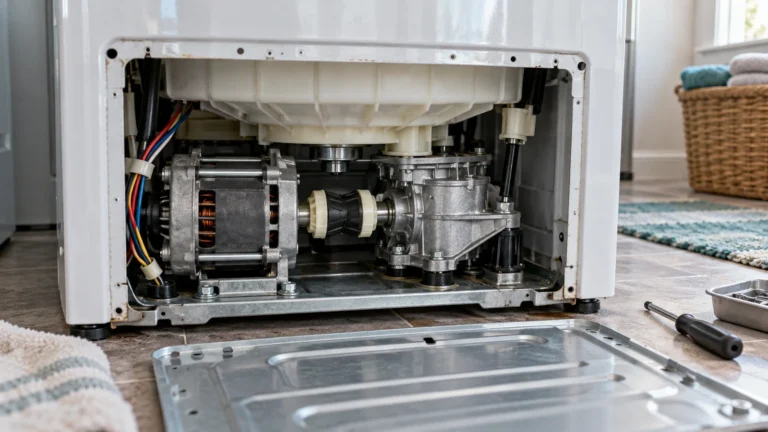
The motor control unit (MCU) regulates drum motor speed; when it overheats or its circuitry fails, the washer stops mid-cycle and displays an MCU-related fault code.
- Unplug the washer and wait at least 30 minutes — the MCU will reset if it simply overheated.
- Plug back in and restart the cycle; a one-time overheat event often clears itself.
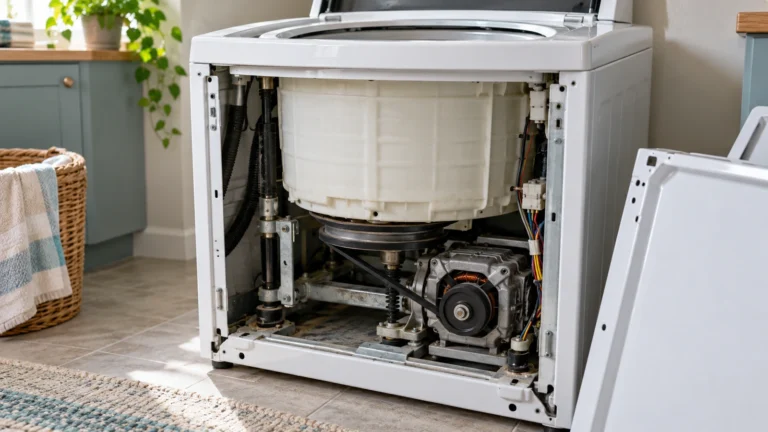
- If the code returns, pull the washer away from the wall and remove the rear access panel (usually 4–6 screws).
- Locate the MCU mounted near the drive motor and check that all wire harness connectors are seated firmly.
- Inspect for burn marks or melted plastic on the board — either sign means the MCU needs replacement.
5. Central Control Board Failure (F/11 or Serial Communication Error)
The central control board (CCU) is the brain of the machine; if it loses communication with the MCU or other components, the washer may stop and display serial communication or CCU error codes.
- Unplug the washer for 60 seconds, then plug it back in — this resets the CCU and often clears intermittent errors.
- Run a diagnostic cycle (consult the Whirlpool official support and manuals page for your model’s diagnostic sequence) to confirm the fault.
- Remove the top panel (usually two screws at the rear, then slide backward) to access the CCU.
- Unplug and firmly reseat every wire harness connector on the CCU.
- If the fault code returns after reseating all connections, the CCU board itself requires replacement.
6. Pressure Switch or Water Level Sensor Error (F/H Code)
When the washer cannot detect the correct water level, it may display an F/H or overflow code caused by a faulty pressure switch, a blocked pressure hose, or a stuck float.
- Unplug the washer and locate the pressure switch — it is typically mounted near the top of the cabinet and connected by a thin rubber hose to the tub.
- Disconnect the small rubber pressure hose and blow gently through it; if it’s blocked, clear it with a thin wire and reattach.
- Check that the hose has no cracks or splits; replace the hose if damaged.
- With a multimeter, test the pressure switch terminals for continuity according to the wiring diagram on the inside of the cabinet panel.
- Replace the pressure switch if continuity is absent when the switch is manually pressed.
Frequently asked questions
How do I enter diagnostic mode to read whirlpool duet washer error codes?
On most Duet models, close the door, then within 6 seconds rotate the cycle selector knob: one click left, three clicks right, one click left, one click right. The LEDs will flash to confirm you are in diagnostic mode. Stored fault codes will then display on the screen. Because knob sequences vary slightly by model year, always cross-reference the procedure in your specific owner’s manual.
Will unplugging the washer clear an error code permanently?
Unplugging for 60 seconds resets the control board and can clear a code that appeared due to a one-time glitch, such as a brief power surge or a momentary sensor hiccup. However, if the underlying part or wiring problem still exists, the code will return within one or two wash cycles. Only fixing the root cause permanently clears the fault.
Is it safe to run the washer with an active error code displayed?
It depends on the code. Codes related to overflows, door locks, or electrical faults (such as MCU or CCU errors) mean you should stop using the washer immediately to prevent water damage or a safety hazard. Codes indicating excess suds (Sud) are less urgent but should still be addressed before the next full load to protect the pump and bearings.
How much does it typically cost to repair a Whirlpool Duet washer fault?
Simple fixes like clearing a clogged pump filter cost nothing beyond your time. Replacement parts range from roughly $15–$30 for a door latch or pressure switch up to $100–$250 for a drain pump, MCU, or CCU board. If you hire a technician, expect an additional $75–$150 in labor per hour, making DIY diagnosis especially worthwhile for straightforward part swaps.