LG Washer UE Code: What It Means and How to Fix It
UE is not a broken washer most of the time. It’s the washer protecting itself from a violent spin. The fixes below are LG’s, in the order that solves it fastest.
LG washer UE code: match what you see
| What you notice | Most likely cause | Next step |
|---|---|---|
| UE with a small load (one towel, a few shirts) | Load too small to balance | Add similar items |
| UE with a comforter, rug, pillow or bath mat | Single bulky or unsuitable item | Bulky items |
| UE and the washer rocks or walks | Washer not level, or slippery floor | Level it |
| UE at the end of the cycle, clothes soaking | Clothes too wet: the spin couldn’t start (check draining too) | Rearrange, then see OE code |
| Brand-new washer, heavy banging on first spin | Shipping bolts still fitted | Remove them |
| UE during an empty Rinse and Spin | Suspension or sensor fault | Request service |
Lowercase uE vs capital UE
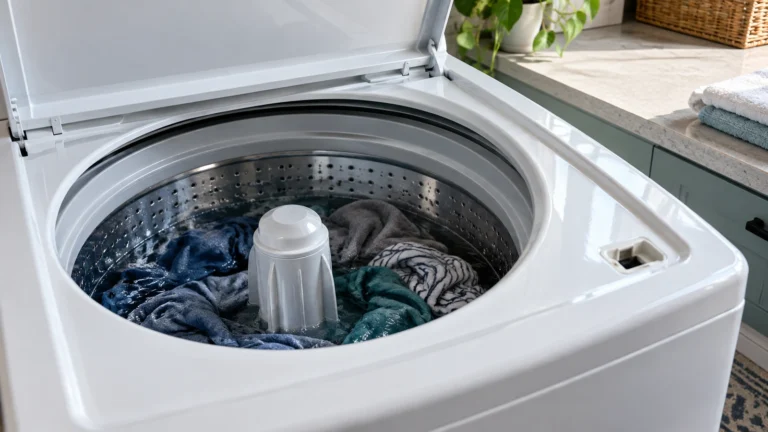
LG explains that on top loaders “The uE/UE/Ub code indicates that the washer is attempting to balance the load.” A small uE “is an indicator that your washer has detected an unbalanced load,” and the washer tries to fix it itself. After three failed attempts, “the uE will change to UE,” and LG says that means “the unit was unable to rebalance the load itself and needs assistance.” So uE on its own is normal; UE needs you. Ub is the same unbalanced code on some models.
1. Pause and spread the load out
LG’s front-load fix: “Pause the washer. Take out the laundry and distribute it evenly inside the drum.” On a front loader, LG’s error list adds: “Rearrange the load to allow for proper spinning, then close the door and press the start/pause button.”
- Load size: “The washer performs best when the load is about 2/3 of the drum capacity, so please adjust the load accordingly.” Very small loads can’t balance; overfilled ones can’t move.
- Mixed loads: heavy items mixed with light ones (jeans with sheer tops) cause UE. Wash similar weights together.
- Top loaders: LG suggests adding items to balance the load, spreading out tangled items, or lowering the spin speed. Normal and Heavy Duty cycles use less water; adding the fabric softener option or using Perm Press/Casual uses more, which helps the load move.
2. Take out bulky or unsuitable items
LG lists “Items that are not appropriate for machine washing” as a cause. For pillows and cushions, “remove the stuffing and only wash the cover.” LG says not to machine wash bath mats, carpets, rubber-backed mats, electric blankets, waterproof clothing or stuffed toys. Wash comforters on the Duvet or Bedding cycle (the name varies by model) and puffer jackets on a sportswear-type cycle, at medium spin. Laundry nets should be no more than two-thirds full, and washed with other clothes rather than alone.
3. Level the washer
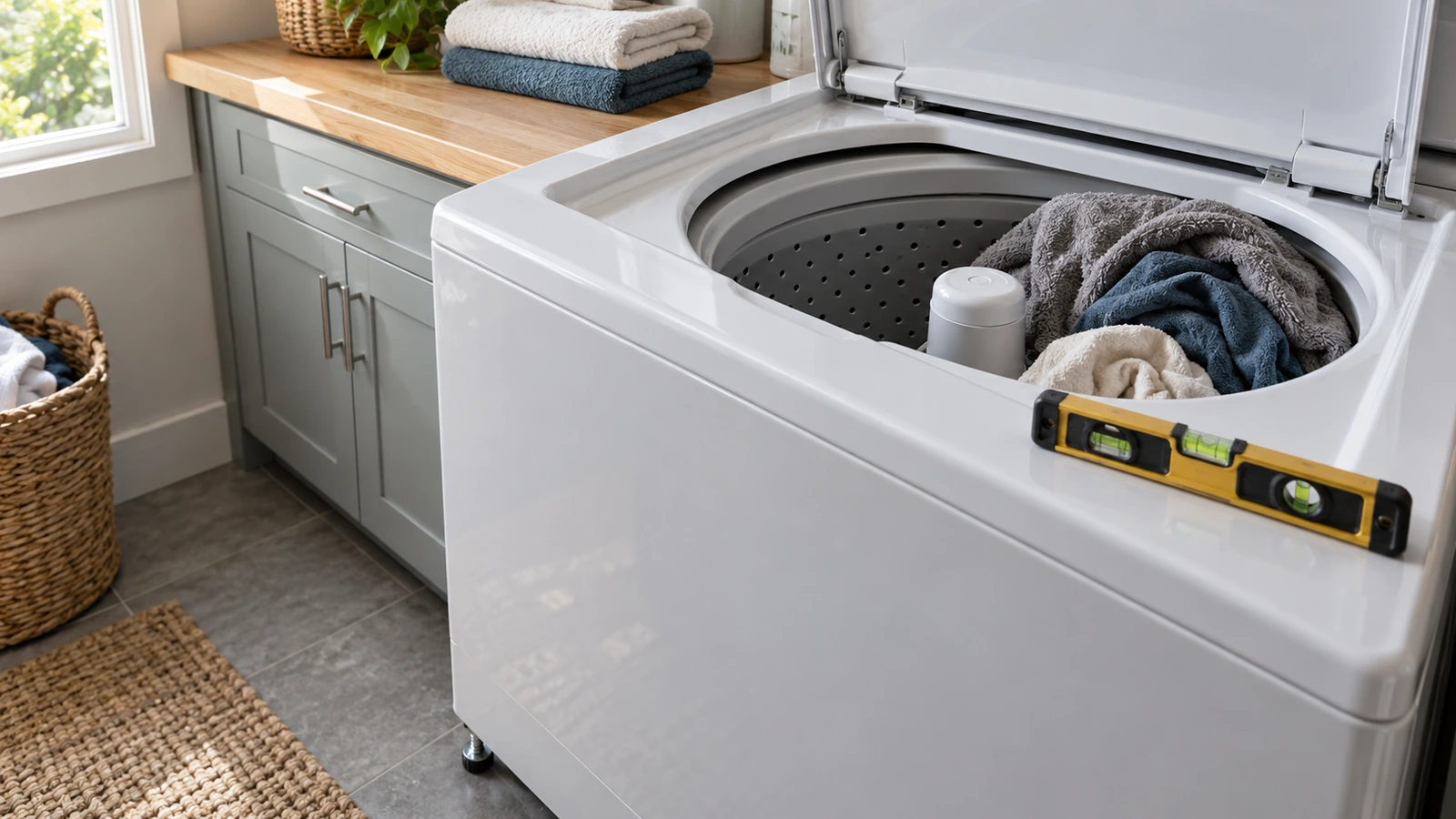
LG’s check: “Rock the washer from the front, back and side to check for unevenness.” Then, “Using a wrench, adjust the height of the leg located in the direction the unit tilts.” All four legs should touch the floor firmly. Put a level on top at the front edge and across the middle: “The unit is level when the bubble inside the level bar is positioned in the middle.” On top loaders, LG suggests opening the lid and checking whether the plastic guard around the drum shows more on one side, then raising the side the tub leans toward. On a slippery floor, LG recommends non-skid pads.
⚠️ Caution: unplug before tipping or leveling
Unplug the washer and turn off the taps before you tilt it to reach the legs, and get a second person to help: a washer is heavy and can tip. Don’t extend the legs further than needed; LG notes overextended legs can cause vibration. Never open the door during a spin or try to stop the drum by hand.
4. Brand-new washer: remove the shipping bolts
LG: “there are shipping bolts inserted on the rear of the washer to hold the tub in place.” “If not removed during installation, the tub will create excessive noise and vibration during operation.” Remove all of them with a wrench and keep them in case you move. Your installation guide shows where they are.
5. UE with an empty washer
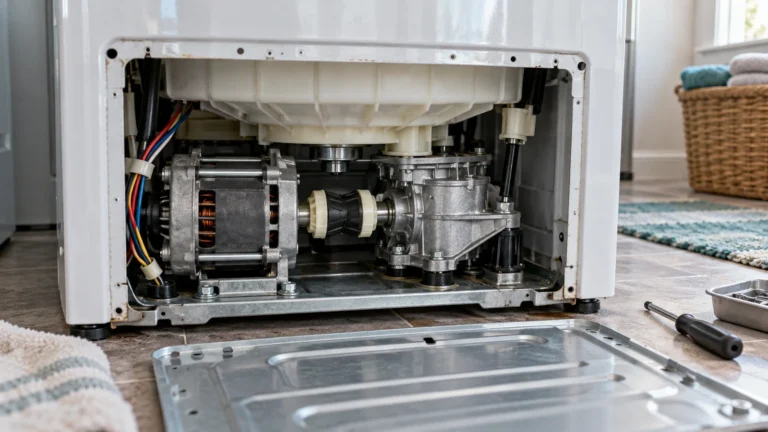
LG’s top-load test: run Rinse and Spin with the drum empty (about 20 minutes). If uE, UE or Ub shows during that empty test, LG says the washer “requires a repair service.” An empty drum can’t be unbalanced, so the fault is in the suspension, the drum support or the sensing.
What a UE repair usually costs
| Repair | Typical cost | Source |
|---|---|---|
| Shock absorbers | $150 to $300 | Fixr (Jan 2025) |
| Washer repair, most jobs | $150 to $400 | Fixr (Jan 2025) |
| Diagnostic visit | $50 to $100 | Fixr (Jan 2025) |
Rearranging, removing an unsuitable item or leveling costs nothing, and that’s what fixes most UE codes.
When to call a technician
LG: “If the issue does not resolve, please request service.” Call if UE shows on an empty Rinse and Spin, if the washer bangs hard with small, even loads after leveling, or if the drum sits visibly lower on one side. Print the checklist.
Frequently asked questions
What does UE mean on an LG washer?
An unbalanced load. The laundry has bunched on one side, the load is too small or too big, or the washer isn’t level.
How do I reset the UE code on my LG washer?
Rearrange the load, close the door and press Start/Pause. There’s no separate reset; the code clears when the washer can balance and spin.
Why does my LG washer keep going unbalanced?
Usually small or mixed loads, a single bulky item, or a washer that rocks on one leg. If it happens with every load after leveling, have the suspension checked.
Why does my LG washer show UE when it’s empty?
That points to a fault, not the load. LG says if the code appears during an empty Rinse and Spin, request service.
Is uE the same as UE?
No. Lowercase uE means the washer is still trying to rebalance by itself. Capital UE means it gave up after three tries and needs you to rearrange the load.
Sources: LG: front load UE error · LG: top load uE/UE/Ub · LG: washer error code list · LG: front load vibration and shipping bolts · Fixr: washer repair cost.
Updated October 23, 2026. Written and edited by Jordan Hale. Steps checked against LG’s US support pages; no hands-on test is claimed. Buttons and cycle names vary by model, so follow your owner’s manual.