Kenmore Washer Not Spinning – Causes & Fixes
In this guide
1. Unbalanced or Overloaded Drum (Start Here)
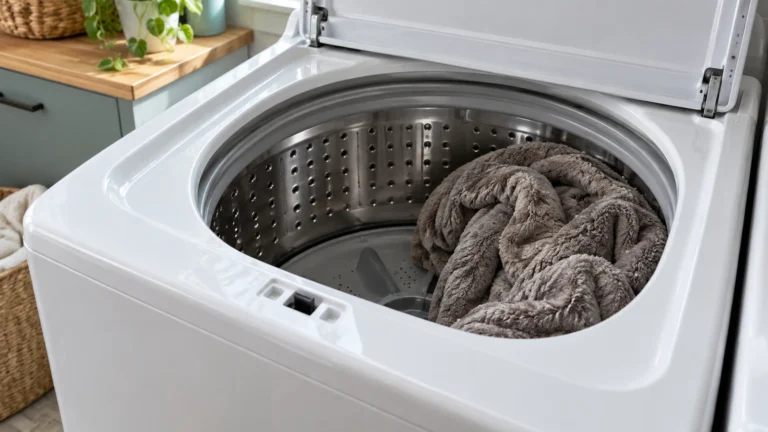
An unevenly distributed or oversized load triggers the washer’s built-in protection and prevents it from reaching spin speed. Redistributing clothes is the fastest free fix.
- Open the lid or door and rearrange clothing so weight is spread evenly around the drum.
- Remove a few items if the drum is packed more than three-quarters full.
- Close the lid/door and restart the spin cycle.
- If the machine now spins normally, the load was the problem. Wash heavy items such as blankets in smaller batches going forward.
⚠️ Caution: disconnect power and water first
Unplug the washer and turn off both water taps before you remove a panel, test a part or disconnect a hose. Never test parts with the power on, and never bypass the lid switch or door lock. If you aren’t comfortable doing this, call a qualified appliance technician.
2. Faulty Lid Switch or Door Latch
On top-load Kenmore washers a bad lid switch tells the machine the lid is open, immediately stopping the spin. Front-loaders rely on a door latch that must engage fully before the cycle runs.
- Unplug the washer from the wall outlet.
- On a top-loader, locate the lid switch under the lid’s strike tab. Press it manually—you should hear or feel a firm click.
- On a front-loader, inspect the door latch for cracked plastic or a stuck hook.
- Use a multimeter set to continuity mode and probe the lid switch terminals. A good switch shows continuity when pressed; no reading means it has failed.
- Replace the switch or latch assembly if it fails the continuity test.
Kenmore Washer Not Spinning? Check the Drive Belt Next
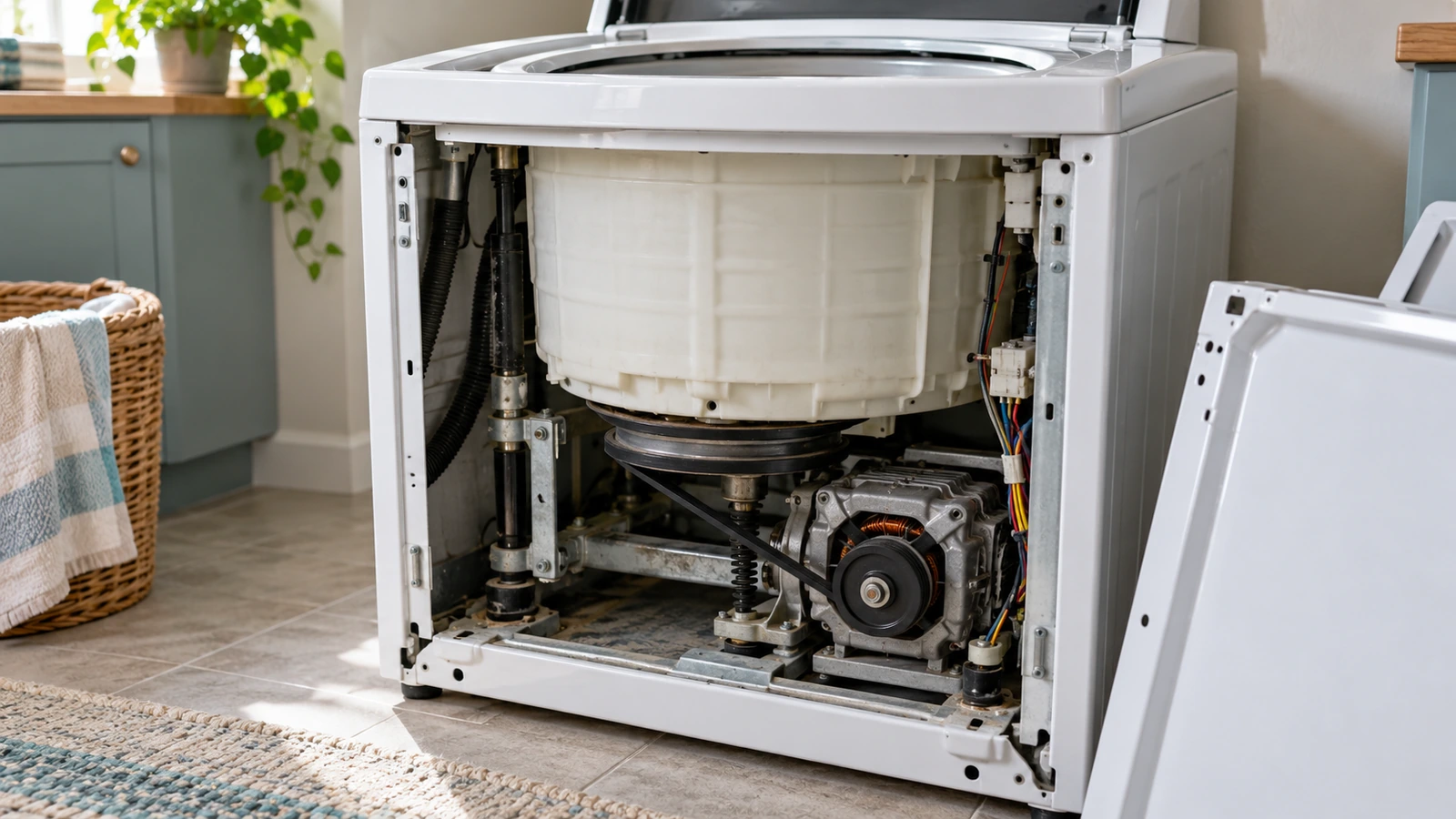
Top-load and some front-load Kenmore washers use a rubber drive belt to transfer motor power to the spin basket. A broken or slipped belt means the motor runs but the drum stays still.
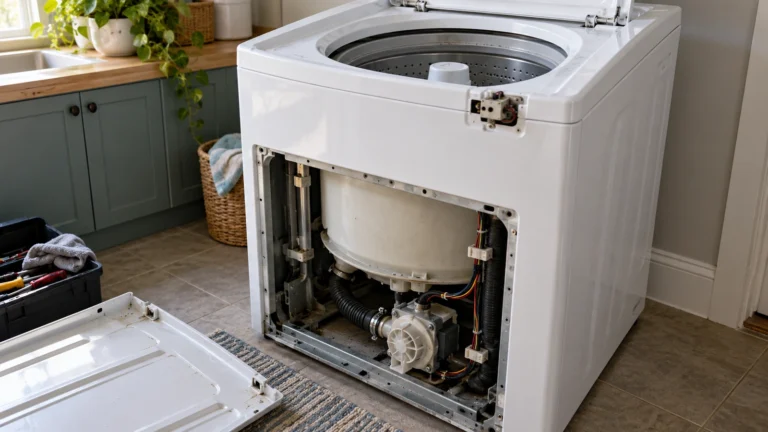
- Unplug the washer and remove the back or front access panel (consult the model’s manual or Kenmore’s official support page for panel-removal guidance).
- Visually inspect the belt around the motor pulley and drum pulley. Look for cracks, fraying, or the belt lying loose on the cabinet floor.
- Try to rotate the drum by hand; if it spins freely with no resistance from the motor, the belt is likely broken.
- Route a new belt around both pulleys following the routing diagram usually printed on the cabinet interior.
- Reassemble the panel, plug the washer in, and run a spin-only cycle to confirm the repair.
4. Worn Motor Coupling
Direct-drive Kenmore top-loaders (no belt) connect the motor to the transmission through a plastic-and-rubber motor coupling designed to break under stress to protect both parts. A broken coupling leaves the drum motionless while the motor hums.
- Unplug the washer and tilt or lay it on its side to access the underside.
- Remove the pump and motor mounting clips to separate the motor from the transmission.
- Pull the two-piece coupling off each shaft and inspect for cracked, crumbled, or missing rubber and plastic sections.
- Press a new coupling firmly onto the motor shaft and transmission shaft, then reassemble in reverse order.
- Run a test spin cycle after plugging the unit back in.
5. Defective Drive Motor or Motor Control Board
If the motor hums but does not turn, or is completely silent, the motor itself or the board controlling it may have failed. These components require more advanced diagnosis.
- Unplug the washer and access the motor (typically under the cabinet or behind the rear panel).
- Check for burnt smells, scorch marks, or visibly damaged wiring at the motor terminals.
- Using a multimeter, test the motor windings for continuity according to the wiring diagram on the inside of the cabinet.
- If motor windings read open (no continuity), the motor needs replacement.
- If the motor tests good, inspect the motor control board for burnt components or damaged traces and replace the board if damage is found.
6. Clogged Drain Pump or Kinked Drain Hose
Kenmore washers will not enter the spin cycle until the tub drains completely. A blocked pump or kinked hose keeps water in the drum and locks out the spin.
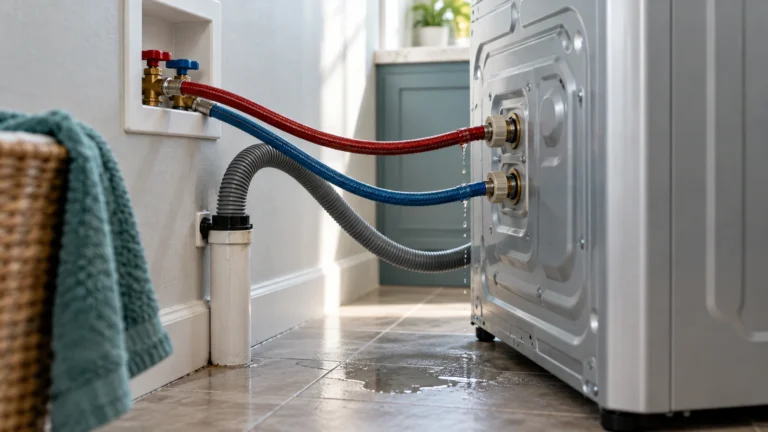
- After unplugging the washer, pull it away from the wall and inspect the drain hose at the back for kinks or crushing; straighten any you find.
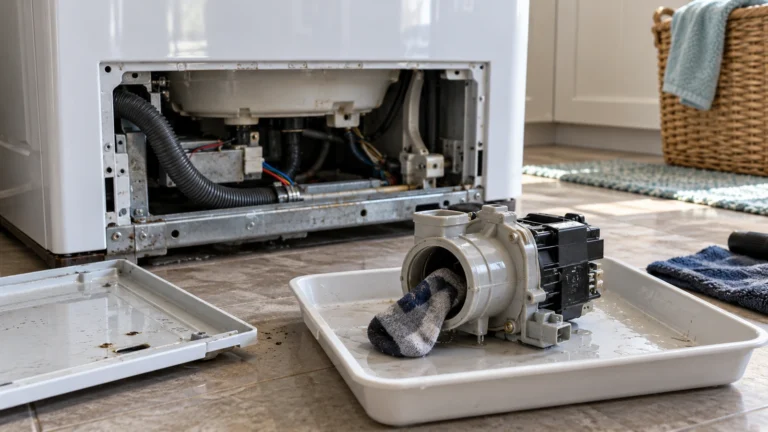
- Place towels on the floor, then disconnect the drain hose and check inside for sock lint or small garments blocking the flow.
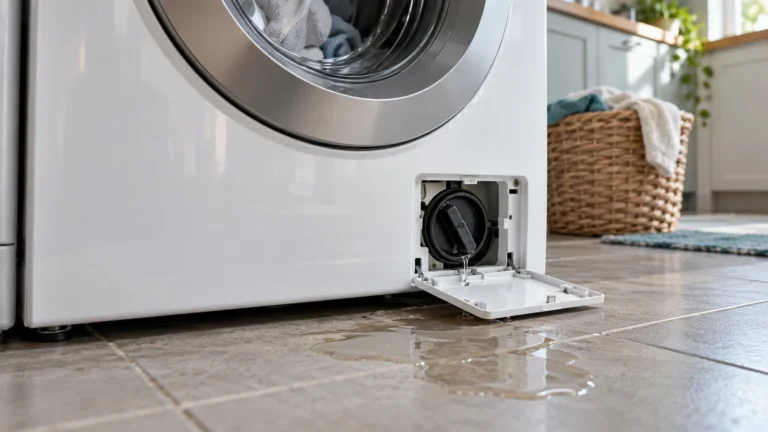
- Access the drain pump (usually behind the front lower kick panel or from underneath) and remove the pump filter or cleanout cap.
- Clear any debris—coins, hairpins, lint—from the pump impeller by hand.
- Reassemble, plug in, and run a drain/spin cycle. If the pump motor hums without moving water, the pump itself has failed and needs replacement.
Frequently asked questions
Why does my Kenmore washer stop mid-cycle and not spin?
The most common reasons are an unbalanced load that triggers the automatic out-of-balance shutoff, a blocked drain preventing the tub from emptying, or a failing lid switch that loses contact during agitation. Redistribute the load, clear the drain, and test the lid switch as first steps.
How do I manually force a Kenmore top-loader into spin?
Turn the timer or cycle selector dial slowly until the pointer lands on the spin-only portion of the cycle, then start the washer. This bypasses the wash and rinse phases and tells the machine to spin immediately—useful for diagnosing whether the spin mechanism itself works.
Is it worth repairing a Kenmore washer that won’t spin, or should I replace it?
A general rule of thumb is to replace if the repair cost exceeds 50% of the price of a comparable new unit. Inexpensive fixes like a lid switch, drive belt, or motor coupling are almost always worth doing. An expensive motor or control board on an older machine may tip the math toward replacement.
What error codes indicate a spin problem on a Kenmore washer?
Codes vary by model series, but common spin-related codes include F7E1 or F7E5 (motor speed sensing fault), F5E2 (door latch fault), and F9E1 (long drain time). Look up your specific code in the diagnostic section of your model’s use-and-care guide or on Kenmore’s support site for accurate guidance.