LG Dryer d80 Code: What It Means and How to Clear It
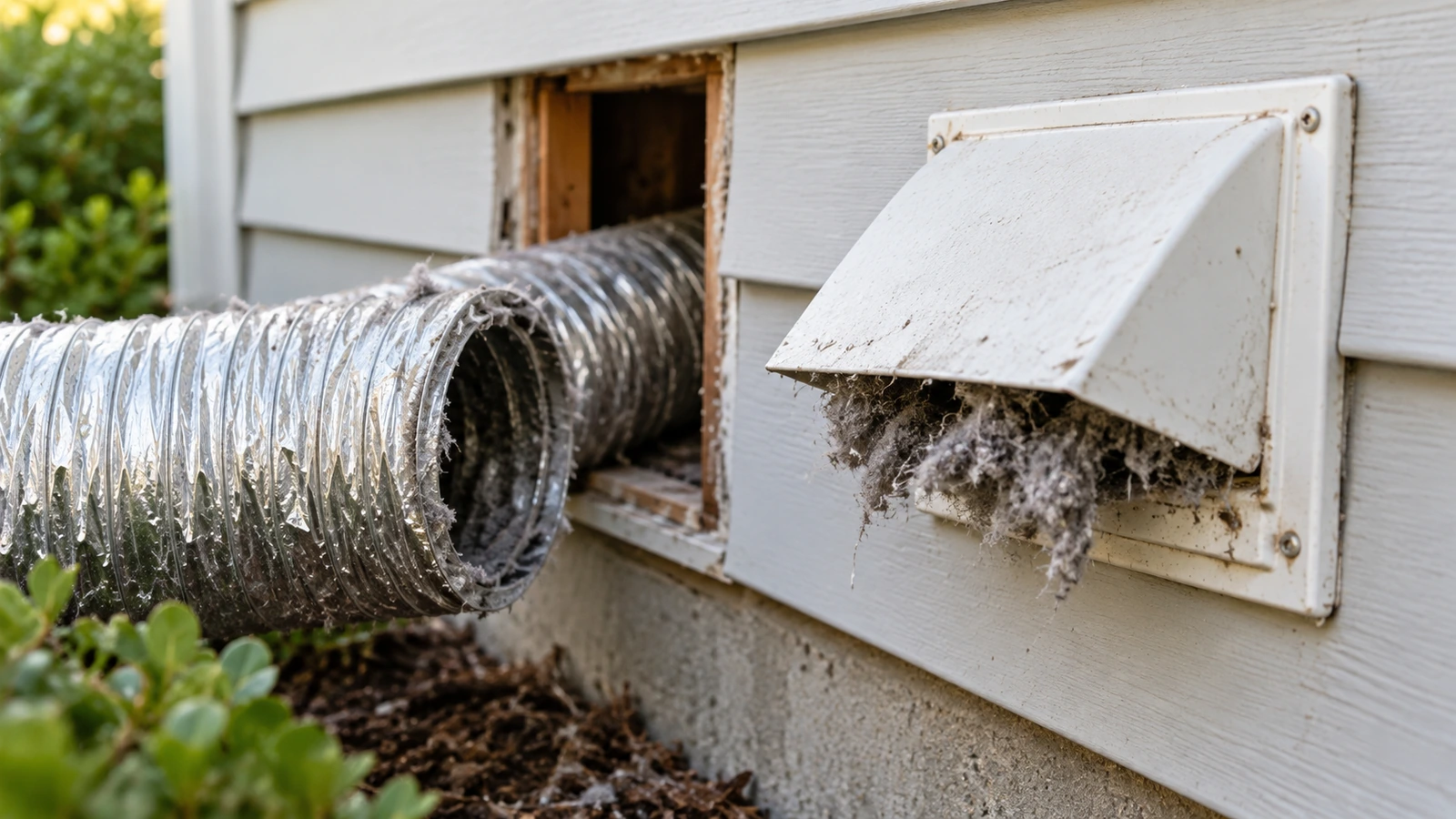
d80 is one of the most searched LG dryer codes because it often comes back after people clean only the lint screen. The blockage is usually further along the vent, or the vent run is simply too long for the dryer.
LG dryer d80: match what you see
| What you notice | Most likely cause | Next step |
|---|---|---|
| d80 and longer drying times | Lint buildup in the vent | Clean the duct |
| d80 right after the dryer was pushed back | Duct crushed behind the dryer | Behind the dryer |
| Weak or no airflow at the outside vent | Flap stuck, nest or lint at the hood | Outside flap |
| New home or new install, d80 from day one | Vent run too long or too many elbows | Vent length |
| Gas dryer, d80, little or no heat | Gas supply off or low | Gas note |
| d80 stays after a full clean | Needs more cycles to clear, or a sensing fault | Clearing the code |
What d80, d90 and d95 mean
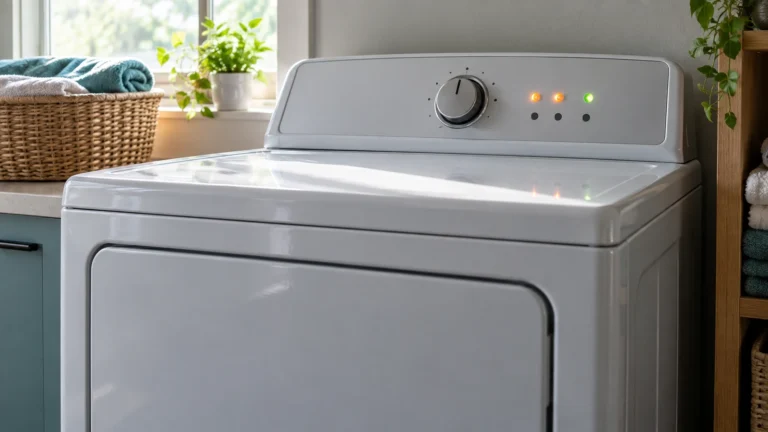
LG’s Flow Sense system “detects and alerts you to restrictions in the installed household ductwork.” The number is the approximate blockage: d80 is about 80%, d90 about 90% and d95 about 95%. LG describes d80 as “Partial blockage of the ductwork due to lint buildup or other foreign object.” You can keep using the dryer at d80, but drying takes longer and uses more energy. For d90 and d95, LG’s guidance is firm: “Do not use the dryer until the exhaust system has been cleaned and repaired.” On models with a Flow Sense bar display, LG says “two or four bars” mean the exhaust is severely restricted.
Gas dryers: LG notes that “on gas dryers a d80 display code may indicate a lack of gas supplied to the unit.” Check the gas shutoff valve behind the dryer is fully open (handle in line with the pipe).
⚠️ Caution: disconnect power first
Unplug the dryer before you remove any panel or test a part. Electric dryers run on 240 volts, so if yours is hardwired, switch off its double breaker. On a gas dryer, also close the gas shutoff valve, and if you ever smell gas, leave the home and call your gas utility from outside. Never bypass a thermal fuse or thermostat, even briefly. If you aren’t comfortable doing this, call a qualified appliance technician.
1. Clean the lint filter properly
LG: “Remove lint from the lint tray between each load.” Then “Clean the lint tray with warm water and a soft brush, then allow to dry before reinstalling.” Dryer sheet residue can coat the mesh even when it looks clean. Also reduce the load size so air can pass through the drum.
2. Check the duct behind the dryer
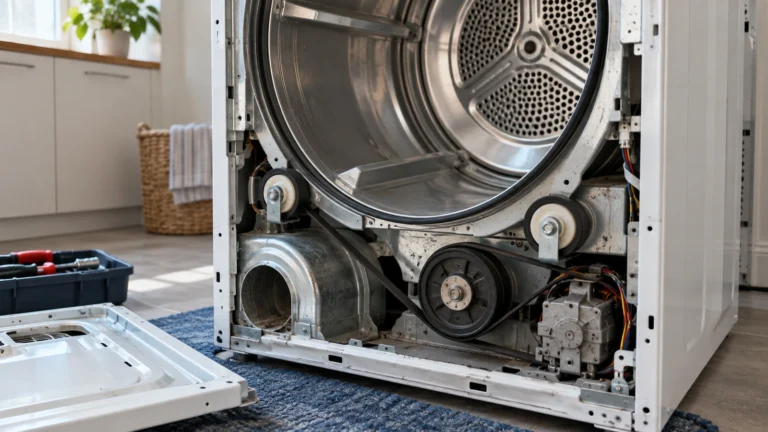
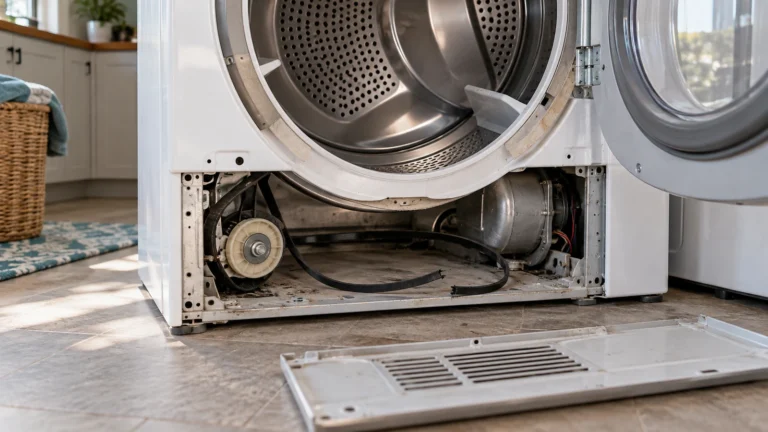
Unplug the dryer (and shut the gas on a gas model), pull it out and look at the duct between the dryer and the wall. LG: “Check that the exhaust hose between the dryer and the wall is not crushed, dented, kinked, or compressed.” LG also wants it “completely straight or in an S curve.” Disconnect it, vacuum the lint out of both the duct and the dryer’s outlet, and replace any plastic or foil duct. LG’s manuals say: “To reduce the risk of fire, DO NOT exhaust the dryer with plastic or thin foil ducting.”
3. Check the outside vent flap
Run the dryer on Air Dry or a timed cycle and go outside. LG: “Verify flappers can open all the way.” You should feel strong airflow. Clear lint, nests and debris from the hood; if the flaps can’t open, replace the exhaust cover.
4. Check the vent isn’t too long
If the duct runs through walls, ceilings or the attic, LG suggests a professional dryer vent cleaner. A clean vent can still trigger d80 if it’s too long. LG’s limits for 4-inch rigid metal duct:
| 90° elbows | Max length (4-inch wall cap) | Max length (2.5-inch wall cap) |
|---|---|---|
| 0 | 65 ft | 55 ft |
| 1 | 55 ft | 47 ft |
| 2 | 47 ft | 41 ft |
| 3 | 36 ft | 30 ft |
| 4 | 28 ft | 22 ft |
LG: “Do not use more than four 90° elbows.” Flexible metal duct counts against you too: “The total length of flexible metal duct must not exceed 8 ft. (2.4 m).” If your run is over the limit, the vent needs rerouting; in a new home, LG says to contact the builder. Want to see the whole airflow path? Our dryer not drying clothes guide has a labelled diagram.
How to clear d80 from the display
LG’s manual explains the warning stays on for 2 hours after the cycle; “Opening the door or pressing the Power button will turn off the display.” After you fix the vent, the dryer needs several cycles to register the better airflow. LG: if the indicator “remains active for more than five cycles after the restriction has been cleared,” call for service. LG Canada also suggests: “Unplug the dryer for 5 minutes, then plug it back in to reset the system.”
d80 but no blockage?
This is a common follow-up search. Before calling, check the whole run, not just the part behind the dryer, and the outside flap with the dryer running. On gas dryers, check the gas supply. If the vent is short, clean and within LG’s limits and d80 still shows after five cycles, LG says the blower fan may be defective and to contact LG service. The d80 warning itself “is not a dryer failure and is not covered by the dryer warranty,” according to LG’s manual, but a failed blower or sensor would be.
What fixing d80 usually costs
| Job | Typical cost | Source |
|---|---|---|
| Dryer vent cleaning | $104 to $188 (average $145) | HomeAdvisor (June 2026), Angi (Oct 2026) |
| Dryer vent repair | $75 to $150 | Angi (Sept 2026) |
| Dryer repair, most jobs | $100 to $430 (average $180) | Angi (Sept 2026) |
When to call a technician
Call a dryer vent cleaner if the duct runs through walls, ceilings or a roof, or if you can’t reach the full run. Call LG service if the vent is clean and within the length limits and the code stays for more than five cycles. Tell them your duct length, number of elbows and what the outside airflow feels like. Print the checklist.
Frequently asked questions
What does d80 mean on an LG dryer?
The exhaust is about 80% restricted, usually by lint in the vent. On gas dryers, it can also mean a lack of gas supply.
Can I still use my LG dryer with d80?
At d80, yes, but it will dry slowly. At d90 or d95, LG says not to use it until the exhaust is cleaned and repaired.
How do I reset d80 on my LG dryer?
Fix the vent first. The display turns off when you open the door or press Power, and the warning clears over the next few cycles. LG Canada also suggests unplugging the dryer for 5 minutes.
Why does my LG dryer still say d80 after cleaning the vent?
It can take up to five cycles to clear. If it’s still there, check the full run length, elbows and the outside flap. If those are fine, LG says contact service.
Why does a brand-new LG dryer show d80?
Usually the existing vent is too long, has too many elbows, or uses foil or plastic duct. Compare your run with LG’s length table above.
Sources: LG: dryer error code list · LG: d90 and d95 codes · LG: proper venting · LG Canada: Flow Sense warning · LG Canada: clearing d80 · LG DLE3400W owner’s manual · HomeAdvisor: dryer vent cleaning cost · Angi: dryer repair cost.
Updated October 23, 2026. Written and edited by Jordan Hale. Steps checked against LG’s support pages and owner’s manual; no hands-on test is claimed. Buttons and displays vary by model, so follow your owner’s manual.