LG Dryer Error Codes: Causes & Fixes
Step-by-step guides for single codes: d80, d90, d95 (vent blocked)
In this guide
1. D80, D90, or D95 — Restricted or Blocked Exhaust Duct
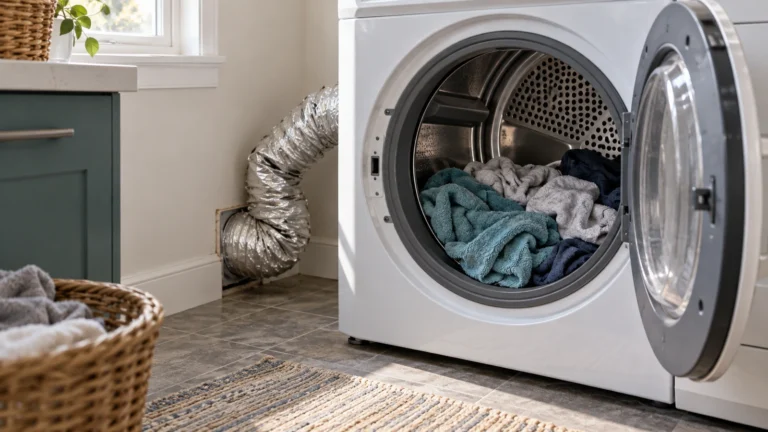
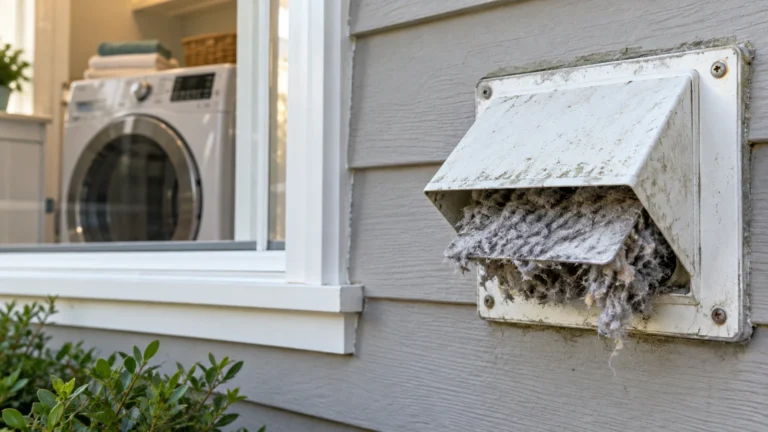
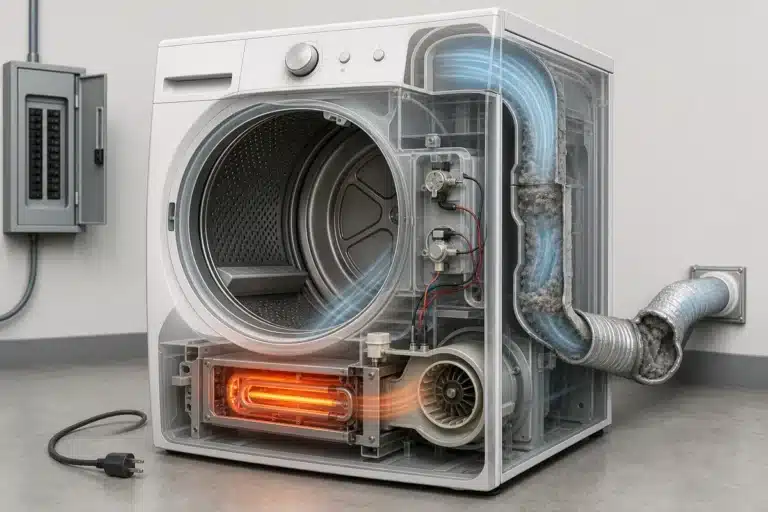
These codes mean the dryer detects 80%, 90%, or 95% airflow restriction in the exhaust duct. A clogged lint trap or kinked vent hose is almost always to blame and is the easiest fix to attempt first.
- Unplug the dryer from the wall outlet before doing anything else.
- Pull out and clean the lint filter thoroughly under running water; let it dry completely before reinstalling.
- Disconnect the exhaust duct from the back of the dryer and inspect it for kinks, crushing, or blockages.
- Use a long flexible brush or a vacuum with a hose attachment to clear lint from the entire length of the duct, including the wall cap outside.
- Limit the total duct run to no more than 35 feet of straight pipe (subtract 5 feet per 90° elbow).
- Reconnect everything, plug the dryer back in, and run a timed dry cycle to confirm the code is gone.
⚠️ Gas dryer: stop if you smell gas
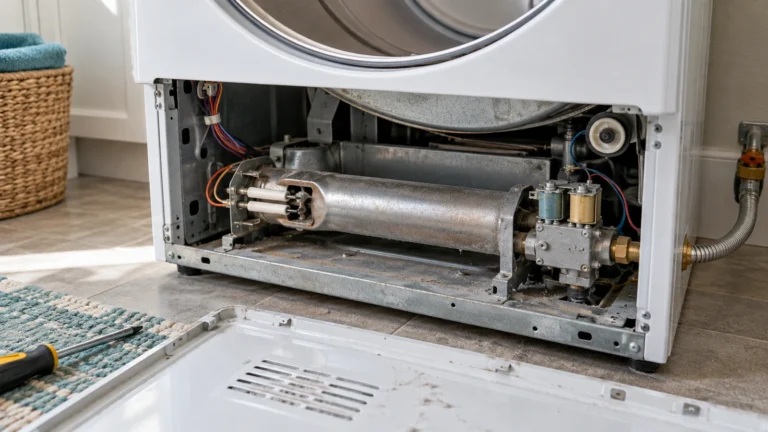
If you smell gas, don’t run the dryer or use light switches or phones inside. Leave the home and call your gas utility or 911 from outside. Before checking the igniter or valve coils, unplug the dryer and close its gas shutoff valve. Gas lines, connectors and the gas valve body should be serviced only by a qualified technician. Never bypass a thermal fuse or thermostat.
2. tE1, tE2, or tE3 — Thermistor (Temperature Sensor) Fault
A tE code indicates the control board is reading an out-of-range or open signal from the thermistor, which monitors drum air temperature. The thermistor itself is inexpensive and straightforward to swap out.
- Unplug the dryer and pull it away from the wall.
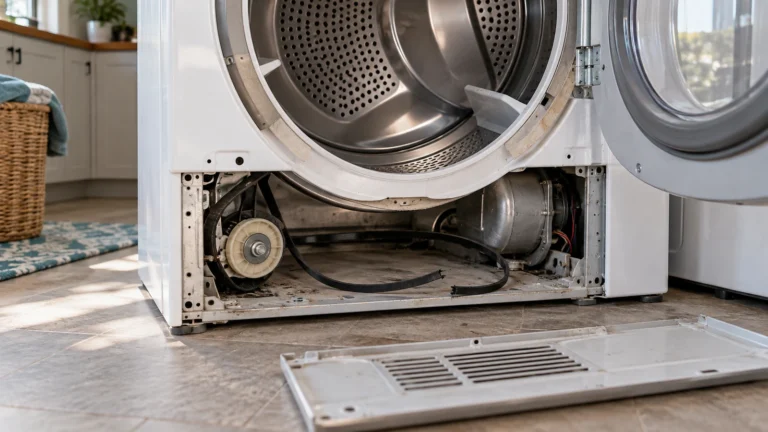
- Remove the back panel (usually 6–8 Phillips screws).
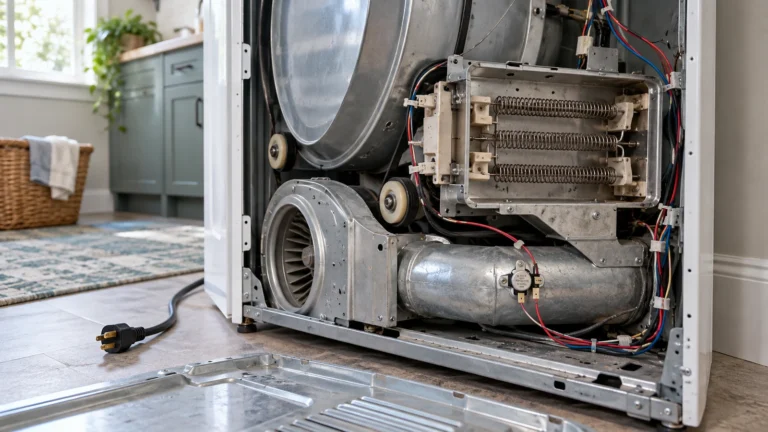
- Locate the thermistor on the exhaust duct near the heating element or blower housing—it looks like a small cylindrical sensor with two wires.
- Disconnect the wire harness connector and unscrew the thermistor.
- Test the old thermistor with a multimeter: at room temperature it should read roughly 10 000–50 000 ohms (check your model’s service manual for exact range). An open or zero reading means it has failed.
- Install the replacement thermistor, reconnect the wires, reassemble, and test.
3. HS — Humidity Sensor Error (Clothes Not Drying Properly)
The HS code means the moisture-sensing bars inside the drum are dirty or failing, causing the dryer to misread load dampness and either stop too early or run endlessly. Residue from dryer sheets is the most common culprit.
- Unplug the dryer.
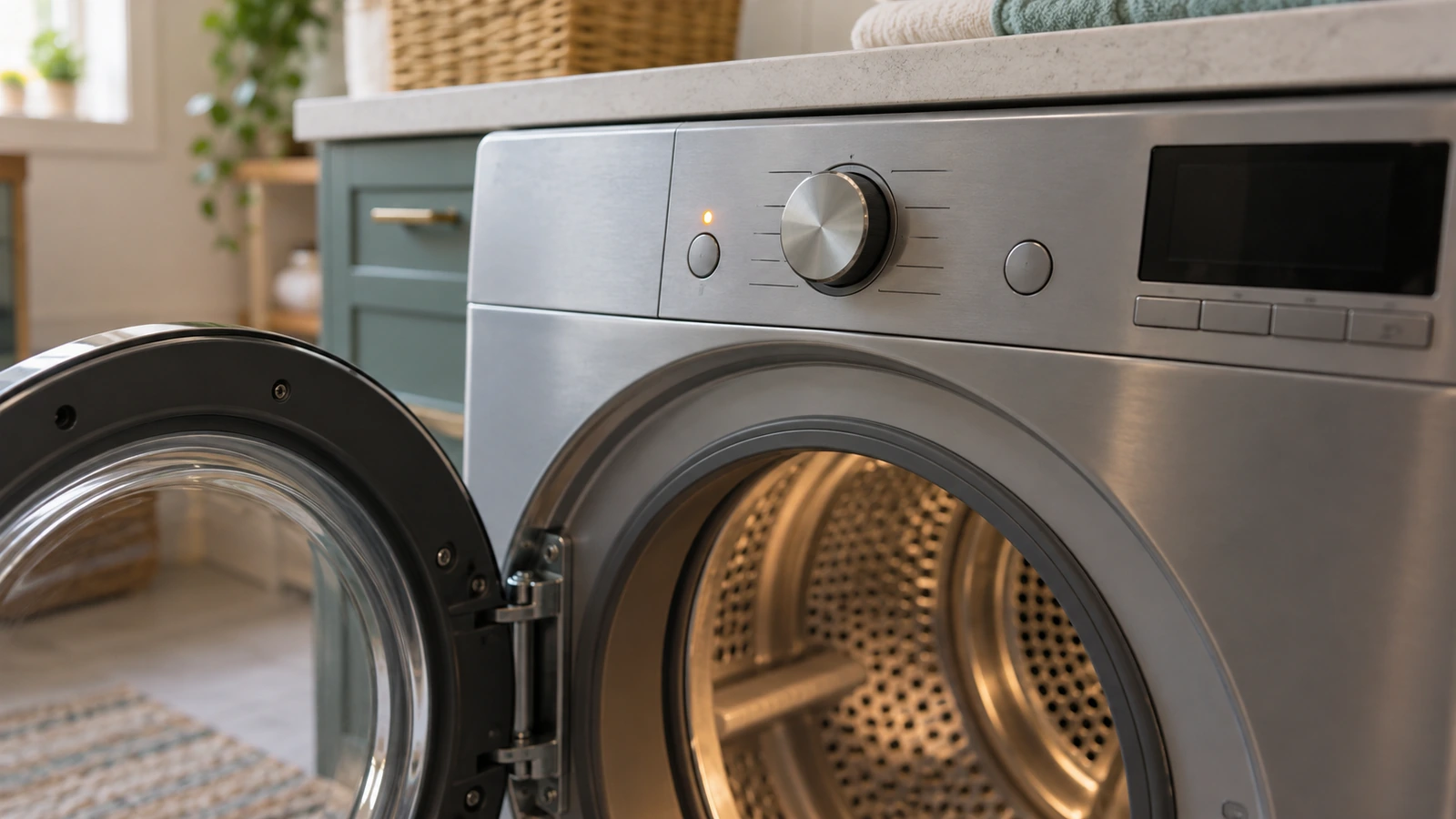
- Open the dryer door and locate the two metallic sensor bars on the front bulkhead, just inside the door opening.
- Rub the bars gently with a fine steel wool pad or a cloth dampened with rubbing alcohol to remove any waxy residue.
- Allow the alcohol to evaporate fully, then plug in and run a cycle with a damp load to test.
- If the code returns after cleaning, test continuity across the sensor bars with a multimeter (should show continuity when a damp cloth touches both bars) and replace the sensor assembly if it fails.
4. HE — Heating Element or Gas Igniter Failure
An HE code tells you the dryer is not producing heat, which points to a failed heating element (electric models), a faulty gas igniter or coils (gas models), or a blown thermal fuse protecting those components.
- Unplug the dryer (or shut off the gas supply valve for gas models).
- Remove the back panel to access the heating element housing or burner assembly.
- Locate the thermal fuse on the exhaust duct near the heater—test it with a multimeter for continuity. No continuity means it is blown and must be replaced.
- If the thermal fuse is good, test the heating element for continuity between its terminals. A broken coil (open circuit) means replacement is needed.
- For gas models, test each igniter coil and the gas valve coils for continuity; replace any that fail.
- Before fitting a new thermal fuse, always fix the root cause (blocked vent, failed thermostat) or the new fuse will blow again.
5. FE — Power Supply Frequency Error
The FE code appears when the control board detects abnormal AC frequency from the wall supply—often caused by a failing power outlet, loose wiring, or, less commonly, a defective control board.
- Unplug the dryer and wait 60 seconds to allow capacitors to discharge, then plug it back in. A one-time power glitch can trigger this code.
- Verify the outlet supplies the correct voltage (240 V for electric, 120 V for gas). Use a multimeter or contact an electrician if unsure.
- Inspect the power cord for damage, burn marks, or loose prongs; replace the cord if any damage is found.
- Check the home breaker for the dryer circuit—reset it if tripped, but investigate why it tripped before continuing.
- If the outlet and wiring test fine and the code persists, the main control board may be at fault and will need replacement or professional evaluation.
6. CL — Child Lock Active (Not a True Fault Code)
The CL display is not an error but a reminder that the child lock feature is enabled, preventing any buttons from working. Many users mistake it for one of the lg dryer error codes indicating a malfunction.
- On most LG dryers, press and hold the Child Lock button (sometimes labelled Control Lock) for 3 seconds until the CL indicator disappears.
- If there is no dedicated button, consult the LG official support page and select your model to download the owner’s manual with exact button combinations.
- Once the lock is deactivated, run a short timed cycle to confirm normal operation.
Frequently asked questions
How do I clear lg dryer error codes without fixing anything?
You can clear most codes by unplugging the dryer for 60 seconds and plugging it back in. However, codes caused by a real fault—blocked vent, failed sensor, blown fuse—will return immediately or after the next cycle. Always diagnose and repair the underlying problem rather than simply resetting the display.
Why does my LG dryer show D80 even after I cleaned the lint trap?
The D80 code measures restriction across the entire exhaust path, not just the lint filter. Check the full duct run from the dryer to the outside wall cap, remove any animal nests or debris from the exterior vent, reduce the number of bends in the duct, and ensure you are using rigid metal or semi-rigid aluminum duct rather than flexible plastic hose, which collapses easily.
Is it safe to keep using my LG dryer when an error code is showing?
It depends on the code. A CL (child lock) code is harmless, but codes like D80/D90/D95 (airflow restriction) and HE (no heat) indicate conditions that can cause overheating and create a fire risk if ignored. Stop using the dryer until those faults are resolved.
How much does it typically cost to repair an LG dryer fault code?
DIY repairs for common parts—thermistor, thermal fuse, moisture sensor bars—typically cost $10–$60 in parts. A blocked vent cleaning costs nothing but your time. Professional service calls generally run $80–$200 for labor plus parts, depending on your region and the fault involved. Heating element or control board replacements sit at the higher end of that range.