Samsung Dryer Not Heating? Samsung’s Steps, Codes and Fixes
This guide covers the vented electric and gas Samsung dryers sold in the US. Some results you’ll find online are written for Samsung’s heat-pump and condenser dryers sold elsewhere, which work differently.
Samsung dryer not heating: match what you see
| What you notice | Most likely cause | Next step |
|---|---|---|
| No heat at the start of the cycle only | Eco Dry delays heat | Turn off Eco Dry |
| Cold air the whole cycle, electric dryer | One side of the 240V circuit tripped, or a failed heater or fuse | Breaker reset |
| Cold air the whole cycle, gas dryer | Gas valve closed or gas line not connected | Gas supply |
| hE, HC, HC4 or 1 HC on the display | Dryer too hot: clogged lint screen or vent (or low voltage) | Codes, clean the vent |
| Vent Check icon lit or blinking | Vent about 60% (lit) or 80% (blinking) clogged | Clean the vent |
| Vent test passes, still no heat | Heater, thermal fuse, thermostat or gas parts | Request service |
1. Turn off Eco Dry
Samsung: “Some settings, like Eco Dry, will cause portions of the cycle (like the beginning) to operate without heat.” Use Time Dry with Eco Dry off while you troubleshoot.
2. Do Samsung’s 30-second heat test
Set Time Dry, turn Eco Dry off and start the dryer. “After 30 seconds, open the door and feel inside.” If you feel warmth, the dryer heats and your problem is slow drying, which is almost always the vent (go to clean the vent). If it’s cold, keep going.
3. Check the power or the gas
- Electric dryers: Samsung says “Electric dryers require 240V outlets.” Reset the dryer’s breaker: “Turn the circuit breaker off, wait 30 seconds, and then turn it back on.” An electric dryer uses two circuits; if one side trips, the drum can still turn with no heat. If the breaker trips again, call an electrician.
- Gas dryers: Samsung says to “verify the gas line connection is installed properly and turned on.” The shutoff valve on the supply line is open when its handle is parallel to the pipe.
⚠️ Gas dryer: stop if you smell gas
If you smell gas, don’t run the dryer or use light switches or phones inside. Leave the home and call your gas utility or 911 from outside. Gas lines, connectors and the gas valve body should be serviced only by a qualified technician.
4. What hE, HC and the Vent Check light mean
For codes HC, hE, HC4 and 1 HC, Samsung says: “This means that the dryer is getting too hot. The most common cause is a clogged lint screen or vent system trapping heat in the dryer.” Clean the lint screen, the vent, or both. Samsung adds that “In some cases, the error can occur when the heater is not hot enough, which can be caused by low voltage (on electric dryers),” and in that case: “contact an electrician to check the voltage supplied.”
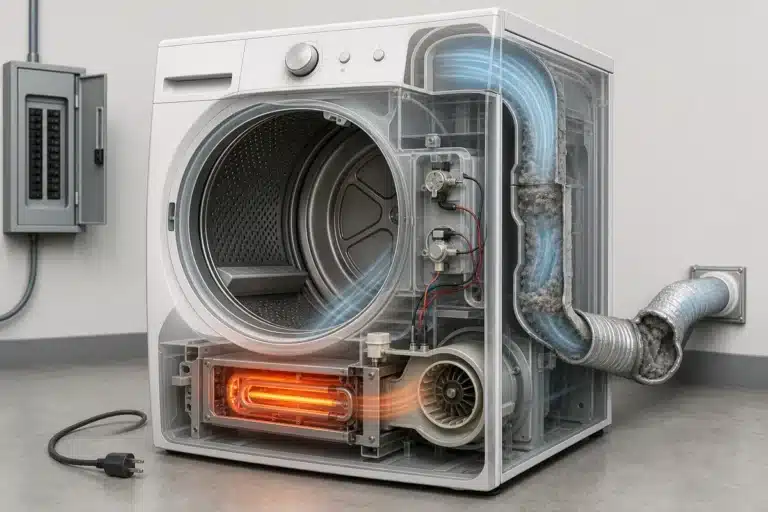
The Vent Check icon is Samsung’s built-in warning: “it will light up if the exhaust vent is about 60% clogged,” and “If the exhaust vent is 80% clogged, the icon will blink for three hours after a cycle is completed.” Some models switch the heater off when they detect a clogged vent, so a lit Vent Check light and no heat often go together.
5. Run the vent blockage test
Samsung dryers have a built-in vent blockage test; the button sequence is in your owner’s manual. Keep the door closed: “Do not open the door during the test.” What the result means:
| Result | Meaning |
|---|---|
| 0 or End | No clog found |
| CLg, Cg, C80, C90 | Clog detected: clean the vent |
| Ct | Inside temperature out of range: let the dryer reach room temperature and retest |
| HC | Abnormal temperature: check the power cord, empty the drum and retest |
| dc | Door open: close it and retest |
| C1 or CL1 | Laundry in the drum: empty it and retest |
| 9C1 | Abnormal voltage: make sure the power cord is fully plugged in |
6. Clean and check the vent
- Clean the lint screen after every load (CPSC).
- Samsung: “Clean your exhaust vent once or twice each year whether you experience issues or not.”
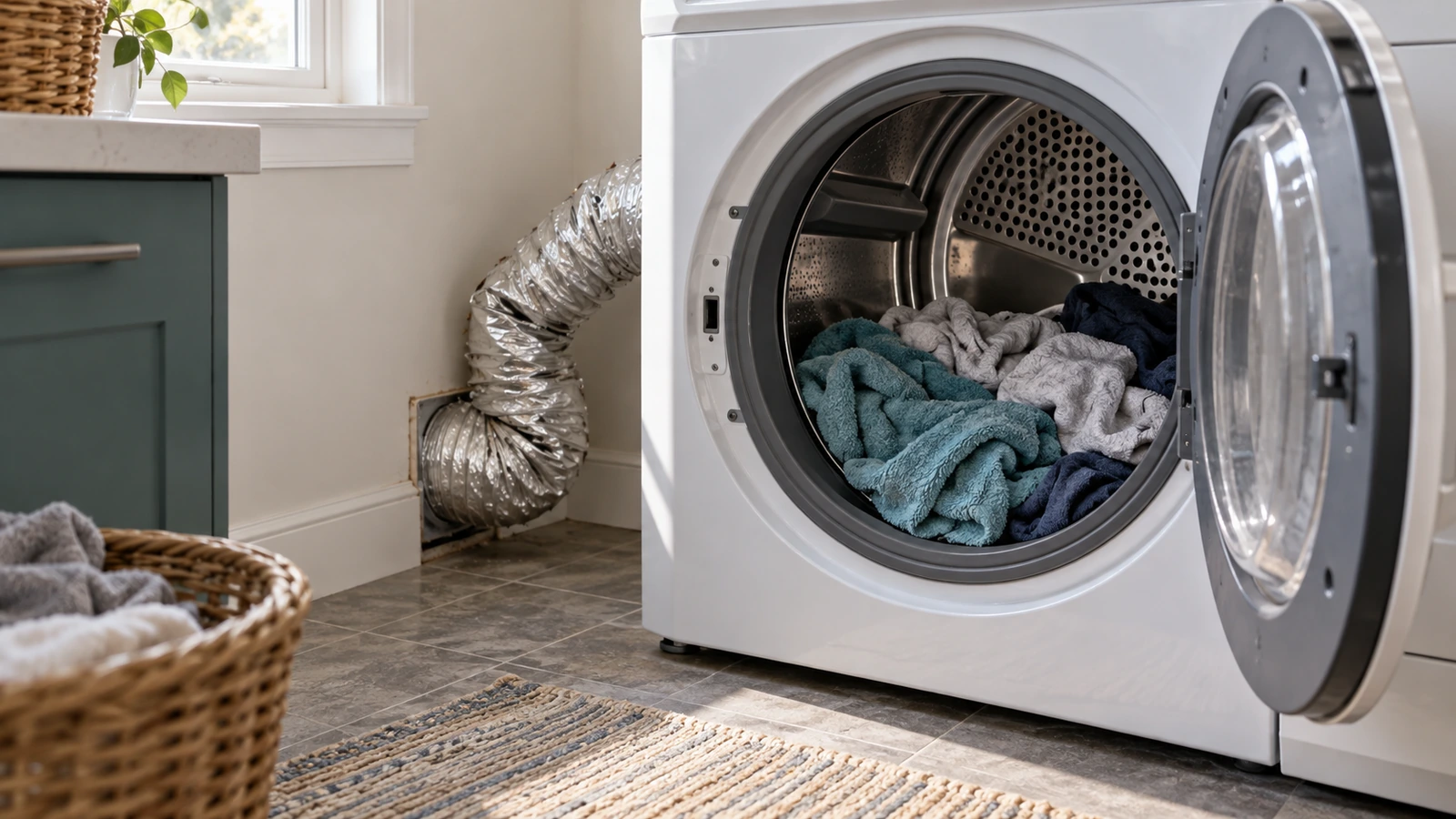
- Replace plastic or foil accordion duct with rigid or semi-rigid metal duct (CPSC), and make sure it isn’t crushed behind the dryer.
- Check the run isn’t too long: “Every 90 degree turn reduces the maximum length by 6 feet” (Samsung). Your manual lists the maximum length for your model.
- Check the outside hood flap opens when the dryer runs.
Then run the vent test again. The U.S. Fire Administration lists failure to clean as the leading factor in home clothes dryer fires (34 percent), so this step matters even if the heat comes back.
⚠️ Caution: disconnect power first
Unplug the dryer before you pull it out to clean the duct or remove any panel. Electric dryers run on 240 volts, so if yours is hardwired, switch off its double breaker. On a gas dryer, also close the gas shutoff valve. Never bypass a thermal fuse or thermostat, even briefly. If you aren’t comfortable working inside the dryer, call a qualified appliance technician.
7. If the vent test passes: fuse, heater and thermostats
Samsung’s last step is clear: “If the vent blockage test passes, but your dryer is not heating at all, then visit our Support Center to request service.” The usual failed parts are:
- Thermal fuse: a one-time safety cutoff that blows when the dryer overheats. It can’t be reset, and it must never be jumped or bypassed. Whirlpool’s guidance applies to every brand: “If your thermal fuse has activated, you must replace it before using the dryer.” Find out why it overheated (usually the vent) before it’s replaced. See what a blown thermal fuse means.
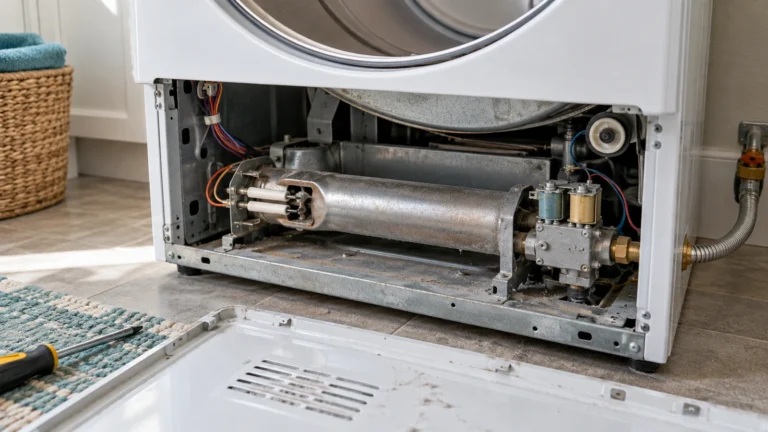
- Heating element (electric) or igniter and gas valve coils (gas).
- Thermostats or the thermistor that tell the control how hot the dryer is.
Some online repair guides suggest jumping the fuse with a wire to “test” it. Don’t: it removes the dryer’s overheat protection.
What Samsung dryer heat repairs usually cost
| Repair | Typical cost | Source |
|---|---|---|
| Fixing a dryer that’s not heating | $80 to $420 | Angi (Sept 2026) |
| Thermal fuse | $75 to $150 installed | HomeGuide (Nov 2024) |
| Heating element | $150 to $350 installed | HomeGuide |
| Igniter (gas) | $100 to $250 | HomeGuide |
| Service call | $50 to $80 plus labor | Angi |
When to request service
Request service if the vent test passes and there’s no heat, if hE or HC returns after a clean vent, if the breaker keeps tripping, or if the thermal fuse has blown. Have the model and serial number (inside the door) and your vent test result. Print the checklist.
Frequently asked questions
Why is my Samsung dryer running but not heating?
Check Eco Dry, then the breaker (electric) or gas valve (gas), then the vent with Samsung’s vent blockage test. If the test passes and there’s still no heat, Samsung says to request service.
How do I reset my Samsung dryer?
Turn the dryer’s circuit breaker off, wait 30 seconds and turn it back on. This resets the controls; it doesn’t reset a blown thermal fuse.
What does hE mean on a Samsung dryer?
Samsung says it means “the dryer is getting too hot,” most often from a clogged lint screen or vent. On electric models it can also mean low voltage; Samsung suggests having an electrician check the supply.
Why is the Vent Check light on?
The vent is about 60% clogged (lit) or 80% clogged (blinking). Clean the full vent run and recheck.
How do I know if my Samsung dryer heating element is bad?
If the 30-second heat test is cold, the power or gas is fine and the vent test passes, the heater, fuse or a thermostat has likely failed. Samsung’s advice at that point is to request service.
Can I bypass the thermal fuse on a Samsung dryer?
No. A blown fuse means the dryer overheated. Fix the airflow and replace the fuse, or have a technician do it.
Sources: Samsung: dryer not heating · Samsung: dryer error codes · Samsung: Vent Check icon · Samsung Canada: why vent cleaning matters · Whirlpool: dryer not heating · CPSC: overheated clothes dryers · U.S. Fire Administration: clothes dryer fires · Angi: dryer repair cost · HomeGuide: dryer repair cost.
Updated October 22, 2026. Written and edited by Jordan Hale. Steps checked against Samsung’s US support pages, CPSC and U.S. Fire Administration guidance; no hands-on test is claimed. Buttons vary by model, so follow your owner’s manual.