GE Dishwasher Error Codes: Causes & Fixes
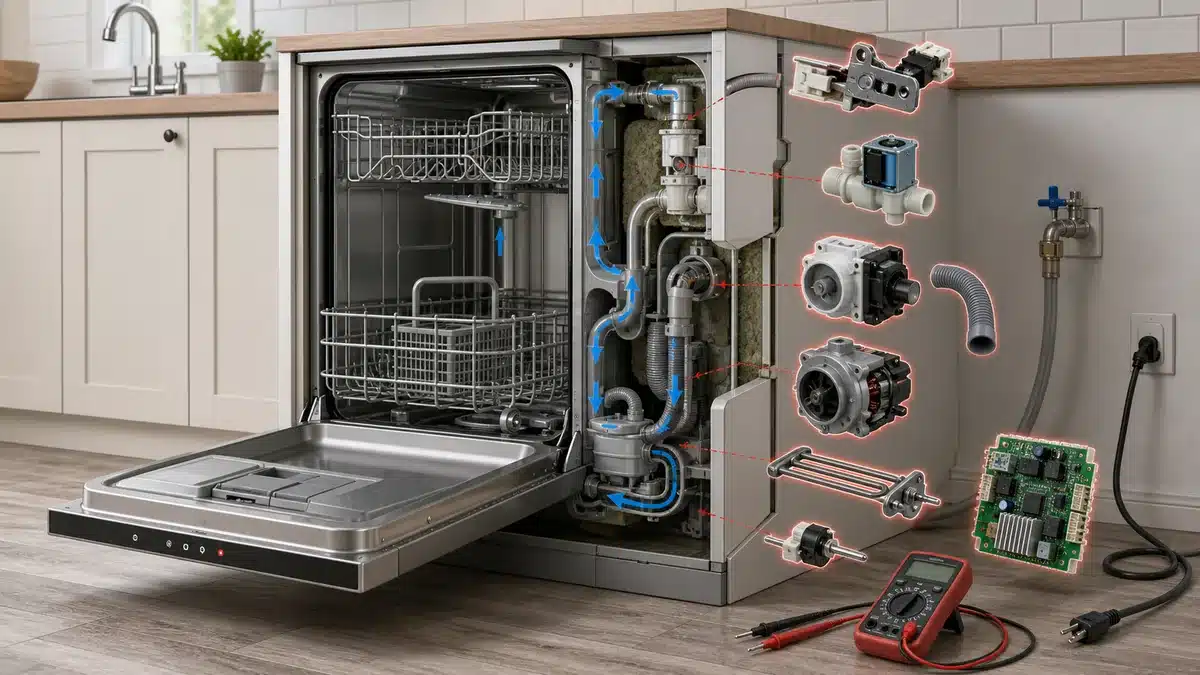
⚠️ Caution: disconnect power and water first
Switch off the dishwasher’s circuit breaker (many are hardwired rather than plugged in) and close its water supply valve before you remove the toe-kick panel, test a part or touch wiring. Never bypass the door switch or float switch. If you aren’t comfortable doing this, call a qualified appliance technician.
In this guide
1. Door Latch or Door Switch Fault (Code: dEr / Door Error)
If the dishwasher’s door latch doesn’t fully engage, the control board triggers a door error code and prevents the cycle from starting. This is usually the easiest fix to check first.
- Open and firmly close the door, listening for a solid click from the latch.
- Inspect the door latch mechanism for visible cracks, bent strike plates, or debris blocking full closure.
- Wipe the latch and door gasket area clean with a damp cloth.
- Test the door switch for continuity with a multimeter — no continuity means the switch is faulty and needs replacement.
- If the latch assembly is broken, replace it.
2. Water Fill Problem (Code: 1H, tEr, or Flashing “1”)
A fill error means the dishwasher isn’t detecting enough water entering the tub within the allotted time. This is often caused by a kinked supply line, a closed shutoff valve, or a faulty water inlet valve.
- Check that the water supply shutoff valve under the sink is fully open.
- Inspect the water supply hose for kinks or blockages.
- Remove the inlet screen on the water inlet valve and rinse out any sediment buildup.
- Test the water inlet valve solenoid with a multimeter — replace the valve if no continuity is found.
- Check water pressure at the supply line; GE recommends 20–120 PSI for proper operation.
3. Drain Failure (Code: dEr, “Drain” Light, or Continuous Beeping)
A drain error means water is remaining in the tub after the drain cycle completes. Blocked drain filters, a kinked drain hose, or a failing drain pump are the most common culprits.
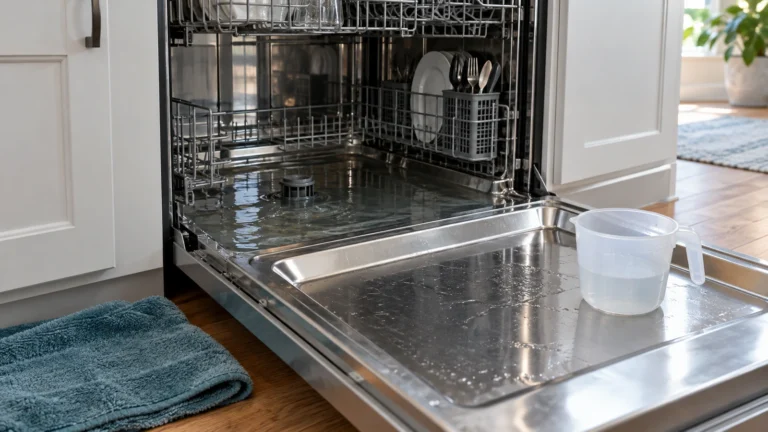
- Cancel the current cycle and remove standing water from the tub with a towel or wet/dry vacuum.
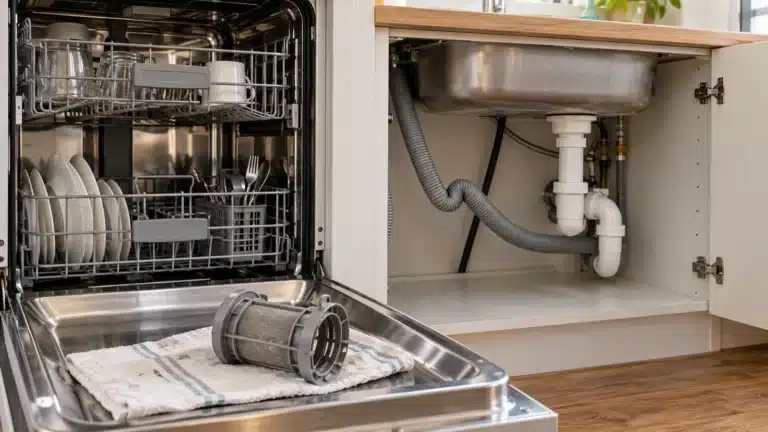
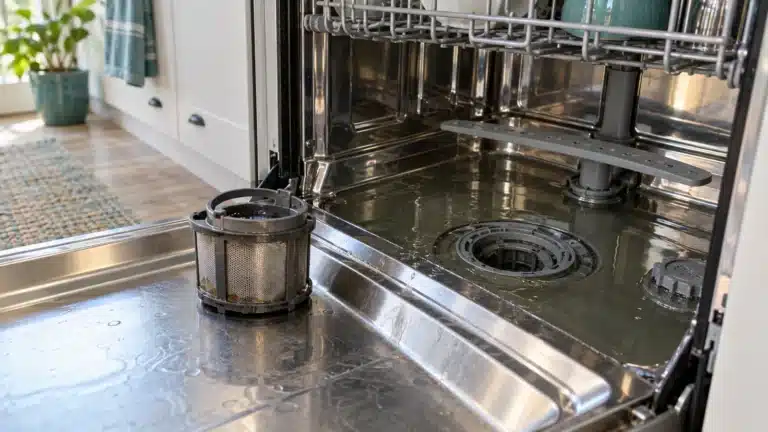
- Remove and clean the filter basket at the bottom of the tub — rinse it under running water.
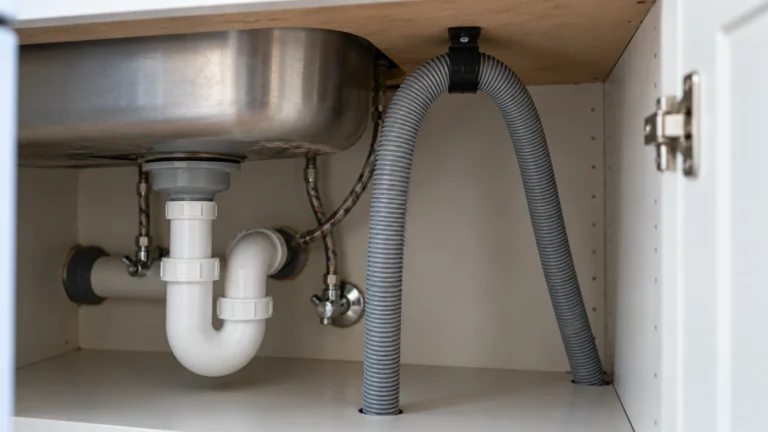
- Check the drain hose at the back of the dishwasher for kinks; straighten if needed.
- Verify the drain hose high-loop or air gap installation is correct so water can’t siphon back.
- Listen for the drain pump running during the drain cycle — a humming pump that moves no water suggests a clog or impeller damage; silence suggests an electrical failure.
- Test the drain pump motor with a multimeter and replace it if it shows no continuity.
4. Heating Element or Thermistor Fault (Code: HEr or tEr)
GE dishwashers monitor wash and dry cycle temperatures; if the water doesn’t reach the target temperature, or the sensor gives a bad reading, a heat error code is triggered. Both the heating element and the thermistor (temperature sensor) should be checked.
- Run a short cycle and check whether the water is hot at mid-cycle — cold water points to the heating element; incorrect readings point to the thermistor.
- Disconnect power to the dishwasher before any component testing.
- Test the heating element for continuity with a multimeter — replace it if open (no continuity).
- Test the thermistor’s resistance; compare it to the value in your model’s service documentation. Replace if out of spec.
5. Wash Motor / Pump Circulation Fault (Code: PF or Motor Error)
If the circulation pump motor that pressurizes the spray arms stalls or draws too much current, the control board will log a motor or pump fault code. Debris jammed in the pump impeller is a frequent cause before motor failure is assumed.
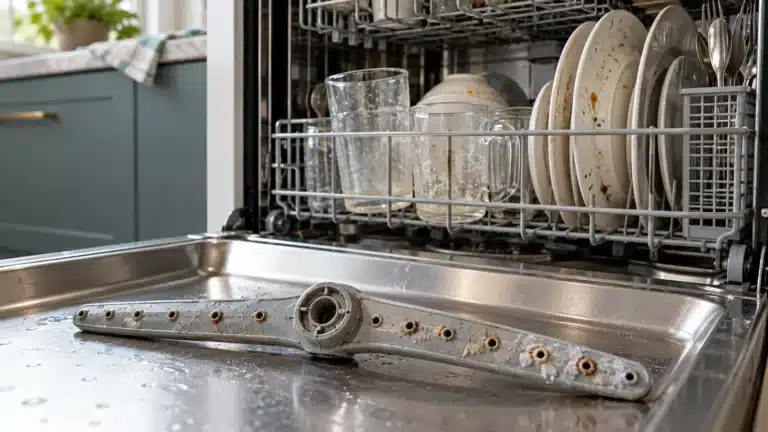
- Disconnect power, then remove the lower spray arm and filter assembly to access the pump sump area.
- Inspect the impeller opening for glass shards, bones, or debris and remove any obstructions.
- Manually spin the impeller with a finger — it should turn freely with slight resistance.
- Restore power and run a short cycle, listening for the wash motor to run steadily.
- If the motor hums but the impeller doesn’t spin, or the motor is silent, test for continuity and replace the circulation pump motor if it has failed.
Understanding GE Dishwasher Error Codes: Control Board Issues (Code: PF, LOC, or Continuous Flashing)
After ruling out all individual component failures, a continuously flashing display or unresponsive panel can point to a faulty main control board or user interface board. A power interruption (PF code) is common after an outage and is usually resolved by resetting the machine.
- For a PF (power failure) code: press the Start/Reset button once, close the door firmly, and allow the dishwasher to complete its reset drain cycle (about 90 seconds).
- For a locked control panel (LOC or lock icon): press and hold the Heated Dry or Dry Boost button for 3 seconds to unlock.
- If the display is scrambled or buttons don’t respond after a reset, disconnect power at the breaker for 1 full minute, then restore.
- Inspect the ribbon cable connection between the control board and the user interface board for corrosion or a loose connector.
- If the board exhibits burn marks or the fuse on the board is blown, replace the control board.
- Consult the GE Appliances official support page to download your model’s tech sheet for a full error code list and component test values.
Frequently asked questions
How do I reset GE dishwasher error codes?
Press the Start/Reset button and close the door. The dishwasher will run a short drain cycle for about 90 seconds to clear the error. If the code returns after the reset, the underlying fault is still present and needs to be diagnosed. For a hard reset, turn off the circuit breaker for 1 full minute, then restore power.
What does a flashing “1” or “1H” mean on a GE dishwasher?
A flashing “1” or the code “1H” typically indicates a water supply or fill problem — the dishwasher did not sense enough water entering the tub. Check that the water shutoff valve under the sink is fully open, the supply hose is not kinked, and the inlet valve screen is not clogged with sediment.
Why does my GE dishwasher beep and show “PF”?
The PF code stands for “Power Failure” and appears when the dishwasher loses power mid-cycle — such as during a brief power outage or a tripped breaker. It is not a component failure. Simply press Start/Reset, close the door, and the machine will resume or restart normally.
How do I find the full error code list for my specific GE dishwasher model?
The most reliable source is the tech sheet folded and stored inside the dishwasher’s door panel or kick plate. You can also enter your full model number on the GE Appliances support page to download the owner’s manual and service documentation, which includes a complete error code reference for your specific model.