KitchenAid Dishwasher Not Draining? 8 Checks & Cancel/Drain
Updated October 30, 2026. Sources are linked in each section.
In this guide
1. Is the water actually a problem?
KitchenAid: “It is normal for there to be a small amount of standing water in the dishwasher filter area (about half way up to the top of the filter area).” That water keeps seals from drying out and is drained when the next cycle starts. Also check that the cycle really finished. KitchenAid’s manual says to confirm the Clean light is on.
| What you see | Next step |
|---|---|
| Water only in the filter recess, up to about halfway | Normal. Nothing to fix. |
| Water covering the tub floor after a completed cycle | Cancel/Drain, then filters |
| Cycle stopped part-way | Cancel/Drain, then reset |
| Never drained since a new install or new disposer | Knockout plug and hose loop |
| Some water pumps out, but a puddle stays above the filter | Drains part way |
| Foam or suds in the tub | Suds |
| Water comes out of the countertop air gap | Air gap |
- Filter in the bottom of the tub: the most common cause. Clean it first.
- Drain pump under the filter: if everything else is clear, call a technician.
- High loop or air gap: keeps dirty sink water from flowing back into the dishwasher.
- Knockout plug: on a new disposer it blocks the dishwasher inlet until it’s removed.
- Drain hose: look for kinks, crushed spots or a clog at the sink end.
⚠️ Caution: power off, no drain cleaner
Switch off the dishwasher’s breaker (or unplug it) before reaching into the filter area or under the sink, and switch off the garbage disposer at its breaker too. Wear gloves: broken glass often ends up in the sump. GE says “Do not use drain cleaner in the dishwasher,” and Whirlpool says “Do not use drain-opening chemicals inside the dishwasher.” Bail standing water out with a cup and towels instead.
2. Use Cancel/Drain to pump the water out
From KitchenAid’s manual (models with this button):
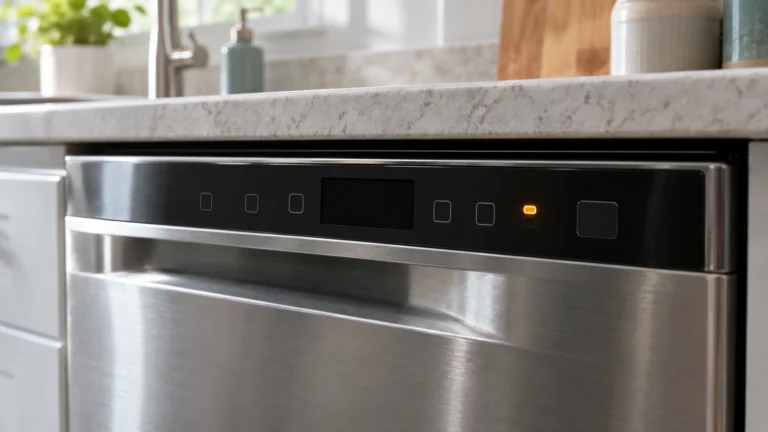
- Press CANCEL/DRAIN. The Cancel/Drain light comes on.
- Close the door. The dishwasher starts a drain.
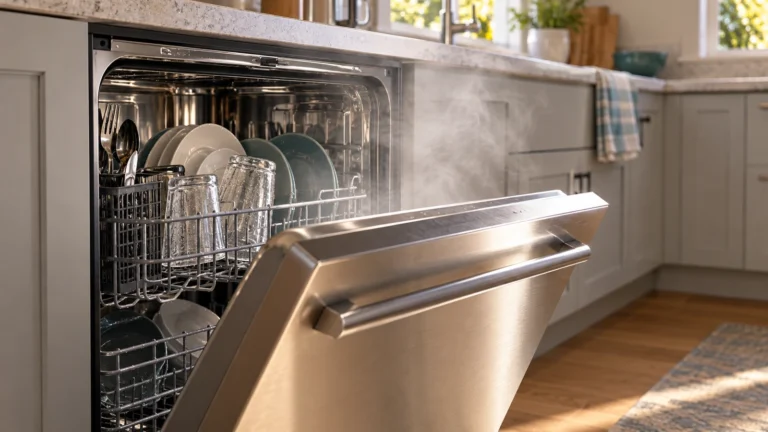
- Let it drain completely. The manual says the light turns off after 2 minutes.
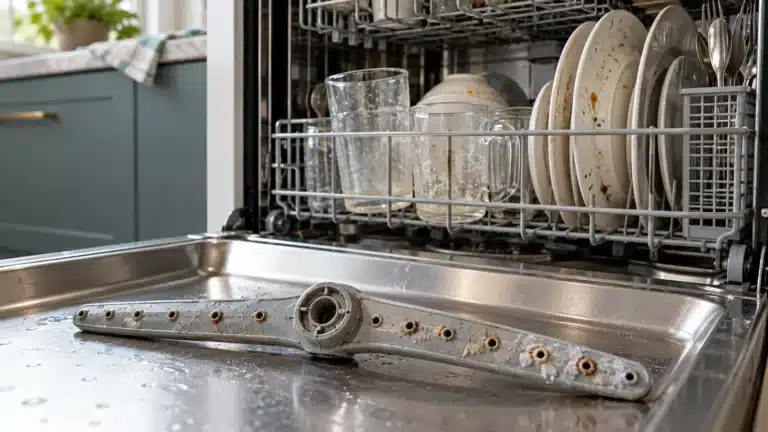
Listen during the drain. If the pump runs and the water drops, the machine can drain and the earlier cycle was probably interrupted. If the pump runs but the level doesn’t drop, something downstream is blocked: go to the filters, disposer and hose. If your model has no Cancel/Drain button, the manual gives the cancel sequence.
3. Clean the filters (models with removable filters)
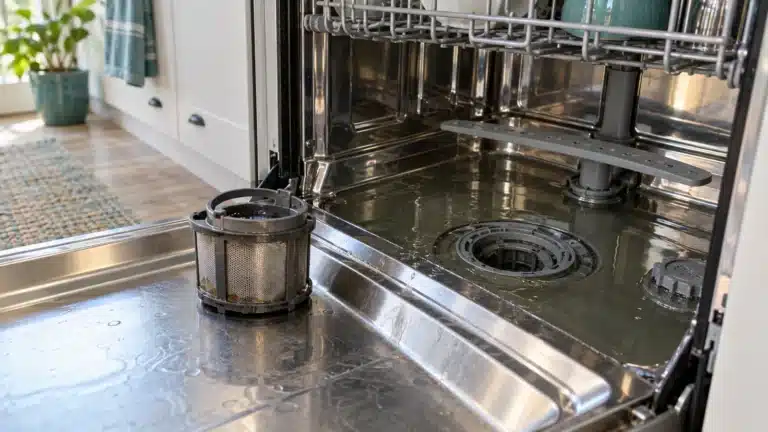
KitchenAid makes both removable filters and designs without a user-removable filter. Your manual shows which one you have. For the common removable two-part design, the manual says:
- Remove the lower rack.
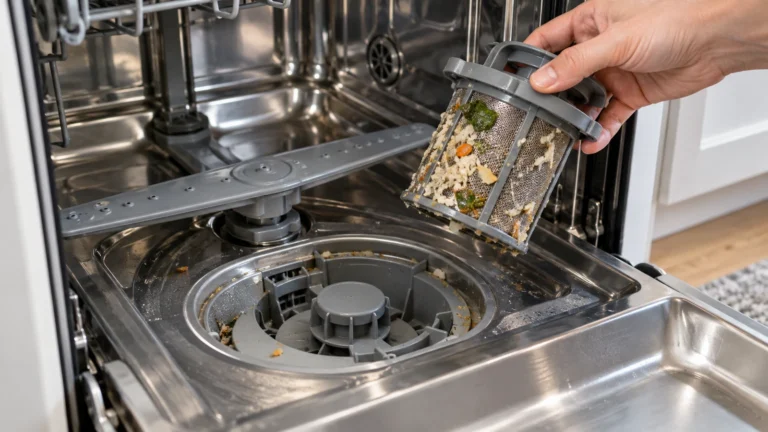
- Turn the upper filter assembly ¼ turn counter-clockwise and lift it out.
- Grasp the lower filter by the circular opening, lift slightly and pull it forward to remove it.
- Rinse both under running water. Use a soft brush for stuck-on soil, not a wire brush or scouring pad.
- Look into the opening for glass or food pieces and remove them carefully.
- Refit the lower filter, then the upper assembly, turning it clockwise until it locks. Don’t run the dishwasher without the filters properly fitted.
KitchenAid’s manual suggests cleaning anywhere from once a year to once a week, depending on how often you run it and whether you pre-rinse. Clean them whenever you see debris or dishes feel gritty.
4. Run the disposer and check the knockout plug
If the dishwasher drains into a garbage disposer, KitchenAid lists these checks:
- Run the disposer to clear food sitting in it. A full disposer blocks the dishwasher’s drain.
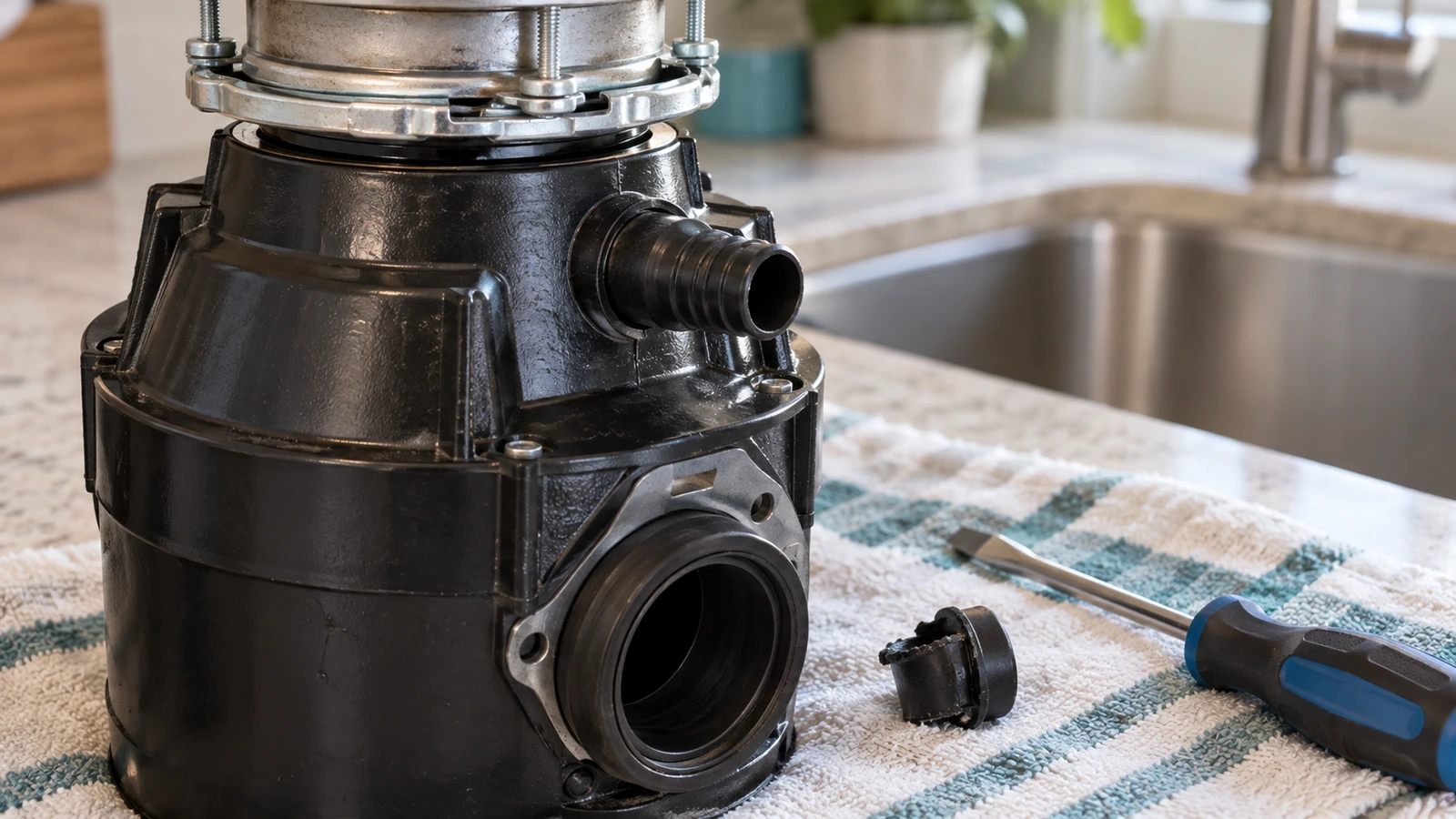
- New disposer? Check that the knockout plug was removed from the dishwasher inlet. KitchenAid’s test: disconnect the hose, insert a pencil into the inlet, and feel for the plug. If the pencil goes in about 3 inches, the plug has been removed.
If the plug is still there, follow the disposer maker’s instructions to knock it out and retrieve it with the disposer switched off at the breaker. Never reach into a disposer with your hand.
5. Check the drain hose: kinks and a high loop
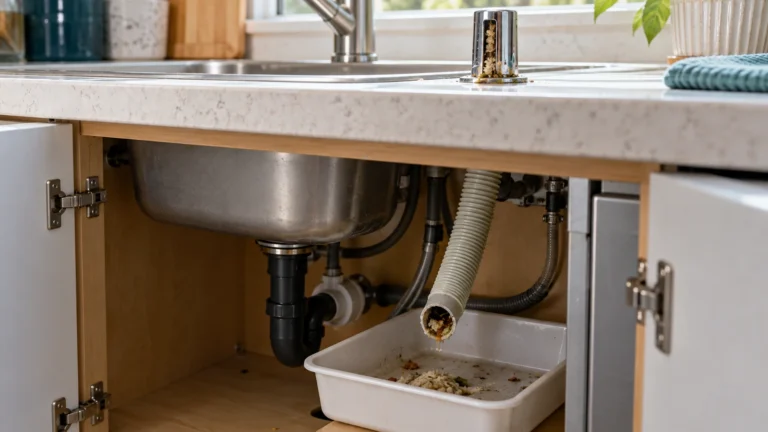
- Under the sink, follow the drain hose from the back of the dishwasher to the sink or disposer.
- Look for kinks, pinches or crushing, often caused by items stored in the cabinet. Straighten them.
- KitchenAid says the hose must be routed above the level of the sink’s drain water, arching up near the top of the cabinet wall before it goes down to the connection. If it runs flat or slopes down, pull the extra hose up and secure it with a bracket or zip tie.
Source: KitchenAid: newly installed dishwasher not draining.
6. Clear the air gap
If your sink has an air gap (a small cylinder beside the faucet), KitchenAid says to check it and its vent for clogs. Remove the cover and inner cap, clean out debris, refit, and run a drain. Water spraying from the air gap during draining is a strong sign that it or the hose after it is blocked.
7. Suds? Stop and let them settle
KitchenAid: if suds, bubbles or soap foam are present, turn off the dishwasher and let the suds dissipate. Use only detergent made for automatic dishwashers. Hand dish soap in a dishwasher makes foam that keeps the pump from draining properly.
8. Power reset
KitchenAid’s reset: unplug the dishwasher, or switch its breaker off if the plug can’t be reached. Wait at least 1 minute, then restore power. After that, try Cancel/Drain again. Source: KitchenAid: resetting the controls.
Water drains only part way?
If Cancel/Drain lowers the water but a puddle stays above the filter, the drain is restricted rather than blocked. Work through the same order, because each step clears a different point: the filters (step 3), food sitting in the disposer (step 4), a hose that sags below the sink drain or is pinched behind stored items (step 5), and a part-blocked air gap (step 6). Run Cancel/Drain again after each one and watch the level. If nothing changes after all of them, the restriction is inside the machine, at the pump or its housing, and that’s a technician job.
What a KitchenAid drain repair usually costs
| Repair | Typical cost | Source |
|---|---|---|
| Drain pump repair | $100 to $250 | Fixr (Jan 2025) |
| Drain pump replacement | $150 to $400 | Fixr (Jan 2025) |
| Drain hose replacement | $50 to $100 | Fixr (Jan 2025) |
| Diagnostic fee | $50 to $75 | Fixr (Jan 2025) |
| Service call fee | $35 to $100, often credited toward the repair | Fixr (Jan 2025) |
National ranges from Fixr, updated January 31, 2025. Prices vary by area and model. A clogged filter, disposer or hose costs nothing to fix yourself, so rule those out before booking.
When to call service
Call KitchenAid service or a technician if the pump is silent during Cancel/Drain, if water stays after all the steps above, or if there’s a leak, burning smell or tripped breaker. Give them the model and serial number (usually on a label along the tub opening; your manual shows where), what the water looks like, and which steps you’ve done. Print the checklist to keep it together.
Source for normal-water and owner checks: KitchenAid: water remains at end of cycle.
Frequently asked questions
How do I force a KitchenAid dishwasher to drain?
On models with a Cancel/Drain button, press it, close the door and let it run. KitchenAid’s manual says the light goes off after about 2 minutes, when the drain is done.
Is it normal for water to stay in the bottom?
A small amount in the filter area, up to about halfway, is normal according to KitchenAid. It drains at the start of the next cycle.
My KitchenAid won’t drain after a new disposer was installed. Why?
Most often the disposer’s knockout plug is still in place. Use KitchenAid’s pencil test: if the pencil can’t go about 3 inches into the inlet, the plug is still there.
Why is there water standing in the bottom of my KitchenAid dishwasher?
A little water in the filter area, up to about halfway, is normal according to KitchenAid. More than that usually means the cycle was interrupted, the filters are clogged, the disposer is full, or the hose or air gap is blocked. Start with Cancel/Drain.
Why is my KitchenAid dishwasher not draining completely?
Partial draining points to a restriction: a dirty filter, food in the disposer, a sagging or pinched drain hose, or a part-blocked air gap. Clear them in that order and run Cancel/Drain after each.
How much does it cost to fix a dishwasher that won’t drain?
Fixr lists $150 to $400 to replace a drain pump and $50 to $100 for a drain hose, plus a $50 to $75 diagnostic fee. Most drain problems are a filter, disposer or hose you can clear yourself.
Other brands: dishwasher not draining overview · Bosch · GE
Written and edited by Jordan Hale. Steps checked against KitchenAid’s product-help pages and user manual; no hands-on test is claimed. Button names and filter designs vary by model.