LG Washer Error Codes: Causes & Fixes
Step-by-step guides for single codes: OE (drain error) · UE (unbalanced load)
⚠️ Caution: disconnect power and water first
Unplug the washer and turn off both water taps before you remove a panel, test a part or disconnect a hose. Never test parts with the power on, and never bypass the lid switch or door lock. If you aren’t comfortable doing this, call a qualified appliance technician.
In this guide
1. Drain clog or kinked drain hose (OE / dE drain error)
The OE code is one of the most common lg washer error codes and almost always means water can’t leave the tub fast enough. A clogged pump filter or a kinked drain hose is the first place to check.
- Unplug the washer and pull it a few inches from the wall.
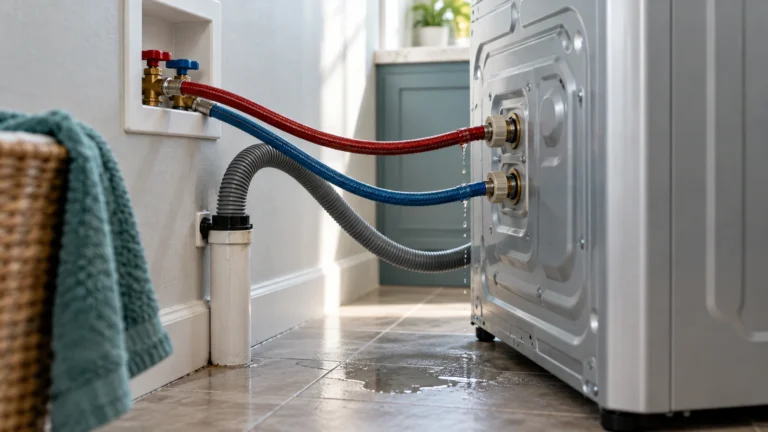
- Inspect the drain hose at the back for kinks or tight bends; straighten any you find.
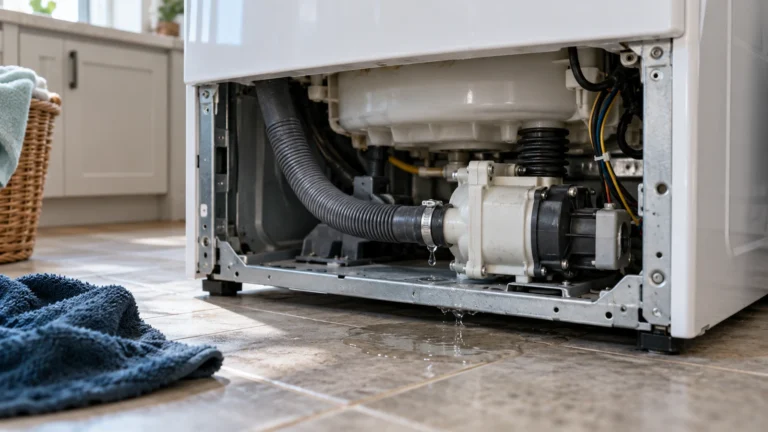
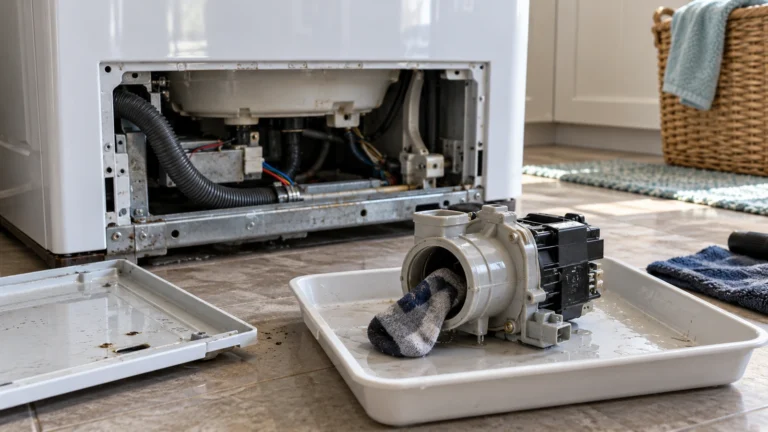
- Locate the small access door at the bottom-front of the washer and place a shallow pan under it.
- Slowly unscrew the pump filter cap, let residual water drain, then pull the filter out completely.
- Remove lint, coins, or debris; rinse the filter under running water.
- Reinstall the filter, plug the washer in, and run a Spin-Only cycle to confirm the code is gone.
- If the code returns, the drain pump itself may be failing.
2. Door latch not engaging (dE / dE1 door error)
A dE code means the washer’s control board never received confirmation that the door is securely closed. The door latch assembly or its wiring harness is usually to blame.
- Open and firmly re-close the door — listen for a distinct click.
- Inspect the door strike (the plastic tab on the door) for cracks or deformation.
- Check the door seal/gasket for bunched fabric that might be preventing full closure.
- Unplug the washer and use a multimeter to test the door latch switch for continuity; replace it if you get an open circuit.
- Inspect the wire harness connector on the latch for corrosion or loose pins and reseat it.
3. Water not filling fast enough (IE inlet error)
The IE code fires when the tub doesn’t reach the target water level within the expected time. Low household water pressure or clogged inlet valve screens are the usual culprits.
- Make sure both hot and cold supply valves behind the washer are fully open.
- Turn off the supply valves, disconnect the inlet hoses, and remove the small mesh screens inside the hose ports with needle-nose pliers.
- Rinse the screens under running water to clear mineral deposits; reinstall them.
- Verify household water pressure is at least 14.5 psi (check with a gauge at a nearby faucet).
- If pressure is fine and screens are clean, test the water inlet valve coils for continuity and replace the valve if either coil reads open.
4. Unbalanced load or suspension failure (UE / UB unbalance error)
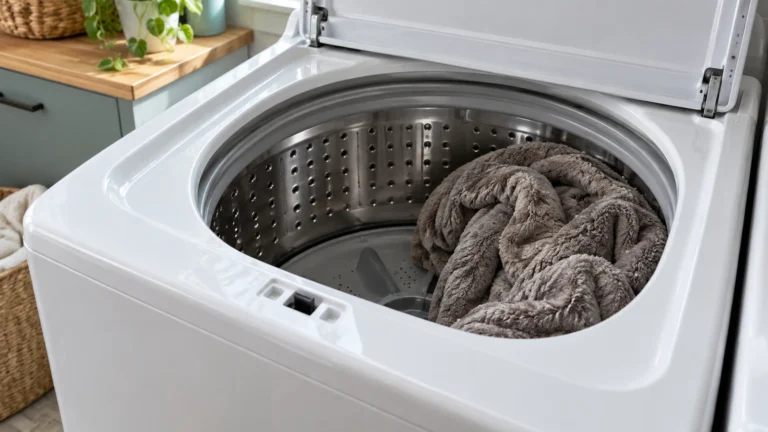
A UE or UB code means the washer detected an unbalanced drum during the spin cycle, which can be caused by a lopsided load, a worn suspension rod, or a damaged shock absorber.
- Pause the cycle, open the door, and redistribute items evenly around the drum.
- Remove very bulky single items (like one pillow) and wash them with a similar item to balance the load.
- Make sure the washer sits level — adjust the leveling feet and lock the jam nuts.
- If the code appears even with balanced loads, unplug the washer and inspect the suspension rods (top-loaders) or shock absorbers (front-loaders) for broken springs or leaking dampeners.
5. Excessive suds (Sud / FE overflow error)
The Sud code (sometimes shown as Sd) appears when the sensor detects too much foam, which can prevent proper rinsing and trigger a secondary overflow fault. Using the wrong detergent type or too much detergent causes most cases.
- Do not add more detergent. Allow the washer to pause and attempt its automatic de-sudsing cycle.
- If the machine won’t continue, run a Rinse + Spin cycle with no detergent added.
- Going forward, switch to HE (High-Efficiency) detergent and use the amount printed on the HE dosing line — typically 1–2 tablespoons for a normal load.
- Clean the detergent dispenser drawer to remove built-up residue that can cause future over-sudsing.
- Run a monthly Tub Clean cycle with an approved washer cleaner to keep the drum free of detergent buildup.
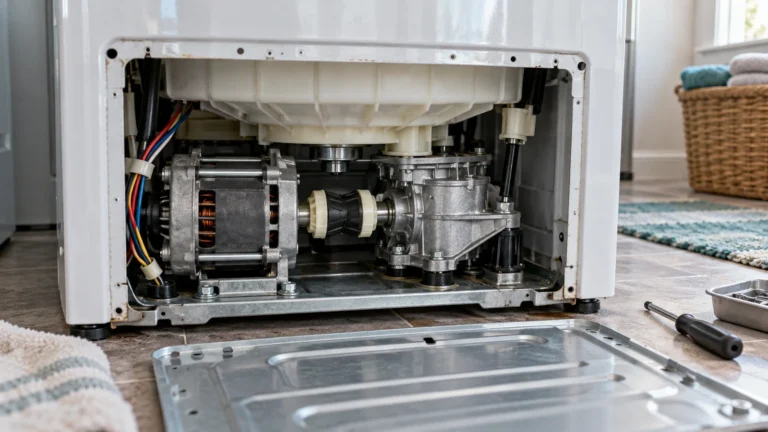
6. Motor or main control board fault (understanding lg washer error codes for electrical failures)
Codes such as LE (motor locked), tE (thermistor error), or PF (power failure) point to electrical components that are harder to diagnose and often require component-level testing.
- Unplug the washer for 5 minutes to reset the control board, then plug it back in — intermittent power glitches can trigger PF and similar codes.
- For an LE code, check that the drum turns freely by hand; a foreign object jamming the drum can cause the motor to lock.
- For a tE code, use a multimeter to test the thermistor (temperature sensor) in the drum or heating circuit; replace it if resistance is out of the range listed in the LG official support page.
- Inspect the wiring harness connecting the motor to the control board for burnt or pinched wires.
- If the board shows visible burn marks or the error persists after all other checks, the main control board likely needs replacement.
Frequently asked questions
How do I clear an error code on my LG washer?
Press the Power button to turn the washer off, wait 10–15 seconds, then turn it back on. This soft reset clears most transient codes. If the code reappears immediately, the underlying problem has not been fixed and requires the steps above.
What does the CL code mean on an LG washer?
CL is not a fault code — it stands for Child Lock and means the control panel has been locked to prevent accidental button presses. Hold the Child Lock button (often labeled with a lock icon) for 3 seconds to toggle it off.
Is it safe to keep using my LG washer while an error code is showing?
It depends on the code. A UE unbalance code is low-risk if you just redistribute the load, but a LE motor-lock or tE thermistor code means you should stop using the washer until it is repaired, as continued operation can cause further damage or a safety hazard.
Where can I find the full list of codes for my specific LG washer model?
The most reliable source is the owner’s manual that came with your machine. You can also download model-specific manuals directly from the LG official support page by entering your model number. The error code list is typically in the troubleshooting section near the back of the manual.