Amana Dryer Not Heating: Causes & Fixes
In this guide
1. Tripped circuit breaker or partial power loss
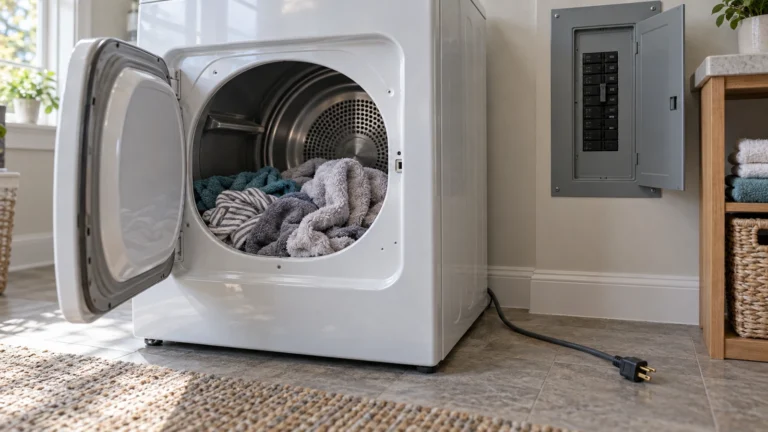
Electric dryers run on a double 240 V breaker. If one leg trips, the drum may still spin but the heater gets no power—making it look like a heating problem when it’s actually an electrical one.
- Go to your home’s electrical panel and locate the double-pole breaker labeled for the dryer.
- If either switch is in the tripped (middle) position, push it fully OFF, then firmly back ON.
- Run a timed dry cycle for 10 minutes and feel the drum interior for warmth.
- If the breaker trips again immediately, stop using the dryer and call an electrician—there may be a wiring fault.
⚠️ Caution: disconnect power first
Unplug the dryer before you remove any panel or test a part. Electric dryers run on 240 volts, so if yours is hardwired, switch off its double breaker. On a gas dryer, also close the gas shutoff valve, and if you ever smell gas, leave the home and call your gas utility from outside. Never bypass a thermal fuse or thermostat, even briefly. If you aren’t comfortable doing this, call a qualified appliance technician.
2. Blown thermal fuse (most common cause of an Amana dryer not heating)
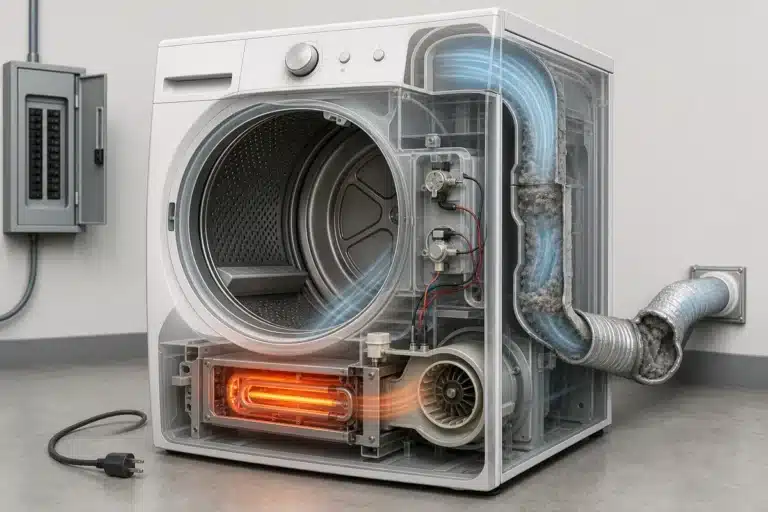
The thermal fuse is a one-shot safety device mounted on the exhaust duct inside the dryer. It blows permanently if the dryer overheats and will prevent all heat until replaced.
- Unplug the dryer before doing any work.
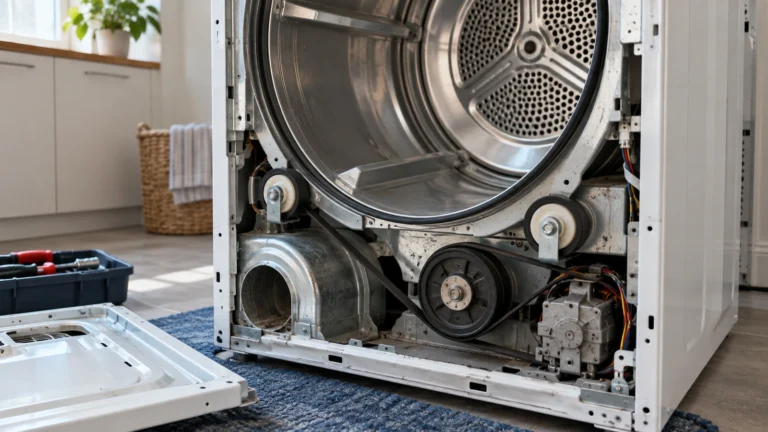
- Remove the back panel (usually 6–8 Phillips or ¼-inch hex-head screws).
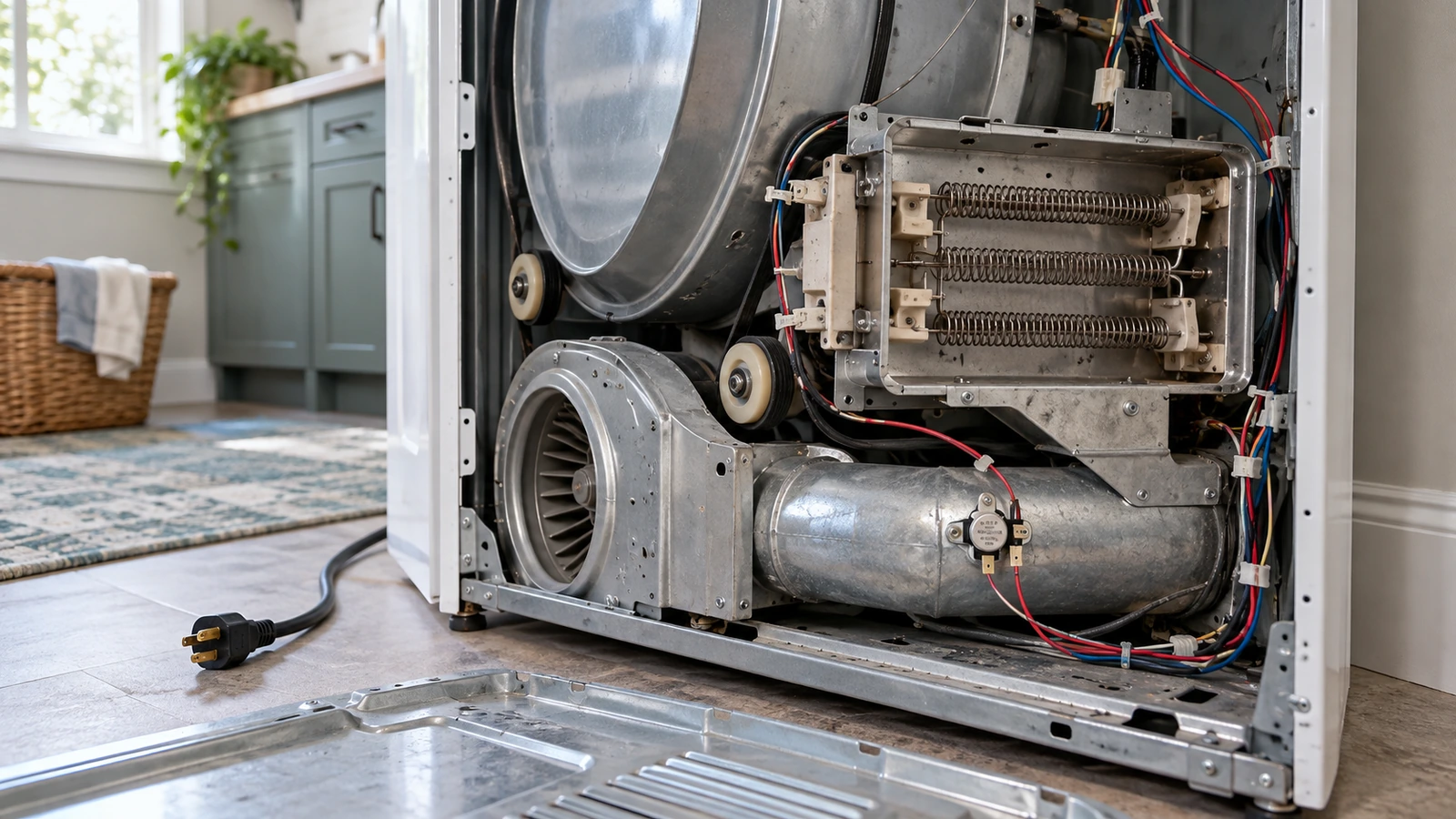
- Locate the small, oblong plastic fuse clipped to the exhaust duct near the heater box.
- Set a multimeter to continuity (or resistance). Touch the probes to each terminal—a good fuse reads near 0 Ω; a blown fuse reads OL (open).
- If blown, replace the fuse. Important: also clear the exhaust vent (see Cause 4) or the new fuse will blow again quickly.
3. Failed heating element
The heating element is the coiled resistance wire that generates heat. A break anywhere in the coil means no heat is produced, even though every other component tests good.
- Unplug the dryer and remove the back panel to access the heater box (a metal canister on the lower-rear).
- Disconnect the two wires leading to the element terminals.
- Test for continuity with a multimeter—a healthy element reads a low resistance (typically 8–15 Ω); an open reading means the coil is broken.
- Also visually inspect the coil for obvious breaks or burn marks.
- If defective, swap in a new element, reassemble, and run a test cycle.
4. Restricted or clogged exhaust vent
Lint buildup in the exhaust duct reduces airflow dramatically, causing the dryer to overheat and shut off its heater as a safety measure—or blow the thermal fuse entirely.
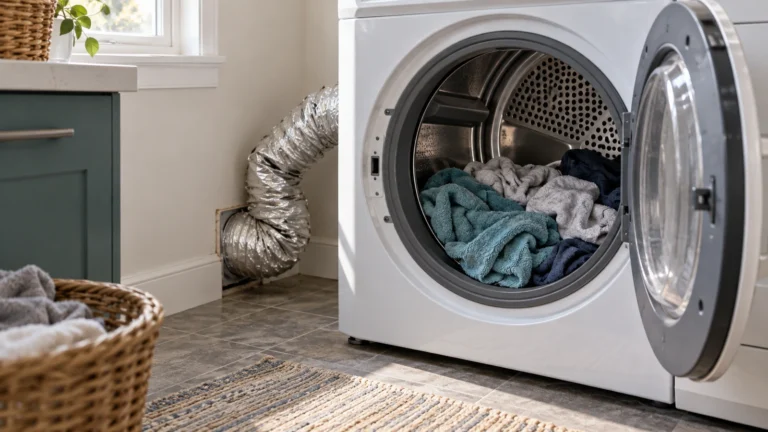
- Pull the dryer away from the wall and disconnect the duct from the back of the machine.
- Use a long flexible vent brush or a vacuum with a hose attachment to clean lint from the entire duct length, including the exterior wall cap.
- Straighten any sharp bends in the duct; each 90° bend reduces effective airflow significantly.
- Reconnect the duct securely with foil tape (not plastic tape, which can overheat).
- Clean the lint screen before every load as routine maintenance.
5. Defective cycling thermostat
The cycling thermostat opens and closes to regulate operating temperature. If it sticks open, the heating element never receives power and the dryer runs cold.
- Unplug the dryer and locate the cycling thermostat—it’s typically a small disc clipped to the exhaust duct, separate from the thermal fuse.
- Disconnect the wires and test for continuity at room temperature; a good thermostat should show continuity (closed) when cool.
- If the thermostat reads open at room temperature, replace it.
6. Faulty high-limit thermostat
The high-limit thermostat sits directly on the heater box and acts as a secondary safety cutoff. It can fail open (just like the thermal fuse) and permanently cut power to the heating element.
- Unplug the dryer and remove the back panel to access the heater box.
- Locate the high-limit thermostat—it typically mounts on the outside of the heater can with two wires.
- Disconnect the wires and test continuity; a failed thermostat shows no continuity at room temperature.
- Replace a failed thermostat and always verify vent airflow is unobstructed before returning the dryer to service.
Frequently asked questions
How do I know if it’s the thermal fuse or the heating element that failed?
Test both with a multimeter set to continuity. A blown thermal fuse will read open (no continuity) at room temperature. A broken heating element will also read open, but it is a higher-resistance component—typically 8–15 Ω when healthy. Because the thermal fuse is inexpensive and easiest to access, test and replace it first. If heat still doesn’t return, move on to testing the element.
Can I bypass the thermal fuse to test if that’s the problem?
No. Don’t jump or bypass a thermal fuse, even briefly to test it. It’s a one-time safety device that blows when the dryer overheats, usually because the lint screen, exhaust duct or outside vent is restricted. Whirlpool says: “If your thermal fuse has activated, you must replace it before using the dryer.” Unplug the dryer (and close the gas valve on a gas model) and test the fuse for continuity, or have a technician do it, and clean the full vent run before you use the dryer again.
My Amana dryer is not heating but it still tumbles — is that normal for these faults?
Yes. The motor circuit that spins the drum is completely separate from the heating circuit. A blown thermal fuse, failed heating element, or tripped breaker leg can knock out heat while leaving the motor—and therefore the tumbling action—fully functional. This is actually a helpful diagnostic clue that points you toward the heat circuit rather than a motor or belt problem.
Where can I find the official wiring diagram and service information for my Amana dryer?
Amana publishes owner’s manuals and product support documents on their official website. You can search by model number at amana.com/support to download the correct documentation for your specific unit. The wiring diagram is also usually taped inside the dryer’s back panel or door frame.