LG Dishwasher Not Draining – Fixes That Actually Work
⚠️ Caution: disconnect power and water first
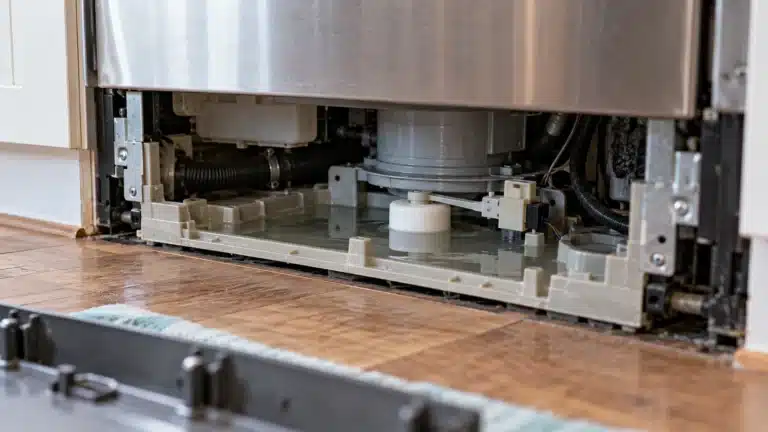
Switch off the dishwasher’s circuit breaker (many are hardwired rather than plugged in) and close its water supply valve before you remove the toe-kick panel, test a part or touch wiring. Never bypass the door switch or float switch. If you aren’t comfortable doing this, call a qualified appliance technician.
In this guide
1. Clogged or Dirty Filter (Most Common Cause)
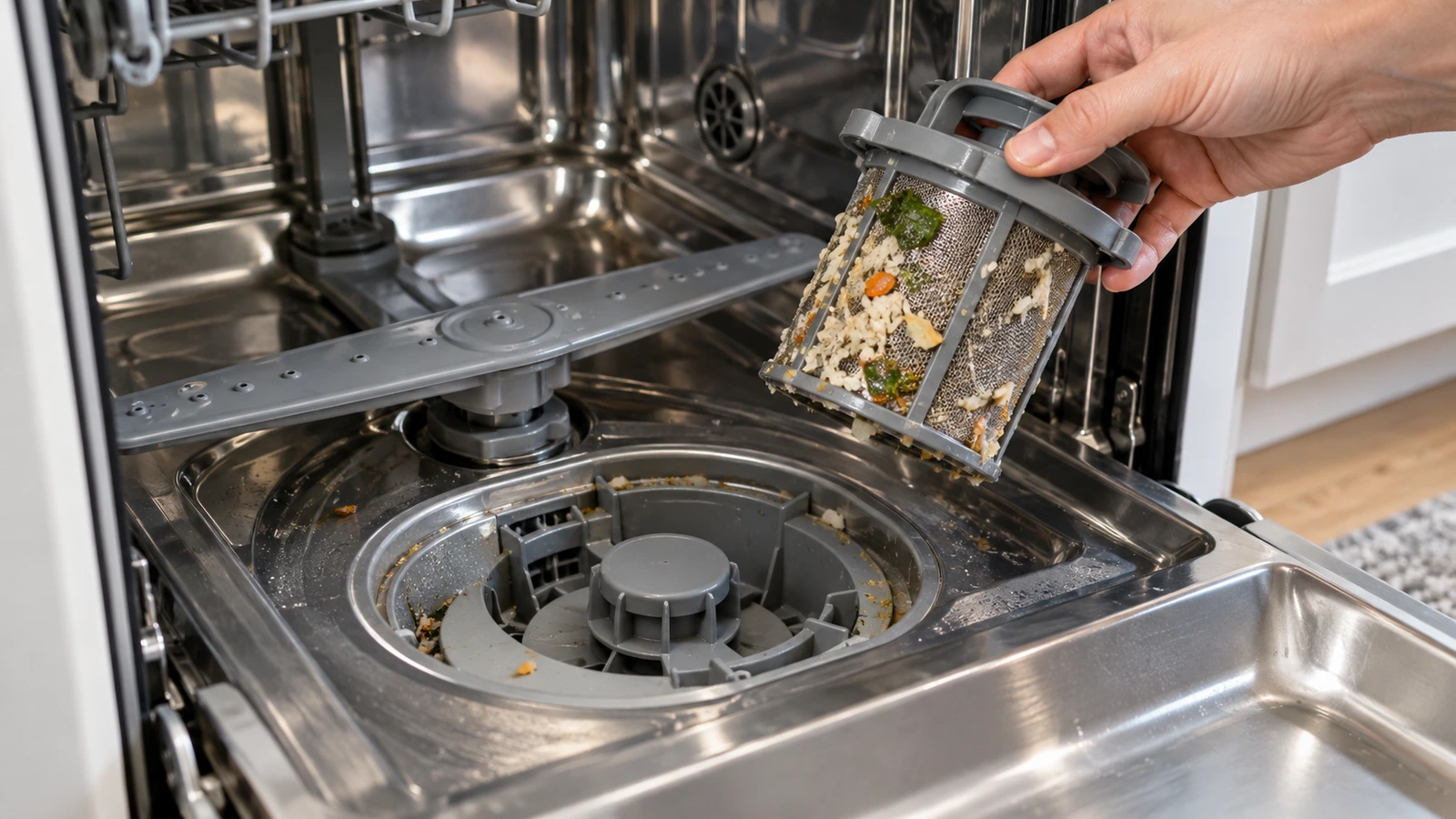
LG dishwashers use a cylindrical mesh filter at the bottom of the tub that traps food debris. When it becomes clogged, water cannot pass through and pools at the bottom after the cycle ends.
- Remove the bottom rack to expose the filter assembly in the center of the tub floor.
- Turn the cylindrical filter counterclockwise about a quarter-turn and lift it straight out. Remove the flat mesh filter beneath it as well.
- Rinse both filter pieces under warm running water. Use a soft brush (an old toothbrush works well) to scrub away grease and debris.
- Inspect the filter housing in the tub for any debris left behind and wipe it clean.
- Reinstall the flat mesh filter first, then seat the cylindrical filter and lock it clockwise.
- Run a short rinse cycle to confirm draining has improved.
2. Blocked or Kinked Drain Hose
The drain hose carries water from the pump to your sink drain or garbage disposal. A kink, clog, or improper installation can stop water from leaving the dishwasher entirely.
- Pull the dishwasher forward slightly (after shutting off power at the breaker) so you can see the drain hose running from the back of the unit to the cabinet.
- Visually inspect the full length of the hose for kinks or pinches and straighten any you find.
- Disconnect the hose from the sink drain or garbage disposal connection and check for blockages inside the hose. Flush it with water from a garden hose if needed.
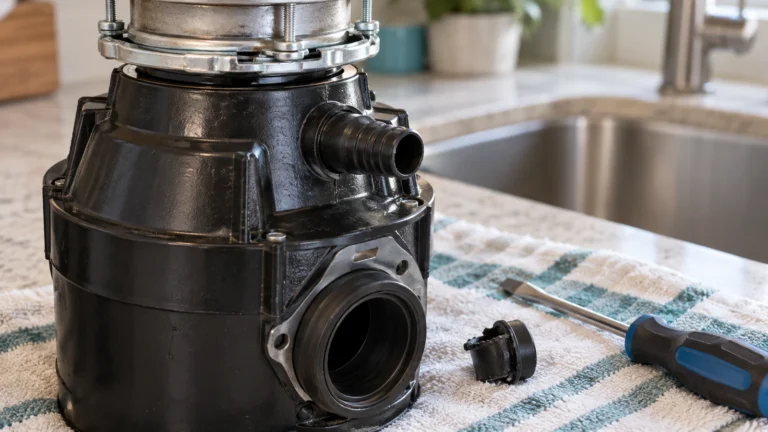
- If the hose connects to a garbage disposal, confirm the knockout plug was removed when the disposal was installed. A forgotten plug is a very common cause of no drainage.
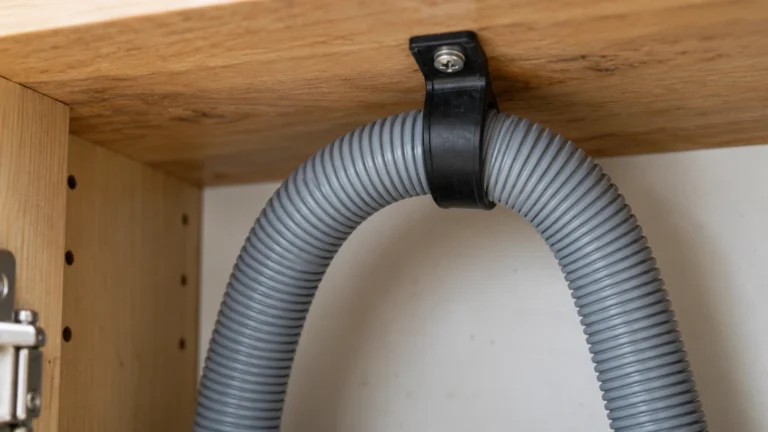
- Ensure the hose forms a high loop (up near the underside of the counter) before descending to the drain — this prevents backflow and siphoning.
- Reconnect everything, restore power, and run a rinse cycle.
3. Clogged or Faulty Drain Pump
The drain pump physically forces water out of the dishwasher. A piece of broken glass, a hard food particle, or a failed pump motor can prevent it from operating correctly.
- Shut off power at the breaker and turn off the water supply before proceeding.
- Remove the bottom rack, filter assembly, and the lower spray arm (it usually lifts straight off its hub).
- Locate the drain pump cover on the tub floor beneath the filter area and remove any retaining screws to access the pump impeller.
- Carefully remove any debris — glass shards, seeds, or hard food — from around the impeller blades. Wear gloves to protect your hands.
- Turn the impeller by hand; it should spin freely. If it is seized or feels gritty even after cleaning, the pump likely needs replacement.
- Reassemble, restore power, and test with a rinse cycle.
4. Faulty Drain Solenoid or Drain Valve
Some LG dishwasher models use a drain solenoid that opens a valve to release water during the drain cycle. If the solenoid coil burns out or the valve sticks closed, the dishwasher will not drain regardless of pump function.
- Shut off power at the breaker before starting any inspection.
- Consult your model’s wiring diagram (available on LG’s official support site) to locate the drain solenoid on your specific unit — it is typically mounted near the pump assembly.
- Disconnect the wire harness connector and use a multimeter set to resistance (Ohms) to test the solenoid coil. A reading of OL (open circuit) or far outside the spec range indicates a failed coil.
- Inspect the valve flapper or gate for debris preventing it from opening fully; clear any obstruction and test again.
- If the solenoid tests as failed, replace the drain solenoid assembly.
5. Malfunctioning Check Valve
The check valve (also called a check ball valve) sits between the pump and drain hose and prevents drained water from flowing back into the tub. If it sticks in the closed position, water cannot exit the dishwasher at all.
- With power off, access the check valve by removing the filter and lower spray arm as described in Cause 3 above.
- Locate the small rubber or plastic check valve housing near the pump outlet.
- Remove the check valve and inspect the ball or flapper inside. It should move freely in both directions with a slight resistance.
- Rinse the valve under warm water to remove any debris coating the ball or seat.
- If the valve is cracked, deformed, or the ball does not seat and release freely even when clean, replace the assembly.
- Reinstall and run a test cycle.
6. Control Board or Drain Cycle Error (LG Dishwasher Not Draining Due to Electronics)
If the main control board fails to send the drain signal, or a drain-related error code is displayed, the problem may be electronic rather than mechanical.
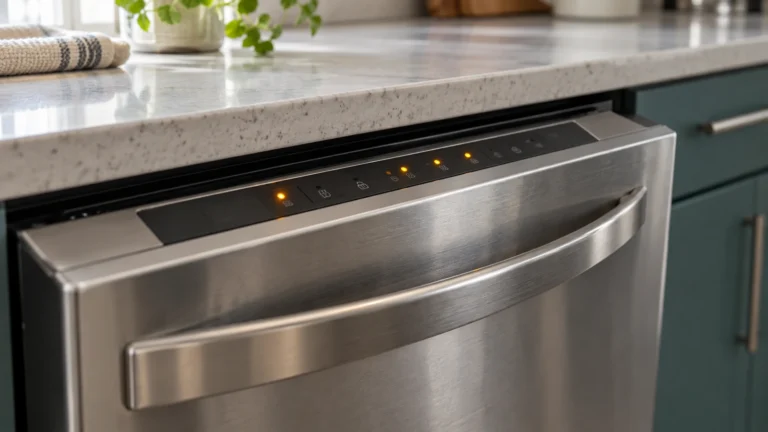
- Note any error codes on the display. Common LG drain-related codes include OE (drain error). Write the code down before clearing it.
- Perform a hard reset: open the door, press and hold the Start/Pause button for 3–5 seconds to cancel the cycle, then turn the dishwasher off at the control panel. Unplug the unit (or trip the breaker) for 5 minutes, then restore power and run a fresh cycle.
- If the OE code or no-drain condition returns immediately after reset, confirm all mechanical causes above have been ruled out first — a control board diagnosis is only valid when all other components check out.
- Inspect the wiring harness connections between the control board and the drain pump for corroded or loose terminals; reseat any loose connectors.
- If the pump receives no voltage during the drain portion of the cycle (verify with a multimeter by a qualified technician), the control board is likely the source and will need replacement.
Frequently asked questions
Why does my LG dishwasher show an OE error code?
The OE error code on an LG dishwasher specifically indicates a drain error — the machine attempted to drain but could not complete the process within the expected time. Start by cleaning the filter and inspecting the drain hose for kinks. If those steps do not clear the code, check the drain pump for obstructions or failure.
How often should I clean the filter on my LG dishwasher?
LG recommends cleaning the filter assembly at least once a month under normal use. If you run the dishwasher daily or frequently wash heavily soiled dishes, cleaning every two weeks will help prevent buildup that leads to slow or incomplete draining.
Can I manually drain my LG dishwasher if it is full of standing water?
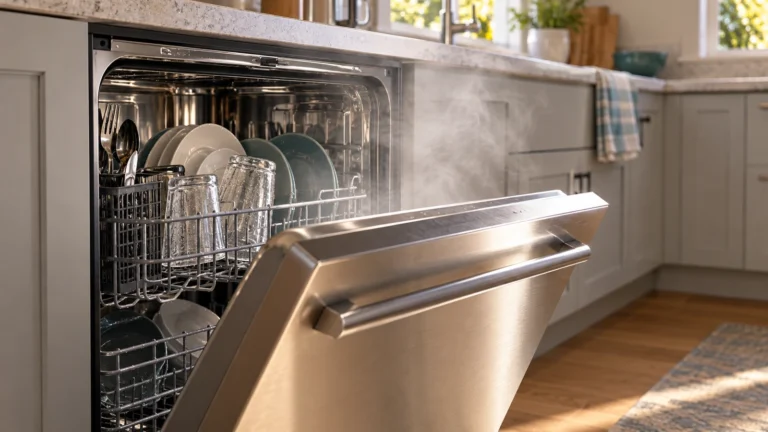
Yes. Use a turkey baster or a large cup to scoop most of the standing water into a bucket, then lay old towels on the floor and remove the filter to soak up any remaining water. This makes it much safer and easier to inspect the pump area and drain hose without water spilling into the cabinet below.
Is it safe to use a drain cleaner or chemical unclogger in my LG dishwasher?
No. Caustic drain cleaning chemicals can damage the rubber seals, plastic components, and stainless steel tub inside your dishwasher. If the drain line is blocked at the sink or garbage disposal, address it from that end using approved methods. Inside the dishwasher itself, stick to manual cleaning of the filter and pump.