Samsung Oven Not Heating? Demo Mode, Codes and Real Fixes
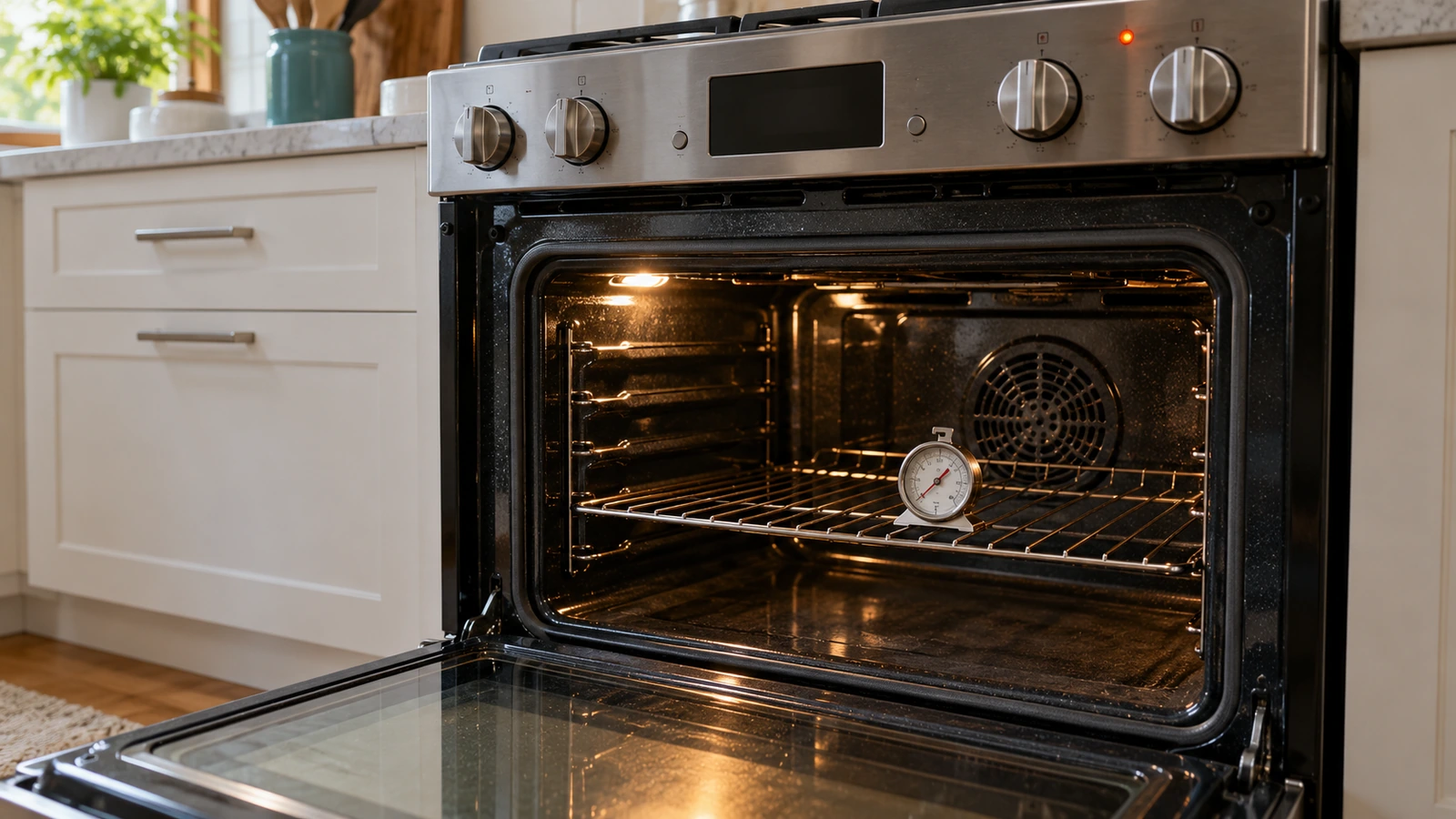
Samsung oven not heating: match what you see
| What you notice | Most likely cause | Next step |
|---|---|---|
| Display and buttons work, oven stays cold (new or moved range) | Demo mode | Turn off Demo mode |
| Nothing heats; display blank or acting oddly | Power problem or control glitch | Breaker reset |
| Gas cooktop burners work, oven won’t light | Oven door lock on, gas regulator switch, or igniter | Gas oven |
| Display stuck at 150°F for a while | Normal start of preheat; or a slow-heating oven | Preheat test |
| Heats, but food undercooked or oven never reaches temperature | Calibration, low voltage, or a weak element or igniter | Calibration, parts |
| A code such as -dE-, door, bAd LinE or C-24 | See Samsung’s meaning | Display codes |
| Broiler works but bake doesn’t (or the reverse) | Bake or broil element (electric), bake or broil igniter (gas) | Element and igniter |
1. Turn off Demo mode
Ranges are often shipped or set up in showroom mode. Samsung: “If you’re in Demo mode, the display will show tESt (or tE 5t),” and some models “show a d on the display, or a D icon,” while “wall ovens with an LCD screen will show DEMO at the top of the display.” Samsung’s gas range manual is blunt about what it does: “In this mode, the heating element does not operate.” The button sequence to turn it off varies by model (for example, holding Settings or Options for 3 seconds and pressing 0 on some ranges), so follow your user manual.
2. Reset the power and check the supply
- Reset: Samsung: “Turn off the circuit breaker for 30 seconds, and then turn it back on.” This clears most control glitches.
- Electric ranges: Samsung says “Electric ranges require 240V.” If the range was just installed or the house has had electrical work, the code bAd LinE means the power connection isn’t connected properly; Samsung says to recheck it against the installation manual or have a professional installer do it.
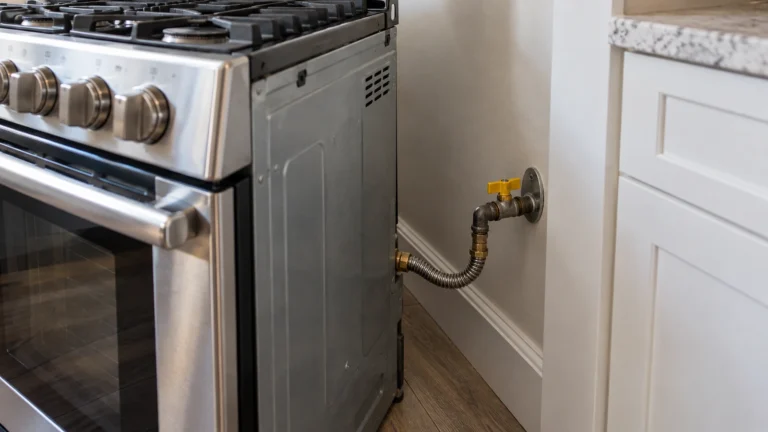
- Gas ranges: make sure the gas supply valve behind the range is open and other gas appliances work. Gas ranges still need electricity for the igniters and controls.
⚠️ Gas range: stop if you smell gas
Samsung’s gas range manual: “DO NOT try to light any appliance. DO NOT touch any electrical switch. DO NOT use any phone in your building.” Leave the home and call your gas supplier (or 911) from outside or a neighbor’s phone. Gas lines, connectors, the gas valve and the pressure regulator are for a qualified technician only.
3. Samsung oven display codes
Samsung: “Most information codes on a range can be cleared with a reset.” The common ones:
| Code | What it means (Samsung) | What to do |
|---|---|---|
| tESt or tE5t | Demo mode is on; the oven won’t heat | Turn Demo mode off (user manual) |
| -dE- or -dC- | The oven divider (partition) isn’t installed properly | Push the divider fully in at the right rack position, or make sure nothing presses its switch |
| door | The oven thinks the door is open | Close the door fully; request service if it stays with the door shut |
| bAd LinE | Power connection not connected properly | Check the connection per the installation manual, or have an installer do it |
| C-24 | Temperature rising faster than normal, usually a blocked vent at the back of the cooktop | Uncover the vent; open and close the door, or turn the oven off and leave the door open for a minute |
| C-10 | Can appear during a SmartThings self-diagnosis | Ignore if the oven heats normally; otherwise reset it |
| C-F0 | Communication error between the range’s electronics | Reset; on some induction models a software update fixes it; otherwise request service |
| Err (any other code) | General fault | Turn it off and on; then breaker off for 30 seconds; request service if it returns |
4. Slow preheat or stuck at 150°F
A display that sits at 150°F for a few minutes is normal: Samsung says when you start preheating, “the oven will display 150°F and begin to preheat,” and the number climbs from there. To check whether your oven is genuinely slow, use Samsung’s test: set it to 350°F with one empty rack and time how long it takes to beep. “This should occur within 20 minutes.” If it takes much longer, or the display never gets past a low number, request service. Also note: “The oven will shut off if the door is left open for too long.”
5. Oven heats but not hot enough: calibrate it
If food comes out undercooked even though the oven heats and preheats on time, the temperature may just be off. Samsung: “You can use the calibration function to adjust the temperature up to 35°F (either higher or lower).” The setting is usually called Temp Adjust or Oven Calibration in the Settings or Options menu. If the oven still cooks poorly after calibrating, Samsung recommends service.
6. Gas oven won’t light but the burners do
Samsung’s gas range manual lists two causes for “Surface burners light but oven burners do not light”:
- “The oven door lock is turned on.” The display shows the lock icon; hold the oven door open and press the lock button for 3 seconds to release it.
- “The Gas Pressure Regulator shut off switch is in the off position.” Samsung’s action: “Call a qualified service technician.”
Samsung also notes that if the oven heats only while a cooktop burner is lit, “then the gas pressure is too high,” which is a job for a professional installer or the gas company. If none of these apply and the oven igniter never glows, the igniter has likely failed.
7. Bake element, broil element and igniter
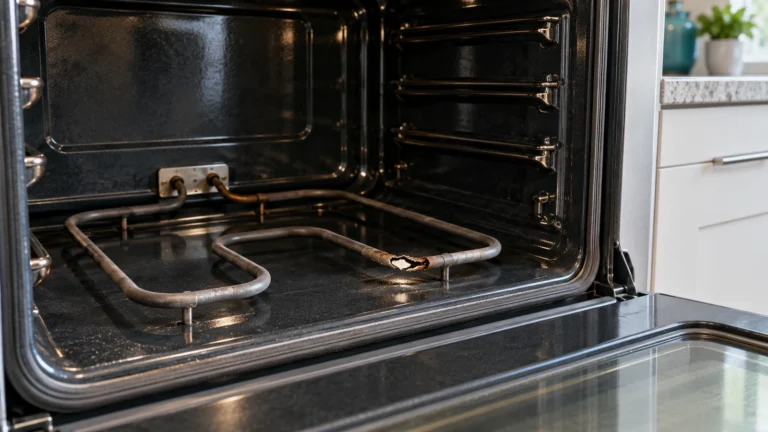
- Electric: a bake element that has blistered, split or shows a bright spot when it’s working has failed. Often the broiler still works when the bake element doesn’t, and vice versa.
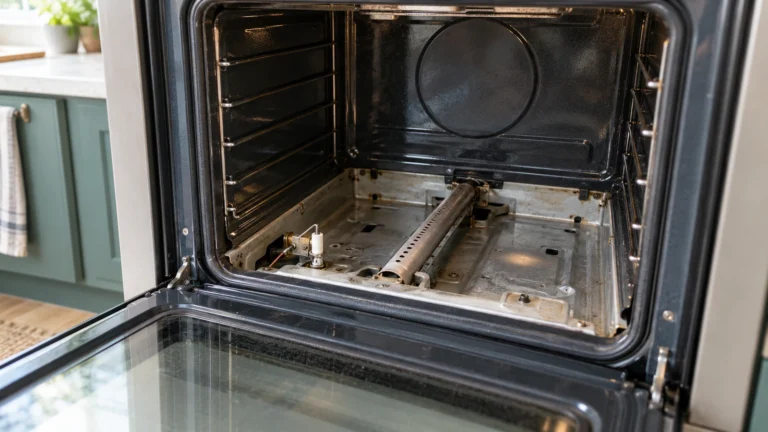
- Gas: a hot-surface igniter must glow hot enough to open the gas valve. A weak igniter can glow without ever lighting the oven.
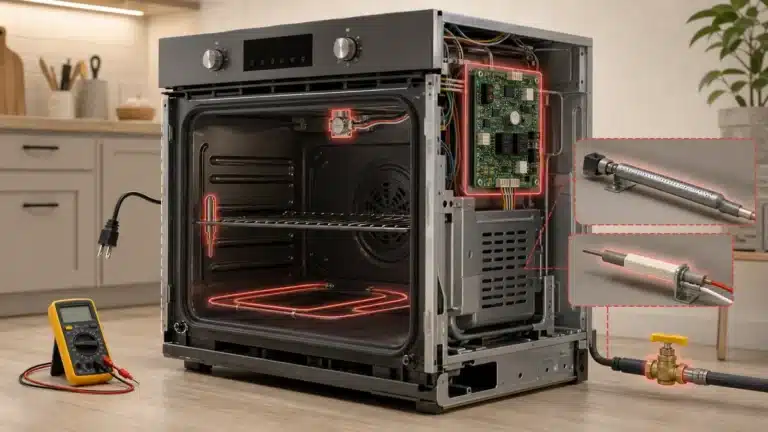
Samsung’s manual says: “Do not attempt to service, modify, or replace your range or any part of your range unless it is specifically recommended in this manual.” Many owners still replace a bake element themselves with the breaker off, but if you aren’t comfortable, or it’s a gas igniter, book a technician.
⚠️ Caution: disconnect power first
Let the oven cool, then switch off the range’s breaker before you touch an element or remove a panel. Electric ranges run on 240 volts and are often hardwired, so turning the oven off at the controls isn’t enough. On a gas range, also close the gas shutoff valve before any work near the igniter. Never test parts with the power on. If you aren’t comfortable doing this, call a qualified appliance technician.
What Samsung oven repairs usually cost
| Repair | Typical cost | Source |
|---|---|---|
| Typical oven repair | $150 to $350 (average $250) | HomeGuide (Sept 2024) |
| Bake or heating element | $150 to $450 installed; part $15 to $100 | HomeGuide |
| Gas oven igniter | $150 to $325 installed; part $20 to $50 | HomeGuide |
| Temperature sensor | $100 to $250 | HomeGuide |
| Control board | $150 to $600 installed | HomeGuide |
When to request service
Request service if the oven still won’t heat after Demo mode is off and the breaker has been reset, if preheating to 350°F takes more than 20 minutes, if it cooks poorly after calibration, if a code keeps returning, or for any gas problem. Have the model and serial number (usually inside the oven door frame or behind the storage drawer) and the code. Print the checklist.
Frequently asked questions
Why is my Samsung oven not heating up?
Most often Demo mode (tESt on the display), a power or gas supply problem, or a failed bake element or igniter. Turn off Demo mode, reset the breaker for 30 seconds, and if it still won’t heat, request service.
Why is my Samsung oven not heating past 150°F?
The display shows 150°F at the start of every preheat, so wait a few minutes. If it stays there, the oven isn’t heating: check Demo mode and power, then request service.
How do I calibrate my Samsung oven?
Use the Temp Adjust or calibration setting in the Settings or Options menu. Samsung allows adjustments of up to 35°F higher or lower.
How long should a Samsung oven take to preheat?
Samsung says it should reach 350°F, with one empty rack, within 20 minutes.
Why does my Samsung gas oven not light when the burners work?
Check the oven door lock first, then the gas pressure regulator switch (a technician job). If the igniter never glows, it has likely failed.
How do I reset my Samsung oven?
Turn off its circuit breaker for 30 seconds, then turn it back on.
Sources: Samsung: oven temperature issues · Samsung: range and wall oven error codes · Samsung NX60A6111SS gas range manual · HomeGuide: oven repair cost.
Updated October 22, 2026. Written and edited by Jordan Hale. Steps checked against Samsung’s US support pages and range manual; no hands-on test is claimed. Buttons and codes vary by model, so follow your user manual.