Samsung Microwave Not Heating: 5 Safe Checks
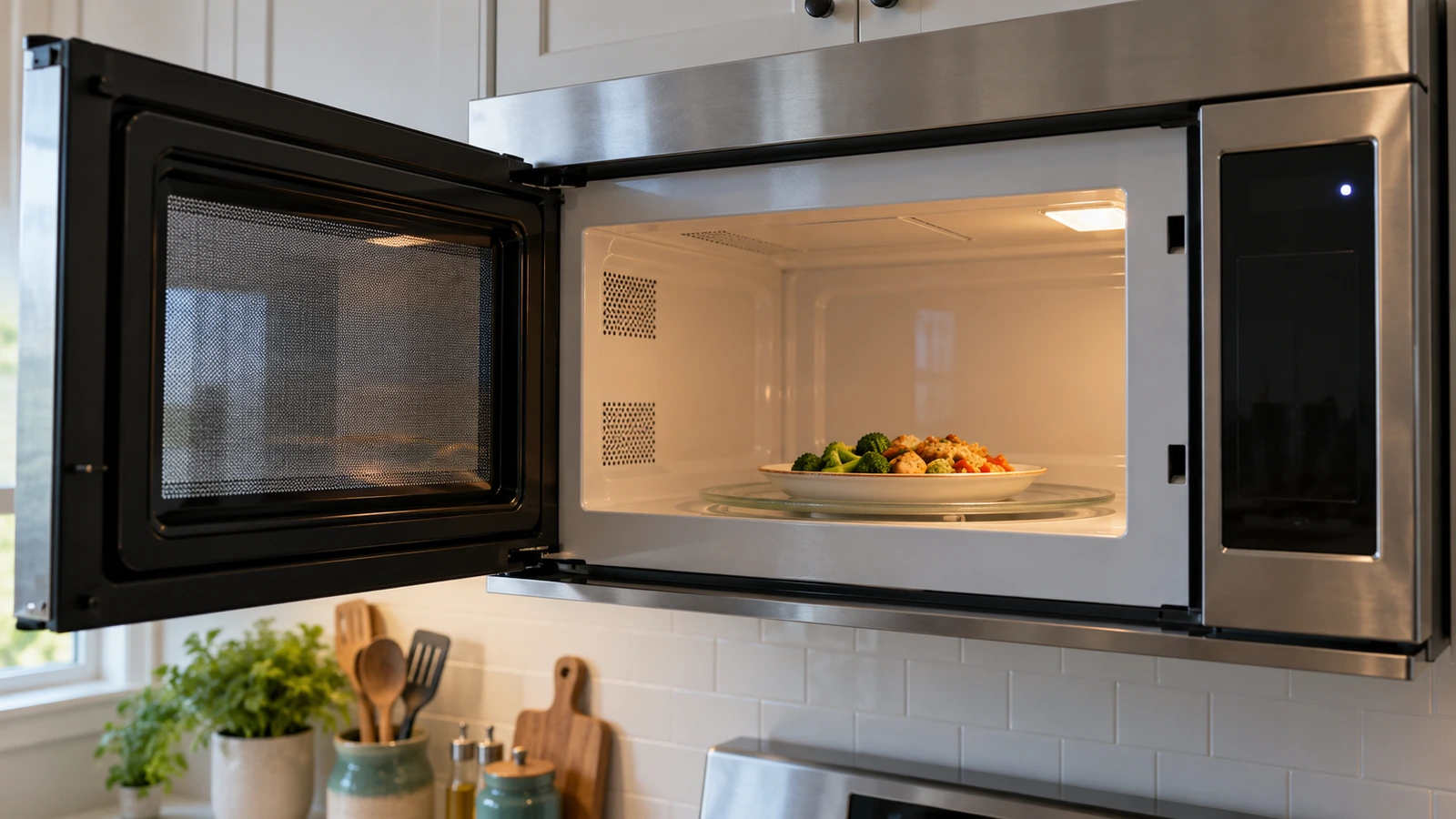
Which symptom? This guide covers a microwave that powers on but does not heat. An unresponsive display is a different problem; use your model manual or Samsung support for the no-power path.
In this guide
Check these five things in order
| What the microwave does | Most useful first check |
|---|---|
| Timer counts down unusually fast | Demo mode |
| Display counts down but no cooking starts | Kitchen Timer was selected instead of a cook cycle |
| Door feels obstructed or does not close evenly | Clean the door and frame; check for visible damage |
| Heating is weak or stops during longer cycles | Required ventilation clearance and blocked vents |
| Normal controls, closed door, still no heat | Samsung support or professional service |
1. Rule Out Demo Mode
Demo mode lets the display, light and turntable operate while the heating system stays off. This can look exactly like a failed microwave.
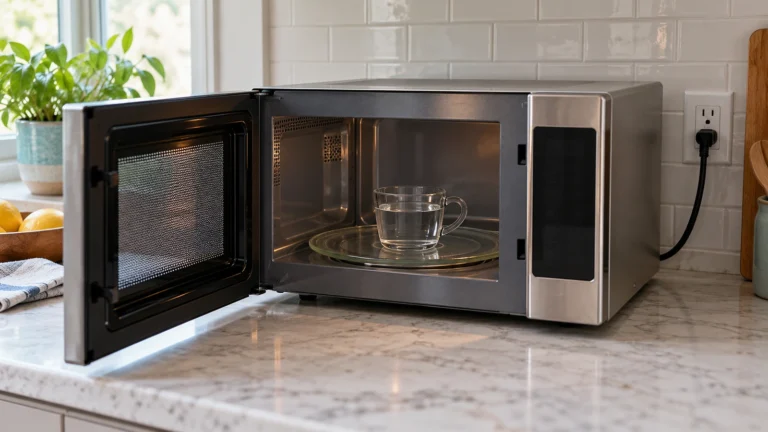
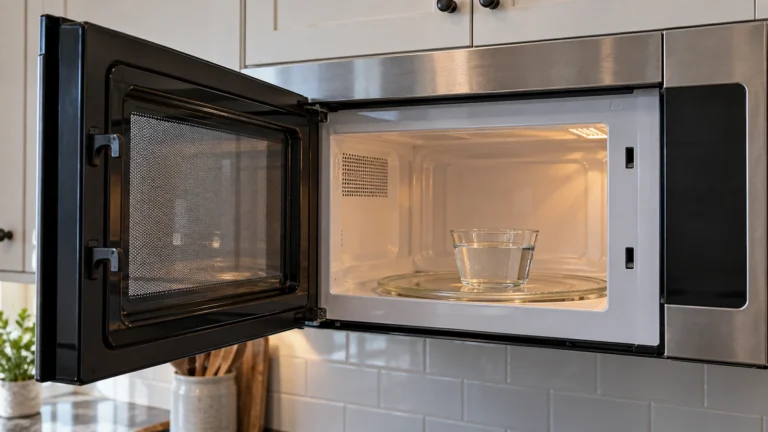
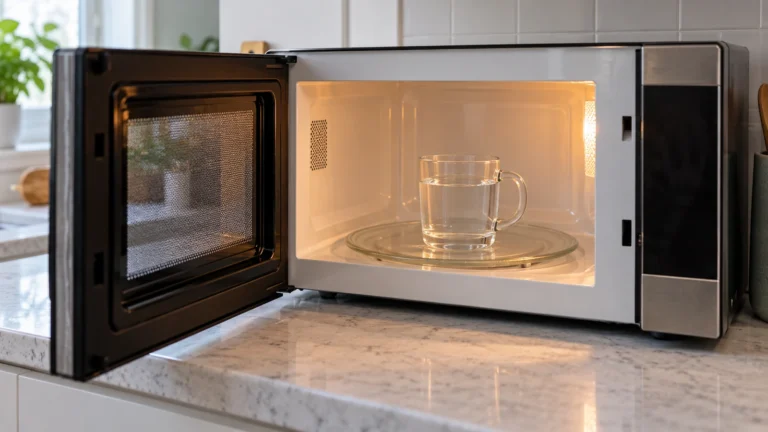
- Place a microwave-safe cup containing about 8 oz (240 ml) of water in the oven.
- Start a normal one-minute cook cycle. Do not run the microwave empty.
- Watch the timer. If it counts down much faster than real time, Demo mode is likely active.
- For Samsung models with an Options or My Settings button, Samsung says Demo mode is commonly option 6 and setting 2 turns it off. Controls vary, so confirm the sequence in your exact model’s manual.
2. Make Sure You Started a Cook Cycle
The Kitchen Timer only measures time; it does not energize the heating system. Cancel the current countdown, choose a normal cook time and press Start. Repeat the water test once.
3. Inspect the Door From the Outside
A door that does not close completely can prevent heating. Wipe food residue from the door edge and frame with a damp cloth, remove anything caught near the latch openings, and check for visible cracks, bending or looseness.
Do not insert tools into the latch openings or bypass a door switch. If the door is damaged or still does not close normally, stop using the microwave and arrange service.
4. Check Ventilation and Installation Clearance
Restricted airflow can cause weak or interrupted heating. Confirm that the vents are not blocked and that the clearances match the installation manual. Over-the-range models have model-specific venting requirements.
If the problem began immediately after installation, verify that the vent configuration and cabinet spacing match the supplied installation instructions.
5. Perform One Simple Power Reset
- Cancel the cycle and unplug the microwave, or switch off its dedicated breaker.
- Wait about 60 seconds.
- Restore power, set the clock if required, and repeat the one-minute water test.
A reset may clear a temporary control fault. Repeated tripping, burning smells, arcing, smoke, loud buzzing or visible door damage requires immediate shutdown and professional service.
Do Not Open the Microwave Cabinet
⚠️ Danger: high voltage inside
The U.S. Consumer Product Safety Commission “warns against do-it-yourself repairs of microwave ovens” and says the possibility of electrical shock “still exists even after the oven is disconnected.” The FDA adds: “Don’t operate a microwave oven if the door does not close firmly or is bent, warped, or otherwise damaged.”
A no-heat symptom can involve internal high-voltage parts, but identifying a possible part is not the same as proving it failed. Testing internal components is not an appropriate household troubleshooting step. Unplugging the microwave does not make internal high-voltage work safe.
If the safe checks above fail, record the full model code and serial number from the appliance label and contact Samsung support or a qualified microwave technician.
Repair or replace?
| Repair | Typical cost | Source |
|---|---|---|
| Microwave repair, average | About $150 to $175 (typical $100 to $200) | HomeAdvisor (June 2026); Fixr (Jan 2025) |
| Magnetron | $100 to $300 | HomeAdvisor; Fixr |
| Door switch | $50 to $100 | HomeAdvisor; Fixr |
| Fuse | $50 to $200 | Fixr; HomeAdvisor |
| Control board | $100 to $500 | HomeAdvisor; Fixr |
HomeGuide notes that “countertop microwaves are often cheaper to replace than repair,” and that most microwaves last 7 to 10 years. Over-the-range models cost more to replace and install, so a repair is more often worth it, especially under Samsung’s warranty.
Frequently asked questions
Why does my Samsung microwave run but not heat?
Demo mode, the Kitchen Timer, an incompletely closed door or inadequate ventilation can cause this symptom. If those external checks are normal, Samsung recommends service.
How can I test whether it is heating?
Heat about 8 oz (240 ml) of water in a microwave-safe cup for one minute. Do not run the oven empty, and use care when handling hot water.
Should I replace the fuse or magnetron myself?
No. Those parts are behind the cabinet and belong to the microwave’s high-voltage system. Use a qualified technician.
Manufacturer reference: Samsung lists Demo mode, Kitchen Timer, door closure and ventilation as the owner checks in its official microwave does not heat guide.
Why did my Samsung microwave stop working completely?
No display and no light at all points to power first: check the breaker and the outlet with another appliance. If the outlet has power, an internal fuse or the control has likely failed, which means service. Don’t open the cabinet.
Why is my new Samsung microwave not heating?
Usually Demo mode. Samsung says that in Demo mode “the magnetron is not turned on” and the timer “counts down much faster than usual.” Turn it off with option 6 in the Options or My Settings menu on models that have it, or follow your manual.
Sources: Samsung: microwave runs but doesn’t heat · CPSC: electrocution hazard with DIY microwave repairs · FDA: microwave ovens · HomeAdvisor: microwave repair cost · Fixr: microwave repair cost · HomeGuide: appliance repair costs.