LG Microwave Not Heating? Safe Checks and When to Call
⚠️ Danger: high voltage inside. Do not open the microwave cabinet.
The U.S. Consumer Product Safety Commission “warns against do-it-yourself repairs of microwave ovens,” noting that the possibility of electrical shock “still exists even after the oven is disconnected.” LG’s manual says the oven “should not be adjusted or repaired by anyone except properly qualified service personnel.” Everything on this page can be done with the cabinet closed. Never try to discharge, test or replace the capacitor, diode, magnetron or internal fuses yourself.
LG microwave not heating: match what you see
| What you notice | What it points to | What to do |
|---|---|---|
| Display counts down, light on, turntable turns, food stays cold | Door not fully closed, or an internal part (door switch, fuse, diode, capacitor, magnetron) | Check the door, then the water test; if it fails, book service |
| Food heats, but slowly or unevenly | Low power level, frozen or very dense food, turntable not turning, or a weak magnetron | Settings and turntable, then the water test |
| Buttons do nothing, “LOCKED” or a lock icon shows | Child Lock is on | Hold STOP/CLEAR until LOCKED disappears (button varies by model) |
| Completely dead: no display, no light | Tripped breaker, blown household fuse, outlet problem, or an internal fuse | Check the breaker and outlet; if those are fine, book service |
| Buzzing or humming louder than usual, no heat | Magnetron or high-voltage circuit | Stop using it and book service |
| Sparks, burning smell, or a damaged door | Damage or arcing | Stop using it; don’t operate a damaged microwave (FDA) |
Safe checks you can do (cabinet closed)
- Close the door firmly. LG’s manual says that if the display shows a time counting down but the oven isn’t cooking, “check that door is firmly closed.” Wipe the door edge and the frame so food or grease isn’t stopping it from latching. The FDA says: “Don’t operate a microwave oven if the door does not close firmly or is bent, warped, or otherwise damaged.”
- Check the power. LG’s troubleshooting list says to “check for a blown circuit fuse or a tripped main circuit breaker.” Make sure the plug is pushed fully into the outlet.
- Check the settings. Make sure you pressed Start (not just a timer function), the power level isn’t set low, and the cook time is long enough. Frozen food takes longer, and LG suggests thawing it first.
- Check Child Lock. On many LG models, hold STOP/CLEAR until “LOCKED” disappears from the display. Your manual lists the button for your model.
- Check the turntable. LG says a glass plate that doesn’t rotate freely can heat food unevenly. Clean the plate and the rotating ring and reseat them so they don’t tilt.
- Power-cycle it. Unplug it for a minute and plug it back in to clear a control glitch, then try again.
LG’s cup-of-water test
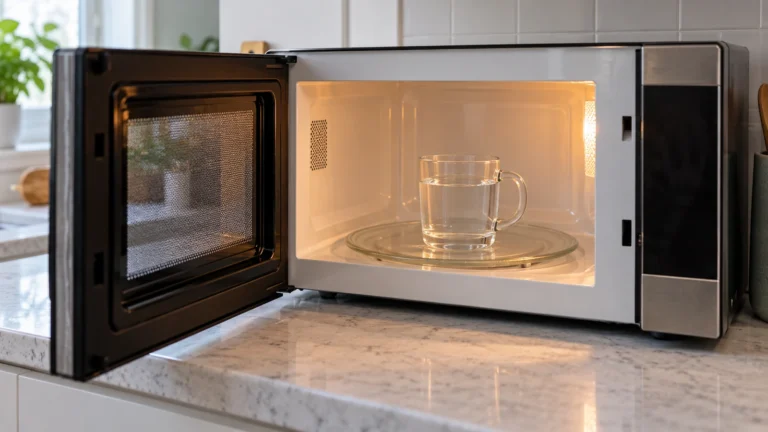
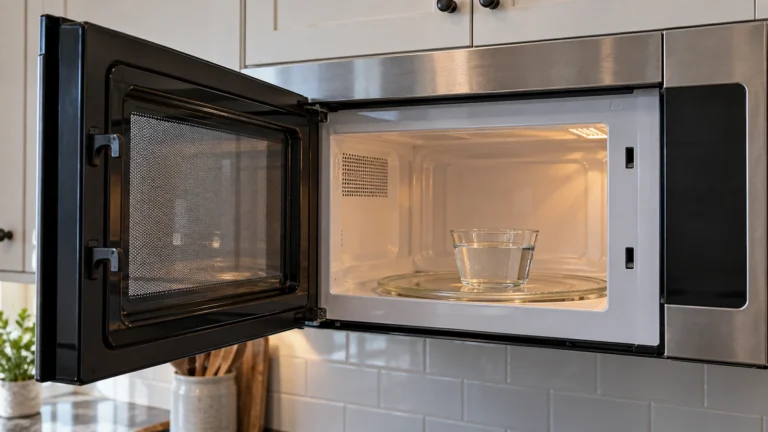
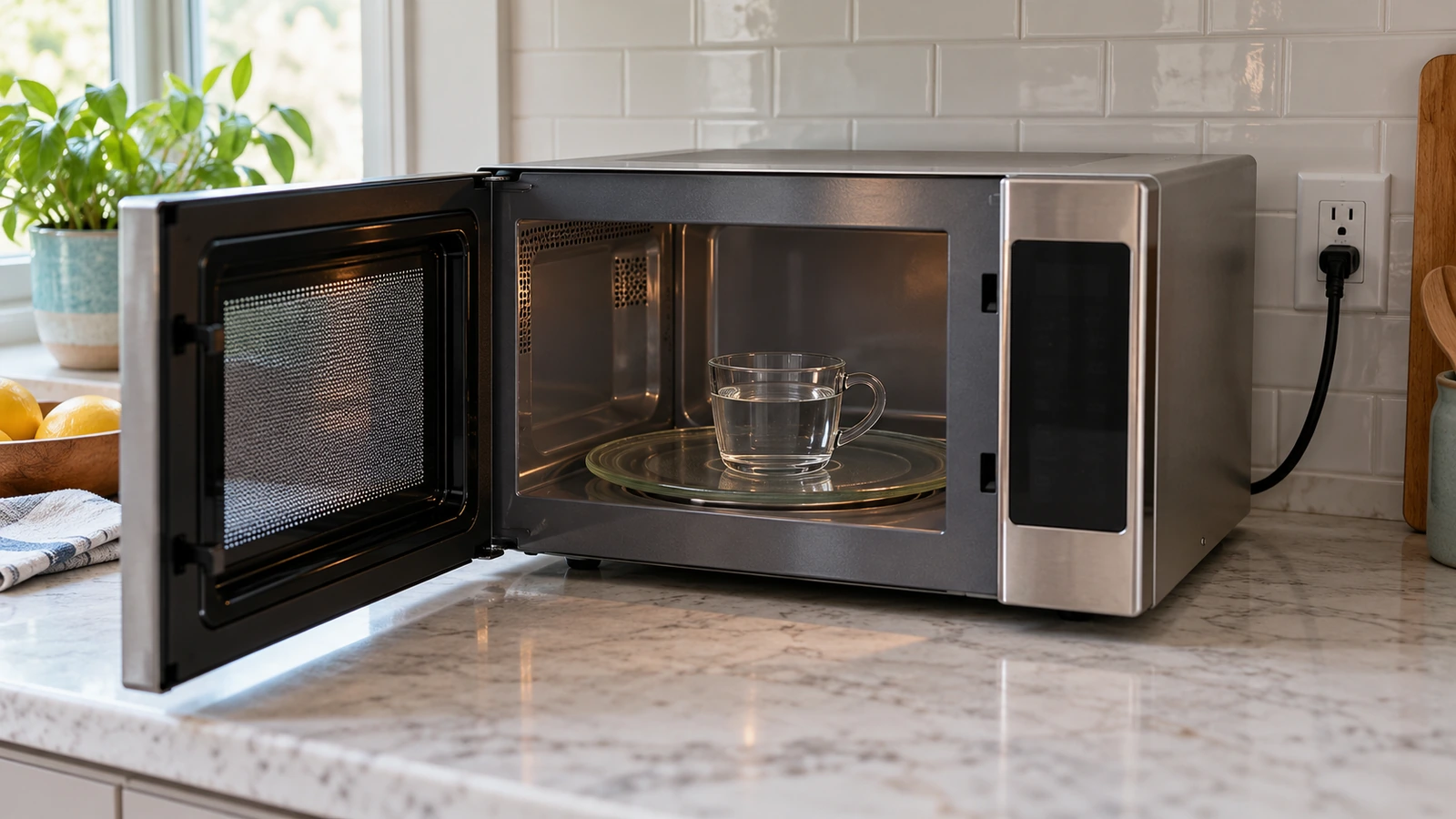
Put a cup of water in a microwave-safe mug and heat it for a minute or two. LG says: “If water is reheated well, you can judge that the product is operating normally. If not, call an LG service technician for a product inspection through a visit.” Don’t run the microwave empty to test it, and handle the hot water carefully.
What a technician will check (don’t attempt these)
When an LG microwave lights up, counts down and turns the plate but doesn’t heat, one of the parts in the high-voltage heating circuit has usually failed. A technician will check:
- Door interlock switches. Several switches confirm the door is shut; if one fails, the oven runs without heating. They sit inside the cabinet next to live wiring.
- Internal fuses (line fuse and thermal protector). A blown fuse often signals another fault, so replacing it alone may not fix the problem.
- High-voltage diode and capacitor. The capacitor can store a dangerous charge after the oven is unplugged.
- Magnetron, the part that makes the microwaves, and the high-voltage transformer or inverter board on inverter models.
- Control board, if the heating circuit never gets the signal to start.
The FDA requires that qualified-service warning in every microwave manual. If your microwave is still under warranty, contact LG before anyone opens it.
Repair or replace?
| Repair | Typical cost | Source |
|---|---|---|
| Microwave repair, average | About $150 to $175 (typical $100 to $200) | HomeAdvisor (June 2026); Fixr (Jan 2025) |
| Magnetron | $100 to $300 | HomeAdvisor; Fixr |
| High-voltage diode | $55 to $130 | HomeAdvisor |
| Door switch | $50 to $100 | HomeAdvisor; Fixr |
| Fuse | $50 to $200 | Fixr; HomeAdvisor |
| Control board | $100 to $500 | HomeAdvisor; Fixr |
HomeGuide notes that “countertop microwaves are often cheaper to replace than repair,” and that most microwaves last 7 to 10 years. Over-the-range models cost more to replace and install, so a repair is more often worth it.
Frequently asked questions
Why is my LG microwave running but not heating?
First make sure the door closes firmly and the settings are right. If a cup of water still doesn’t heat, a door switch, fuse, diode, capacitor or the magnetron has likely failed, and LG says to book a service technician.
Can I replace the magnetron or capacitor myself?
No. Those parts are inside the cabinet in the high-voltage circuit. CPSC warns against DIY microwave repairs because the shock risk remains even after the oven is unplugged.
Is there a reset button on an LG microwave?
LG’s manuals don’t list a reset button. Unplugging it for a minute clears a control glitch; if it still won’t heat, it needs service.
Is it safe to keep using a microwave that doesn’t heat?
Stop using it if it sparks, smells burnt, buzzes loudly or the door is damaged. Otherwise, there’s no benefit to running it until it’s repaired.
Is it worth repairing an LG microwave?
For a countertop model, a new one often costs about the same as a repair. For an over-the-range model, or one still under warranty, a repair is more often worth it.
Sources: CPSC: electrocution hazard with DIY microwave repairs · LG: why is my microwave not heating properly · LG LMVH1711 owner’s manual · FDA: microwave ovens · 21 CFR 1030.10 · HomeAdvisor: microwave repair cost · Fixr: microwave repair cost · HomeGuide: appliance repair costs.
Updated October 22, 2026. Written and edited by Jordan Hale. Checked against LG, CPSC and FDA guidance; no hands-on test is claimed. Steps and buttons vary by model, so follow your owner’s manual.