Microwave Not Heating but Running? 7 Safe Checks
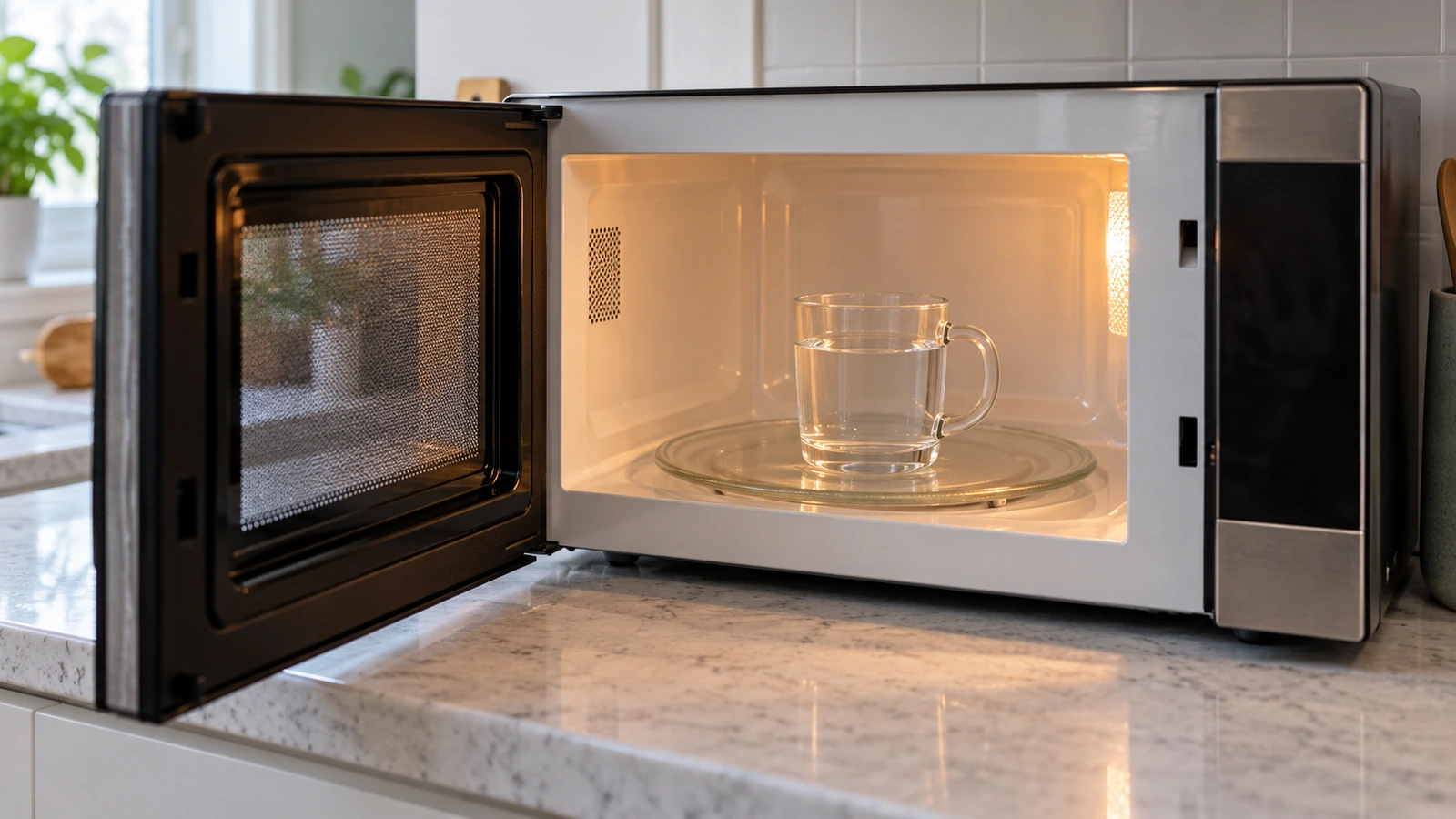
Which symptom? This guide is for a microwave that runs (light on, turntable turning, timer counting down) but doesn’t heat. If the display is dead, that’s a no-power problem: check the outlet, breaker and your manual first.
Updated September 29, 2026. Steps checked against Whirlpool and Samsung microwave support articles and CPSC safety guidance; no hands-on test is claimed.
In this guide
1. Do a proper heating test
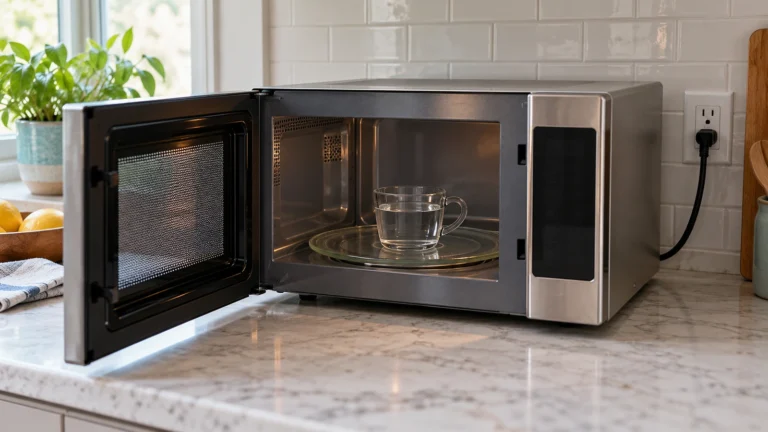
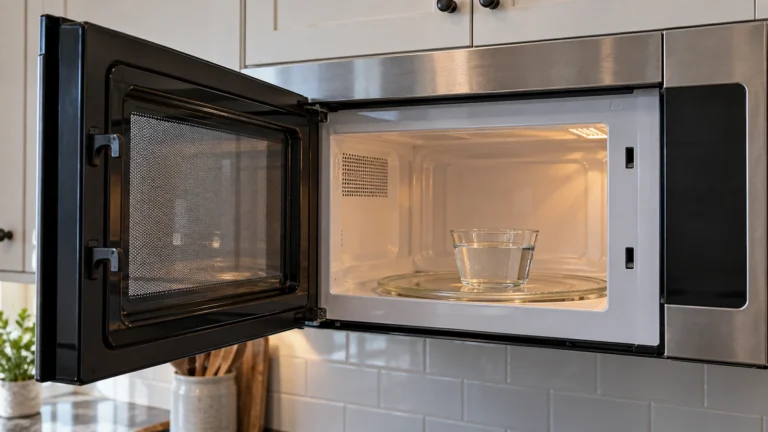
Whirlpool’s test: place one cup (250 ml) of water on the turntable and run the microwave for 1 minute on HI (100% power). The water should be noticeably warmer. Never run a microwave empty, and handle the cup carefully afterwards.
If the water warms but food heats slowly, check the power level. A low power level (for example 30% or “defrost”) heats far more slowly and is easy to set by accident.
| What happens in the test | Go to |
|---|---|
| Light, fan and turntable run but nothing heats | Demo mode |
| “LOC”, “L” or a padlock shows; buttons don’t respond | Control Lock |
| Timer counts, light off or turntable not turning, no heat | Kitchen Timer vs cook cycle |
| New microwave, never heated | Shipping spacer in the door |
| Heats a little then stops on longer cycles | Vents and clearance |
| Loud buzzing, sparking, burning smell | Stop now and see service |
| Everything normal but water stays cold | Reset, then service |
2. Rule out Demo (showroom) mode
Whirlpool: in Demo mode, “functions can be entered without actually turning on the magnetron. The microwave oven light will come on, the fan will run, and if on, the turntable will rotate.” It looks exactly like a failed microwave.
How to switch it off depends on the model. On Samsung models with an Options or My Settings button, Samsung says Demo mode is commonly option 6, and setting 2 turns it off. On other brands, search the manual for “Demo”. See Samsung microwave not heating for the Samsung steps.
3. Check for Control Lock (child lock)
Whirlpool: if “LOC”, “L” or a padlock icon shows in the display, the control lock is on. On many models you release it by pressing and holding a Cancel, Stop or Lock button for a few seconds. The exact button is in your manual.
4. Make sure you started a cook cycle, not the timer
A Kitchen Timer only counts time and never heats. Samsung lists this as a common cause. Also, Whirlpool reminds owners to press Start after entering the cook time and power level. Cancel, enter a cook time, and press Start.
5. Check the door closes fully (and the spacer on new units)
- A microwave won’t heat unless the door is fully closed. Wipe food off the door edge and frame, and remove anything caught near the latch openings.
- Look for cracked or bent latch hooks, a loose door or a damaged hinge. If you see damage, stop using the microwave and arrange service. Don’t insert tools into the latch openings or try to bypass a door switch.
- New microwave? Whirlpool says to make sure the shipping spacer has been removed from the inside of the door.
6. Check vents and installation clearance
Samsung lists restricted ventilation as a cause of weak or interrupted heating. Keep the vents clear and follow the clearances in the installation manual. Over-the-range models have their own venting requirements.
7. Do one power reset
- Unplug the microwave, or switch off its breaker, for about 60 seconds.
- Restore power, set the clock if asked, and repeat the one-cup water test.
If the breaker trips repeatedly, stop and get the microwave and circuit checked.
Why we don’t give internal repair steps
When a microwave runs but won’t heat after the checks above, the fault is usually in the high-voltage system: door interlock switches, fuse, diode, capacitor or magnetron. Many repair sites give step-by-step tests for these parts. We don’t. The U.S. Consumer Product Safety Commission warns that microwave ovens contain dangerous high voltage and should be repaired by qualified service personnel. The capacitor can hold a dangerous charge after the microwave is unplugged, so unplugging doesn’t make internal work safe. Source: CPSC microwave oven safety.
Contact the manufacturer or a qualified microwave technician. Have the model and serial number from the label (often inside the door frame or on the back) and the results of your water test.
Repair or replace?
For an inexpensive countertop microwave, a service visit can cost close to a new one, so get a quote before booking. Built-in and over-the-range models cost more to replace and fit, which makes repair more often worthwhile. If the unit is under warranty, contact the manufacturer first.
Frequently asked questions
Why does my microwave run but not heat?
Demo mode, Control Lock, using the Kitchen Timer instead of a cook cycle, a door that isn’t fully closed, or a shipping spacer on a new unit. If none of those apply, the fault is internal and needs a technician.
How can I tell if my microwave is heating?
Heat one cup (250 ml) of water for one minute at 100% power. It should be clearly warmer. Don’t run the microwave empty.
Can I replace the magnetron or fuse myself?
We don’t recommend it. Those parts are inside the high-voltage section, and CPSC advises that microwaves be repaired by qualified service personnel.
Brand guide: Samsung microwave not heating. Manufacturer references: Whirlpool: not heating, has power · Samsung: microwave does not heat.

One Comment